
There are three ways to put Trustpilot on Shopify, and the right one depends almost entirely on your order volume. The paths are: (1) Trustpilot's official Shopify app on a paid Standard plan (automated invites, Verified badge, annual contract), (2) the free Liquid section that displays your public TrustBox widgets, and (3) a Shopify-side review tool like Reviewz that handles invitations and routing from your own infrastructure on a free tier. Most stores under $500K ARR get the best return from path 3.
This is the hub for everything Trustpilot + Shopify. Connect Trustpilot to your store (official app vs free Liquid section), automate the collection of 5-star reviews so they actually land on your public profile, display TrustBox widgets on your storefront without breaking Core Web Vitals, and protect your TrustScore from fake or unfair reviews. Each section links down to a deep-dive guide. If you read nothing else: send the invite 7 to 14 days after delivery, ask happy buyers first, and reserve widget space upfront to avoid layout shift.
This page is the pillar we send merchants to when they ask, "How do I actually get Trustpilot working on my Shopify store?" It walks the full journey: understand what Trustpilot is and whether it is worth it, connect it, automate review collection, display the proof on your storefront, and defend the score you build. Each step links down to a focused guide so you can go as deep as you need.
What Trustpilot is, and why it matters on Shopify
Trustpilot is an open, third-party review platform where any consumer can publicly rate any business from 1 to 5 stars, and where businesses can invite verified customers to review them. The aggregate score on your profile is the TrustScore, and it is not a flat average: it is a weighted, Bayesian-style model that factors in recency, volume, and frequency. If you are new to the platform, start with what Trustpilot is and how the TrustScore is calculated, then decide whether it fits your store by reading is Trustpilot legit.
Why it matters for a Shopify merchant specifically:
- Brand-level trust at the moment of decision. Product reviews (Judge.me, Loox) sit on the product page; Trustpilot ranks for "is yourstore.com legit" and shows up when a shopper Googles your brand before checkout.
- Star-rating rich snippets in Google organic and Google Ads, which lift click-through on your branded and category terms. We cover the broader case in why customer reviews are important.
- A reputation you own across channels, not locked to a single Shopify theme or app.
The catch is that Trustpilot only works if you feed it a steady flow of fresh, genuine reviews, which is exactly what the rest of this guide is about. For the full picture of running Trustpilot specifically on a Shopify store, see Trustpilot reviews on Shopify.
Two ways to integrate Trustpilot with Shopify
If you Google "Trustpilot Shopify integration", the first result is Trustpilot's own help page recommending their official Shopify app. What that page doesn't mention: the app requires a paid Trustpilot plan (Standard tier or above, ~€250/month), and locks you into a 12-month annual contract.
For most Shopify stores under $1M ARR, there's a simpler, free path: install a Liquid section that displays your existing Trustpilot reviews, then collect new reviews via your own email infrastructure (or a Shopify-native review tool that handles routing). This guide covers both paths in detail, plus the integration pitfalls we've seen across 200+ Shopify stores.
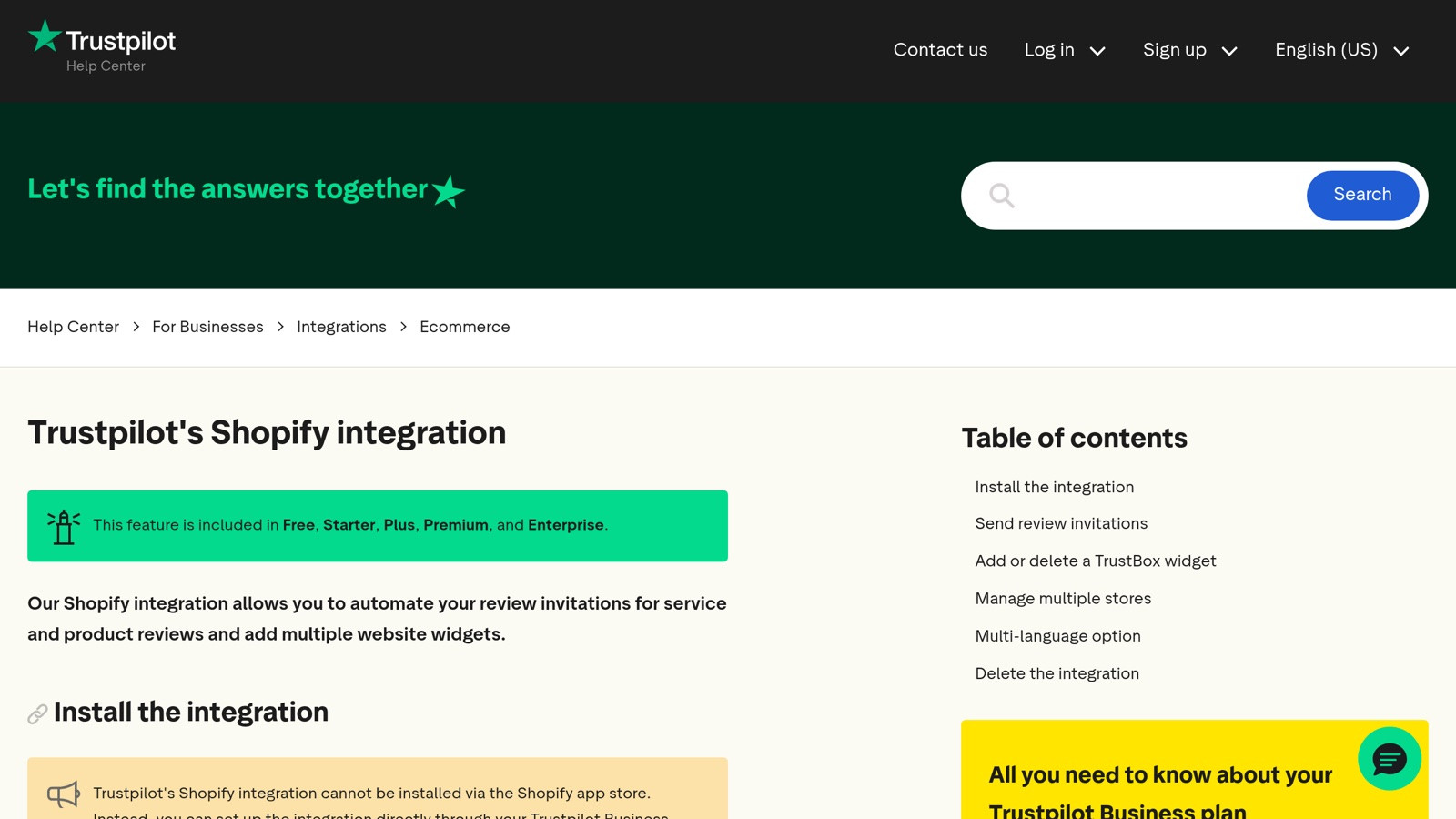
Trustpilot's help page for Shopify integration recommends their official app, which requires a paid Standard plan (~€250/month minimum).
Path 1: The official Trustpilot Shopify app (paid)
The Trustpilot app on the Shopify App Store handles the full integration including automatic review invites and the Verified badge.
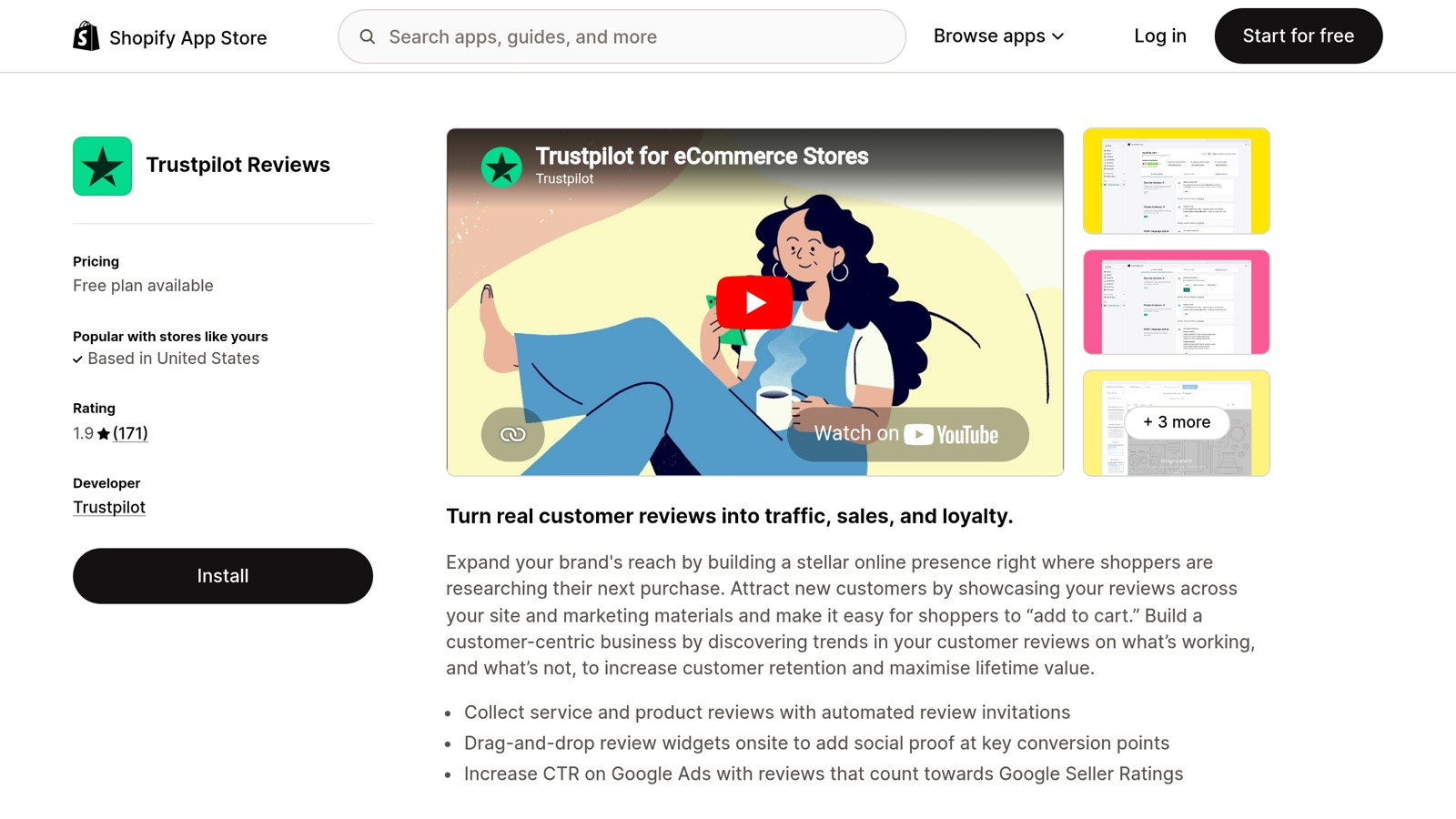
The official Trustpilot Reviews app on the Shopify App Store. Free to install but requires a paid Trustpilot subscription to actually use.
What you get
- Automatic review invitations: triggers via order webhook, sends invites N days after delivery (configurable)
- Verified badge on collected reviews (the green "Verified" tag visible to consumers)
- Pre-built TrustBox widgets: drop-in carousel, grid, micro-star into product pages, footer, or homepage
- Service review and product review collection: separate streams that flow to your Trustpilot profile and to Shopify product pages respectively
- Unified analytics in your Trustpilot dashboard
What it costs
The Shopify app is free to install. The Trustpilot Standard plan starts at ~$99/month (annual contract) as of 2026, going up to ~$799/month for Premium. See our Trustpilot pricing breakdown for the full math.
Setup (15 minutes)
- Install the Trustpilot app from the Shopify App Store
- Connect to your Trustpilot Business account (paid plan required at this step)
- Configure invitation timing: send 7-14 days after delivery (sweet spot per our 9-tactic guide)
- Add the TrustBox widgets to your theme: drag into product pages, footer, or homepage via the Shopify Theme Editor
- Test with a real order: place a test purchase, fulfill it, confirm the invitation email arrives at the configured delay
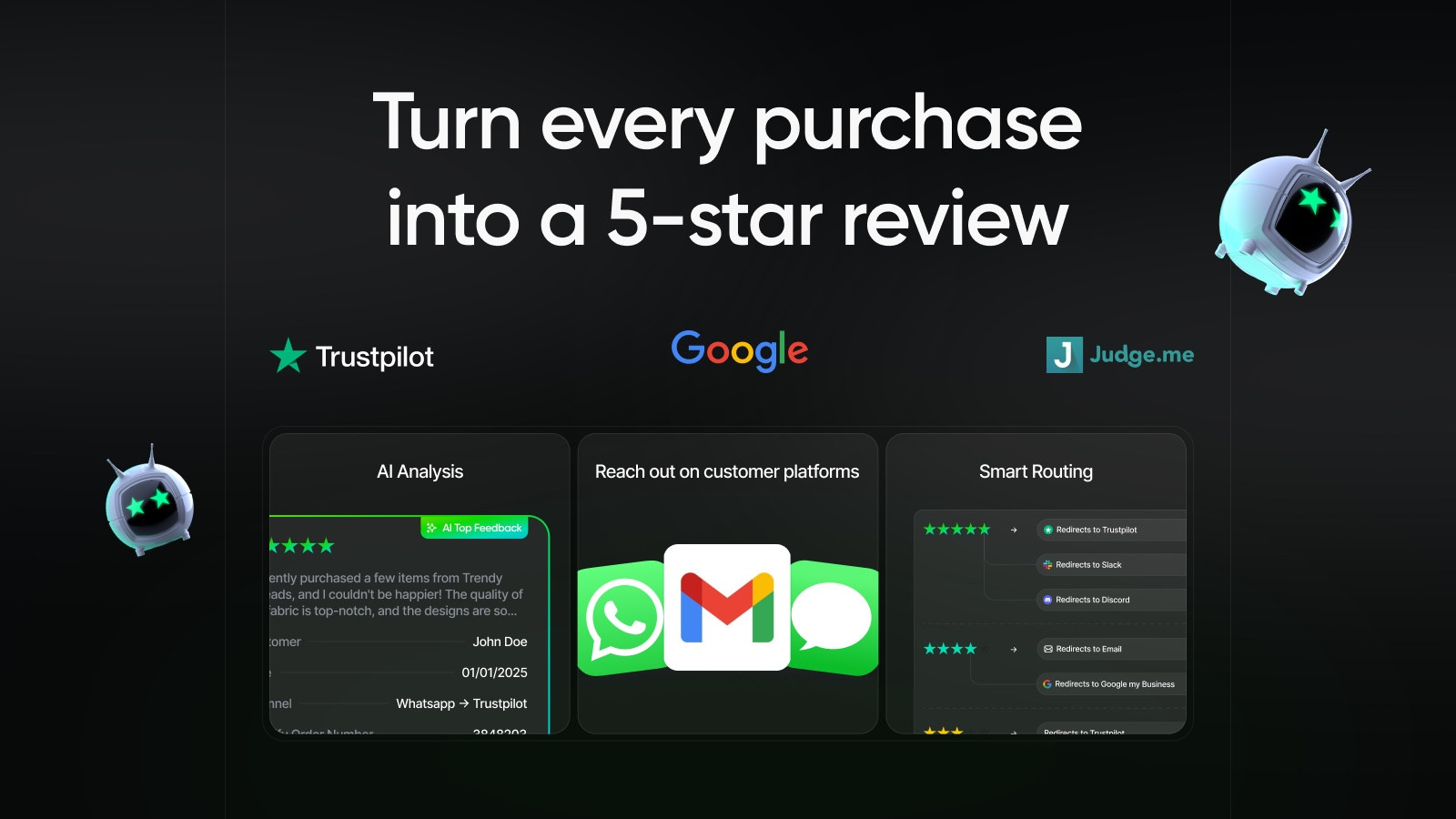 |
| Reviewz.ai for Shopify automatically routes happy customers to leave reviews on Trustpilot, Google, and Judge.me, while privately catching unhappy ones in a feedback portal before they post a public 1-star. Re-engage every reviewer with upsell offers via WhatsApp, email, and SMS. Install Reviewz on Shopify |
Path 2: Free Liquid section + Shopify-side invitations
If you're not on a paid Trustpilot plan (most stores under $500K ARR aren't), you can still display Trustpilot reviews on your store using their public TrustBox widgets via a free Liquid section.
What you get
- Display all 8 free TrustBox widgets: Carousel, Grid, Horizontal, Mini, Slider, List, Micro Star, Micro Review Count
- Multilingual support: pick from 9 languages without paying
- Theme-editor compatible: layout settings exposed via Shopify's {% schema %} block
What you don't get
- Automatic invitations from Trustpilot: you'll need to send them via your own email tool (Klaviyo, Mailchimp, or a Shopify review app)
- Verified badge: reviews collected this way are organic, not invited via Trustpilot's API
- 5-star-only filter: paid plans can hide 1-star reviews from widgets; free plan shows all
Setup (5 minutes)
- Use our free Trustpilot Section for Shopify generator to produce a ready-to-paste Liquid section
- In Shopify admin: Online Store → Themes → Edit code → Sections, click "Add a new section", name it
trustpilot-reviews, paste the generated code - The section now appears in your Theme Editor with customizable settings (heading, padding, language, widget type)
- Add it to any page (product, footer, homepage) via drag-and-drop in the Theme Editor
Setup the Trustpilot bootstrap script (both paths)
This is the #1 setup mistake we see. Both integration paths require the Trustpilot bootstrap script to be loaded on pages displaying widgets:
The official app loads this automatically. The Liquid section approach requires you to either include it in the section code (default in our generator) or add it to your theme.liquid before </head>. If you forget, widgets render as broken HTML.
|
| Reviewz.ai for Shopify automatically routes happy customers to leave reviews on Trustpilot, Google, and Judge.me, while privately catching unhappy ones in a feedback portal before they post a public 1-star. Re-engage every reviewer with upsell offers via WhatsApp, email, and SMS. Install Reviewz on Shopify |
Automate collecting 5-star reviews
Connecting Trustpilot is the easy half. The half that actually moves your TrustScore is sending review invitations consistently, at the right time, to the right buyers. Here is the playbook we use across Shopify stores.
Send the invite when the buyer is happiest
The single biggest lever is timing. Asking too early (before the parcel arrives) gets you "still waiting" reviews; asking too late means the dopamine of the unboxing has faded. Our data, and the broader benchmarks in the best time to send a review request, point to 7 to 14 days after delivery for most physical-goods stores, adjusted for your shipping times. For the full set of tactics specific to Trustpilot, see how to get more Trustpilot reviews on Shopify, and for the playbook focused on landing top ratings specifically, read how to get more 5-star reviews on Trustpilot.
Write a request that earns a reply
A good review request is short, names the exact product, and makes the ask a single tap. Plain text outperforms heavily designed templates because it feels personal. We break down subject lines, copy, and structure in the review request email for Shopify. Email is the floor; WhatsApp and SMS reply rates run several times higher, which is why a multi-channel tool matters.
Expect a realistic submission rate, then beat it
Most stores convert a low single-digit percentage of buyers into reviewers with email alone. We document the actual numbers in the average review submission rate. The way you beat the benchmark is volume plus channel: ask every buyer, ask over the channel they actually read, and re-ask non-responders once.
Ask happy buyers first (the routing layer)
This is where a Shopify-side tool earns its keep. Instead of blasting a public Trustpilot link to everyone, you first ask "how was it?" (an NPS-style question). Promoters get routed to your public Trustpilot profile; detractors get routed to a private feedback form where you can fix the problem before it becomes a public 1-star. That single decision is the difference between a TrustScore that climbs and one that bleeds.
|
| Reviewz.ai for Shopify sends review invitations over WhatsApp, SMS, and email, asks how the experience went, routes happy customers to Trustpilot (or Google) and quietly catches unhappy ones in a private feedback portal before they post a public 1-star. Free to start. Install Reviewz on Shopify |
Display Trustpilot reviews on your storefront
Reviews you collect are only worth what shoppers can see. Trustpilot's free TrustBox widgets cover almost every placement a Shopify store needs, and our generators produce paste-ready code so you do not have to hand-edit Liquid.
- Homepage and footer trust strip. A Micro Star or Mini TrustBox showing your TrustScore and review count is the highest-leverage placement. Set it up from the TrustBox library in your Trustpilot Business dashboard.
- Social proof carousel. A rotating set of recent 5-star reviews near the add-to-cart or in the footer lifts conversion. Use the Carousel TrustBox from Trustpilot's own widget library.
- Review request links. When you ask buyers for a review, you need a clean, pre-filled link to your Trustpilot review page. Produce one with the Trustpilot review URL generator.
Placement that converts without hurting Core Web Vitals
Where you put widgets matters as much as which ones you use. Above-the-fold trust strips build confidence before the shopper scrolls; a carousel near the buy button closes the sale; a footer widget reassures on every page. The trap is performance: late-loading widgets shift content and tank your Core Web Vitals. Always set explicit data-style-height and data-style-width so the browser reserves space upfront (we cover this in the pitfalls below).
Protect your TrustScore
A high score you cannot defend is a liability. Two things protect it: a steady inflow of genuine reviews (which dilutes the occasional bad one), and a disciplined response to the reviews that threaten it.
- Respond to negative reviews fast and well. A calm, specific public reply often converts an angry 1-star into a 3 or 4, and it signals to future shoppers that you stand behind the product. See how to respond to negative reviews.
- Flag and remove fake reviews. Competitor sabotage and AI-written reviews are real. You cannot delete a genuine negative review, but you can report ones that violate Trustpilot's guidelines. The process is in how to remove a fake Trustpilot review, and you can sanity-check a suspicious review with our fake review checker. And if a shortcut ever tempts you, buying Trustpilot reviews is now a federal violation that detection systems catch within weeks.
- Recover from a dip. If your score has already slipped, the fastest fix is volume of fresh reviews plus responses, not panic. The recovery playbook is in how to fix a low Trustpilot score.
The throughline: the best defense is offense. A store collecting reviews every week from happy buyers barely feels a single 1-star, while a store that only hears from angry customers watches its TrustScore swing on every complaint.
Common integration pitfalls
1. Multiple bootstrap scripts on one page
If you load the Trustpilot script in theme.liquid AND in a Liquid section, it's loaded twice, which can cause widgets to render twice or not at all. Pick one location.
2. Wrong Business Unit ID
The Business Unit ID (BUID) is a 24-character alphanumeric string in your Trustpilot admin under Integrations → TrustBox. Don't confuse it with your "trustpilot.com/review/yourstore.com" URL. Wrong BUID means widgets show "Cannot find business" placeholder.
3. Wrong locale for review filtering
The data-locale attribute on the widget controls language. The data-review-languages attribute filters which reviews show. If your store ships globally, set data-review-languages="en,fr,de" to show reviews in all three languages. Otherwise customers in Germany see only German reviews and miss your massive English review base.
4. Cumulative Layout Shift (CLS) from late-loading widgets
Widgets that load 2-3 seconds after the page can shift content down, hurting your Core Web Vitals. The fix: set explicit data-style-height and data-style-width on every widget, so the browser reserves space upfront. Trustpilot's docs include recommended heights for each TrustBox template.
5. Forgetting to verify reviews on staging
Your staging Shopify store is a different domain (e.g., your-staging.myshopify.com) than your live store. Widgets pointing to the live BUID work on both, but invite flows configured for staging won't fire on production unless you reconfigure. Always test invite flows on production after switching from staging.
Should I use the official app or the free Liquid path?
| Factor | Official app | Free Liquid section |
|---|---|---|
| Cost | $99-$799/month annual | $0 |
| Setup time | ~15 min | ~5 min |
| Auto-invites | ✓ via Trustpilot API | ✗ (DIY via Klaviyo / Reviewz) |
| Verified badge | ✓ | ✗ |
| All 8 free widgets | ✓ | ✓ |
| Custom widget colors | ✓ (Plus tier) | ✗ |
| Annual contract | ✓ 12-month minimum | ✗ |
| Best for | Stores 2,000+ orders/mo who value verified badge | Stores under 2,000 orders/mo or just starting |
For most Shopify stores under $1M ARR, the free Liquid path combined with a Shopify-side review-collection tool delivers 80% of the value at $0. The verified badge matters for some categories (regulated products, high-AOV) but is rarely worth $1,200-$10,000/year for stores under that threshold, which is why many merchants end up weighing Trustpilot alternatives for Shopify instead.
|
| Reviewz.ai for Shopify automatically routes happy customers to leave reviews on Trustpilot, Google, and Judge.me, while privately catching unhappy ones in a feedback portal before they post a public 1-star. Re-engage every reviewer with upsell offers via WhatsApp, email, and SMS. Install Reviewz on Shopify |
Where to go next
This pillar is the map; the cluster is the territory. Pick the next step that matches where you are:
- Deciding if Trustpilot is right for you: what is Trustpilot, is Trustpilot legit, Trustpilot pricing on Shopify.
- Collecting more reviews: how to get more Trustpilot reviews on Shopify, how to get more 5-star reviews on Trustpilot, the best time to send a review request.
- Understanding and protecting your score: how the TrustScore is calculated, how to fix a low Trustpilot score, how to remove a fake Trustpilot review.
- Free tools: Trustpilot review URL generator.
Related reading: Trust badges for Shopify, How to add reviews to Shopify.
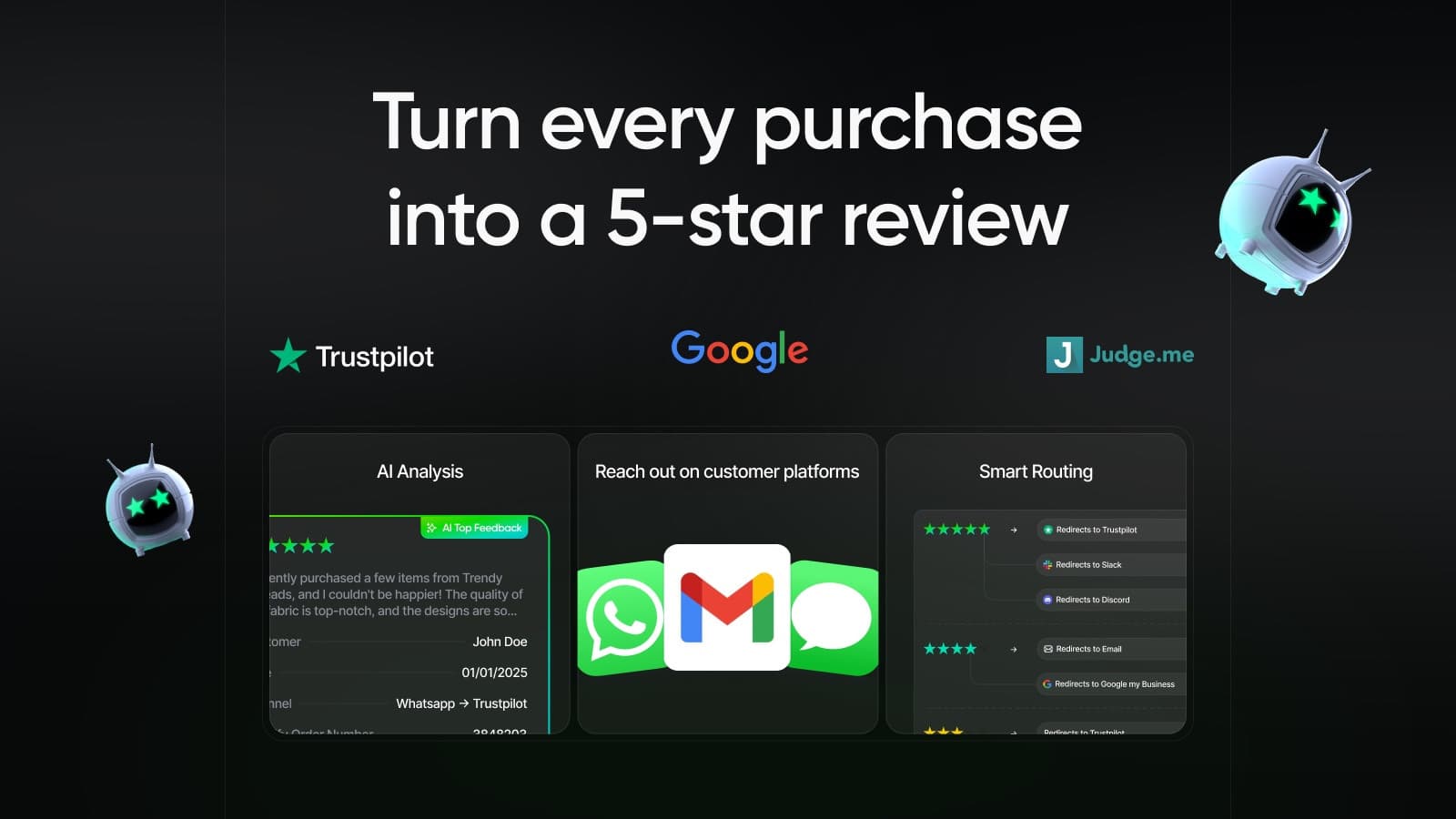
Route happy customers to Trustpilot & Google, capture negatives privately.
Install Reviewz on ShopifyReferences:
- Trustpilot Shopify integration documentation. Link
- Trustpilot pricing and plans (2026). Link
- Shopify App Store: Trustpilot Reviews. Link
- Trustpilot Trust Centre & Transparency tools. Link
- Shopify App Store: review apps category. Link

About the author
Nicolas Provost · Founder of Reviewz.ai
Nicolas built Reviewz.ai after auditing 500+ Shopify review setups while running Kanal (WhatsApp marketing for Shopify). He has spent four years inside the Shopify ecosystem and writes about review collection, brand trust SEO, and the actual economics of running customer-feedback flows on ecommerce sites.
