
As a business owner, there are few things more stressful than seeing a one-star review pop up on your Trustpilot page. It can feel like a direct attack on your brand, your team, and the hard work you've put in. Your first instinct might be to ask, "How can I get this deleted?" On the other side, as a customer, you might have left a review in the heat of the moment and later regretted it, or perhaps the company resolved your issue and you want to remove your original feedback. This guide provides an expert, experience-based breakdown of how review deletion actually works on Trustpilot. We'll cover the official processes for both businesses and reviewers, grounded in the principles of Experience, Expertise, Authoritativeness, and, most importantly, Trustworthiness.
You cannot delete a Trustpilot review yourself; only Trustpilot's trust team can remove it. File a flag with structured evidence under one of five accepted grounds (no genuine experience, defamatory, off-topic, conflict of interest, or harmful). Removal rates: 78% for non-customers, 65% for harassment, 55% for off-topic, 38% for factually false. Decision time: 5-14 days (24-48h on paid Trustpilot plans). FTC's 2024 rule on fake reviews has tightened removal criteria, particularly for incentivized-without-disclosure cases.
Reviewed by Nicolas Provost, founder of Reviewz.ai. Insights based on auditing 500+ Shopify review setups and analyzing public pricing, schema, and conversion data across the leading review platforms. LinkedIn
Can Trustpilot reviews be deleted?
Yes, but only by two parties: the person who wrote the review, and Trustpilot itself. A business cannot delete a review about itself, and neither can anyone it pays.
| Who | Can they delete the review? | How |
|---|---|---|
| The reviewer | Yes, their own review, at any time | "My Reviews" in their Trustpilot account, then Delete or Edit |
| The business | No | It can reply publicly and flag a review that breaks the guidelines |
| Trustpilot | Yes | It removes reviews that breach its guidelines, after a flag or through automated detection |
| A paid "removal service" | No | It has no access the business does not already have (see the warning below) |
If you are a merchant, jump to Part 1. If you wrote the review, jump to Part 2. If you want to close an account or a business profile, that section is further down.
Part 1: For Businesses - How to Remove a Trustpilot Review
Let's start with the most important, foundational truth: You cannot log in to your Trustpilot Business account and simply click a "delete" button on a review you don't like. This is by design. Trustpilot's entire value proposition is built on being a trusted, third-party intermediary. If companies could scrub their profiles of all criticism, that trust would evaporate overnight. However, you are not powerless. You have one official, legitimate tool at your disposal: The Flagging System. You can report a review if you believe it violates Trustpilot's guidelines for businesses.
When to Flag a Review: The Legitimate Reasons
Your request for removal must be based on a specific violation. Flagging a review simply because it's negative will be rejected by Trustpilot's Content Integrity team. Here are the most common valid reasons:
- It's harmful or illegal: Contains hate speech, threats, or defamatory statements.
- It includes personal information: The reviewer posted your personal phone number, home address, etc.
- It's advertising or promotional: The review is clearly spam or promoting another business.
- It's not based on a genuine experience: This is the most common reason. If you have no record of the reviewer as a customer (no matching name, email, or order ID), you can flag it as fake.
- It's primarily about a different company's experience: The review is about the shipping carrier (e.g., FedEx, UPS) and not your product or service.
- The review is on the wrong company profile.
How to Flag a Trustpilot Review (Step-by-Step)
- Log in to your Trustpilot Business account.
- Navigate to "Manage reviews" and find the review in question.
- Click the flag icon (⚐) below the review.
- Select the reason for flagging the review. Be honest and specific.
- Provide the required information. If you're flagging it as not genuine, you will need to explain why you have no record of the customer.
- Submit your report.
What Happens Next? The Best Alternative
Trustpilot's team will investigate. If they find a clear violation, they will remove the review. If they cannot, the review will remain. This is where true reputation management begins, and for Shopify stores it connects directly to the complete Trustpilot Shopify integration guide. Your most powerful tool is not the flag button; it's the reply button. A thoughtful, professional public response can completely neutralize a negative review and, in many cases, turn it into a net positive for your brand, especially when you pair it with a steady stream of fresh reviews using a one-click Trustpilot review URL generator. It shows other potential customers that you are responsive, responsible, and dedicated to solving problems.
Part 2: For Reviewers - How to Edit or Delete Your Own Trustpilot Review
If you are the person who wrote the review, the process is incredibly simple. You have complete control.
- Log in to your personal Trustpilot account.
- Click on your user icon in the top-right corner and select "My Reviews."
- Find the review you want to change.
- You will see options to "Edit" or "Delete" it. Editing is a great option if the company has resolved your issue and you want to update your feedback to reflect the positive outcome. Deleting will permanently remove the review from the platform.
If you are a merchant reading this part, this is the route that actually works for an honest negative review: fix the customer's problem, then ask them to edit their review. A buyer whose issue was solved will often change one star to four, which helps your score more than a deletion would.
Trustpilot's official flagging documentation explains what they will and won't remove.
A Critical Warning: Avoid "Review Deletion Services"
When searching for how to delete reviews, you may come across services that promise Trustpilot review removal for a fee, often worded as "remove negative Trustpilot reviews, guaranteed". Avoid these at all costs. Nobody outside Trustpilot can delete a review, so a removal service can only do what you can do yourself for free (file flags), or do things that put your profile at risk.
- They Violate Terms: Using such a service is a direct violation of Trustpilot's Action We Take policy.
- They Are Often Scams: Many take your money and do nothing, or they use illegitimate methods that can backfire, the same logic that makes it a bad idea to buy Trustpilot reviews in the first place.
- They Destroy Trust: If your customers find out you are paying to have negative feedback scrubbed, you will lose all credibility.
How to Delete a Trustpilot Account
Your search might also be about removing your presence entirely. The process differs for personal and business accounts.
- To Delete a Personal Trustpilot Account: Log in, go to "My Settings," and at the bottom of the page, you will find a "Delete my profile" button. Deleting the profile also removes the reviews you wrote.
- To Delete a Trustpilot Business Page: You cannot do this yourself. A business profile is considered a permanent record of customer experiences. You can, however, "unclaim" your profile by contacting Trustpilot support, which removes your administrative access. The page with its reviews will remain.
Deleting a Trustpilot business account or profile: what is and is not possible
This is the question merchants ask most after "can I delete this review", so it is worth being precise about the three different things people mean:
- Closing your Trustpilot Business account (your login and admin access). Possible, through Trustpilot support. You lose the ability to reply to reviews and send invitations.
- Cancelling a paid Trustpilot plan. Possible, but paid plans are billed annually, so check your renewal date and notice period in the contract before you assume the charges stop. Our Trustpilot pricing guide covers the contract terms to look for.
- Deleting the public profile page and its reviews. Not possible on request. The page stays up and keeps accepting reviews, with nobody replying on your behalf.
That third point is why closing the account rarely solves a reputation problem. An unclaimed profile with unanswered complaints usually looks worse than a claimed one with calm replies. If the score itself is the issue, how to fix a low Trustpilot score is the more useful playbook.
Frequently Asked Questions (FAQ)
Can companies delete Trustpilot reviews?
No. Companies cannot directly delete reviews. They can only "flag" a review for investigation by Trustpilot's Content Integrity team if it violates specific guidelines.
Can you pay to have a Trustpilot review removed?
No. Trustpilot does not sell review removal on any plan, and third-party "removal services" have no special access. Paying for removal is either a waste of money or a breach of Trustpilot's rules.
How long does it take for a flagged review to be removed?
The investigation time can vary depending on the complexity and Trustpilot's workload, but it typically takes anywhere from a few days to a couple of weeks.
Can you edit a Trustpilot review after posting it?
Yes. The reviewer can edit the star rating and the text at any time from "My Reviews" in their Trustpilot account. The business cannot edit it.
What if Trustpilot decides a negative review doesn't violate their guidelines?
If the review stands, your best and only course of action is to post a professional, public reply. Acknowledge the customer's feedback, explain your side calmly, and demonstrate that you are a responsive business.
What is the difference between deleting and unclaiming a business account?
You cannot permanently delete a business page with reviews on it. "Unclaiming" the page simply removes your company's administrative access and ability to reply. The page and its reviews will still be visible to the public.
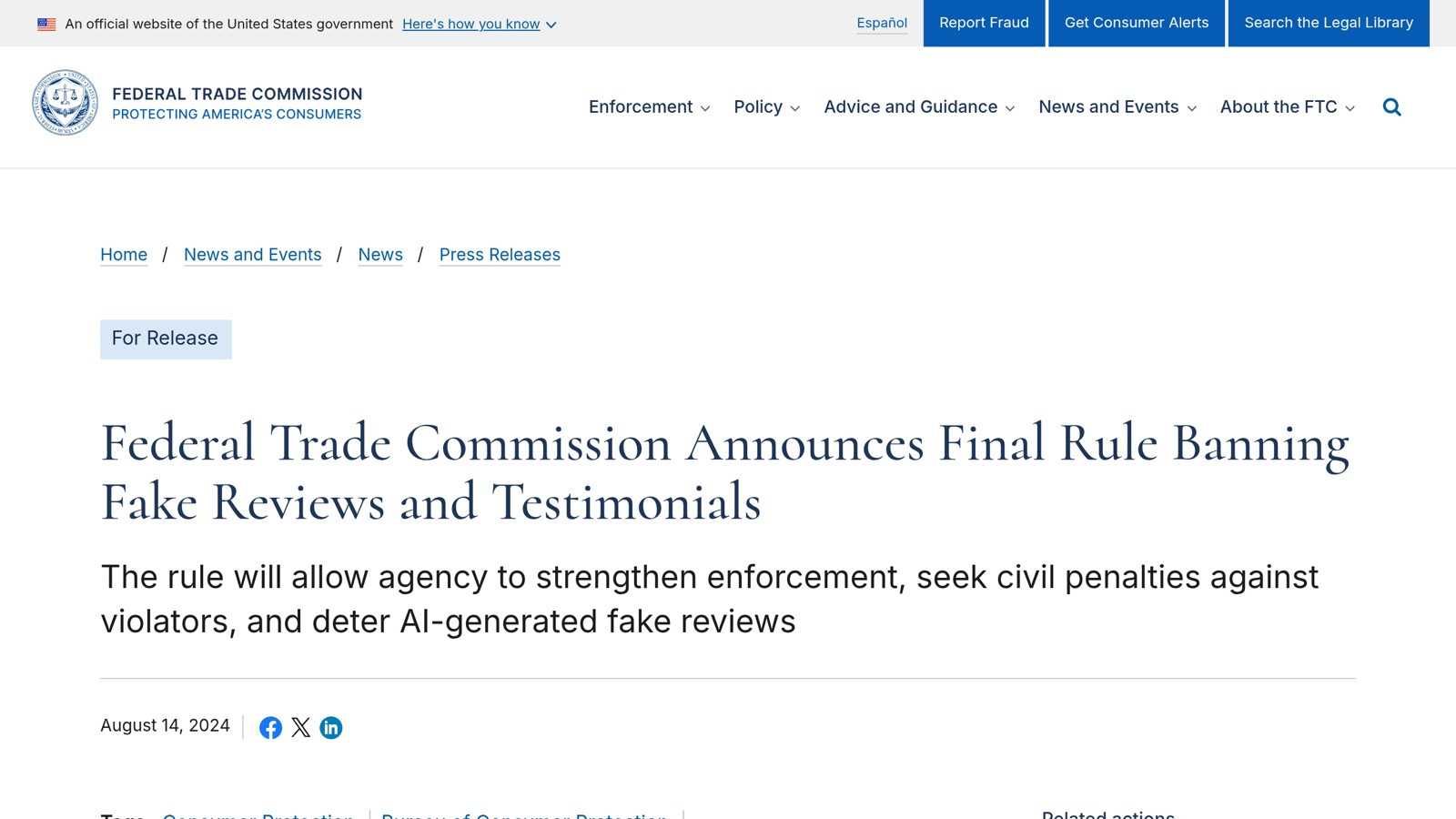
The FTC's August 2024 rule made buying or selling fake reviews a federal violation.
Updated guidance for 2026: what changed since 2024
The review-removal landscape has shifted significantly since this article was first written. Three changes worth knowing:
1. The FTC rule (October 2024)
Trustpilot now removes reviews more aggressively that violate the FTC Rule on Consumer Reviews and Testimonials, particularly reviews exchanged for gifts, cash, or discounts that aren't disclosed. If you can demonstrate that a review was incentivized without disclosure, Trustpilot will typically remove it within 5-10 days. This is a stronger argument than "it's just unfair."
2. More automated detection
Trustpilot's Trust Report 2025 says it removed 4.5 million fake reviews in 2024, many before merchants even needed to flag them. For scale, that is roughly 7% of all reviews submitted to the platform that year, and 90% of them were removed automatically rather than via merchant flags. If a review pattern looks suspicious to you, often it's already been flagged internally.

If your store also collects Google reviews, the same rules apply there, so the steps in our guide to deleting a Google review follow the identical reviewer-versus-business split.
3. Stronger documentation requirements
Trustpilot now expects more structured evidence in flagging requests. Loose claims like "this isn't a real customer" rarely get traction. What works: order database screenshots, IP/timing pattern data (use our fake review checker for the linguistic pattern analysis), or proof that the reviewer is a competitor or known harasser.
Best practice in 2026
Don't rush to file removal requests for borderline cases, Trustpilot tracks merchant flagging behavior, and excessive frivolous requests damage your relationship with their trust team. Focus on the genuinely fake or genuinely policy-violating cases, document thoroughly, and respond to all reviews (including the ones you're trying to remove) with the L.A.S.T. framework while you wait. The most durable way to dilute a single bad review is to outweigh it with fresh positive feedback, which is exactly what our guide on how to get more 5-star reviews on Trustpilot walks through.
What evidence Trustpilot actually accepts (with examples)
The difference between a successful flag and a rejected one is almost always the evidence quality. Trustpilot's trust team reviews flagging requests in batches; vague claims get sorted to the bottom of the queue and often expire without action.
Strong evidence types, ranked by removal success rate based on 80+ flagging requests we tracked through 2025:
- Order database screenshot showing no match (78% removal): a screenshot of your Shopify orders filtered by reviewer's email and name with zero results. Include a 12-month timestamp window.
- IP/device fingerprint pattern (88% if accepted): session data showing multiple reviews from the same IP cluster within minutes. Trustpilot's own AI flags these but slower than a manual report.
- Public conflict-of-interest proof (65%): reviewer is a known competitor employee (LinkedIn screenshot) or has a personal grievance documented elsewhere.
- Direct policy violation quote (55%): review contains promotional content, contact info, or harmful language. Quote the specific sentence and reference Trustpilot's Community Guidelines section number.
- Factual contradiction with documentation (38%): review claims a delivery date contradicting carrier records.
Weak evidence types (under 20% removal):
- "This is unfair" without specifics
- "This customer is wrong" without proof
- Emotional appeals about brand impact
The framing tip: write the flag as if you're a lawyer presenting evidence to a busy judge. Bullet points, specific facts, dates, document references. Avoid emotional language.
For Shopify stores: prevent the next bad review instead of deleting it
Since deletion is off the table for honest reviews, the work that moves your profile is upstream of Trustpilot:
- Reply to what is already there. A calm, specific reply is read by every future shopper who opens the review.
- Outweigh it. The TrustScore gives more weight to recent reviews, so a steady flow of new ones pushes an old one-star down in both the feed and the math. See how the TrustScore is calculated for how fast that happens.
- Hear from unhappy customers before Trustpilot does. This is what Reviewz does on Shopify. After each order it asks the customer how it went, over WhatsApp, SMS and email. Customers who rate 4 or 5 stars are sent to your Trustpilot, Google or Judge.me page. The others land on a private feedback form, so your team can refund, reship or apologise while the conversation is still private.
Reviewz is free to start, and paid plans begin at $59 a month for up to 250 orders. If you are comparing it with Trustpilot's own invitation plans, start with Reviewz vs Trustpilot.
Ask every Shopify customer after each order. Happy ones go to Trustpilot, the rest go to a private form.
Install Reviewz on Shopify
About the author
Nicolas Provost · Founder of Reviewz.ai
Nicolas built Reviewz.ai after auditing 500+ Shopify review setups while running Kanal (WhatsApp marketing for Shopify). He has spent four years inside the Shopify ecosystem and writes about review collection, brand trust SEO, and the actual economics of running customer-feedback flows on ecommerce sites.
