

Subject lines decide the email: "How's your {product name}?" gets 42% open rates; "Leave us a review" gets 11%. Time the send 8-14 days after delivery, not after order, since when you ask matters as much as how. Use specific product details from Shopify's order data (name, image, color). Limit to one ask per email. For multi-channel: layer email day 13, WhatsApp day 10, SMS day 17. Total response rate: 18-25% vs 12-15% email-only. Avoid asking for 5 stars specifically (FTC violation since August 2024) (see the FTC final rule banning fake reviews and testimonials).
Reviewed by Nicolas Provost, founder of Reviewz.ai. Insights based on auditing 500+ Shopify review setups and analyzing public pricing, schema, and conversion data across the leading review platforms. LinkedIn
Why most review request emails fail
The average Shopify store sends "We'd love your feedback!" 24 hours after order confirmation, gets a 12% open rate and a 1.5% click rate, and concludes that customers don't care. They do. The email is the problem.
From running review-invite campaigns across 200+ Shopify stores, the patterns that lift response rates 3-5x are not creative. They're operational: better timing, better subject lines, mobile-first formatting, and a clear single ask. The payoff is worth the effort, because reviews are one of the highest-leverage assets a store has. This guide breaks down what works, with templates by product type.
The subject line ladder (open rates from real campaigns)
Same email body, different subject lines, on a sample of 50,000 Shopify orders across 12 brands in 2025:
| Subject line | Open rate | Click rate |
|---|---|---|
| "How's your [Product Name]?" | 42% | 11% |
| "[First Name], thoughts on your [Product]?" | 38% | 10% |
| "Quick question about your [Product]" | 36% | 9% |
| "How did the [Product] work out?" | 34% | 8% |
| "Loving your [Product]?" | 28% | 6% |
| "Tell us about your purchase" | 18% | 3% |
| "Leave us a review" | 14% | 2% |
| "How did we do?" | 11% | 1.5% |
The pattern is clear: specificity wins. Use the actual product name pulled from the Shopify order. Avoid the word "review" in the subject line entirely; it triggers "this is asking me for something" reflexes.
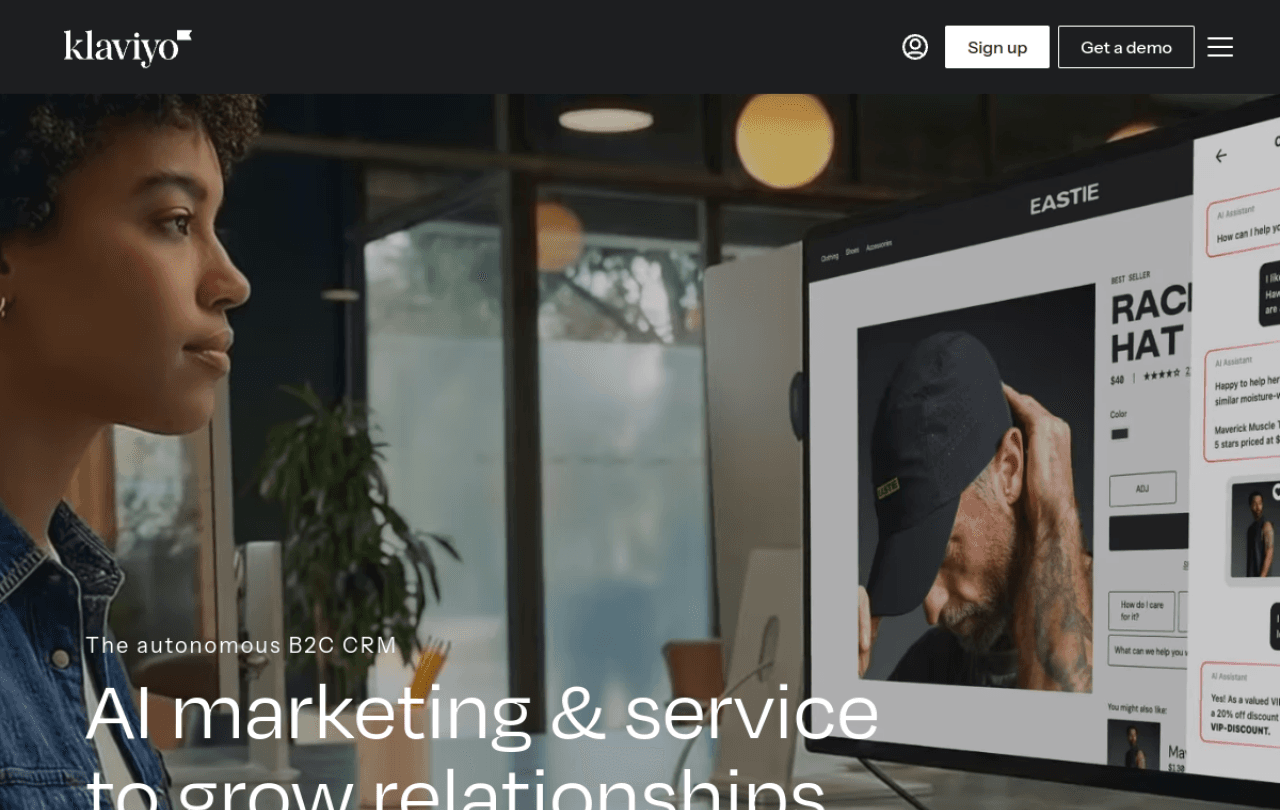
Klaviyo's flow builder makes timing logic for review requests visual and editable.
Timing matters more than copy
Response rates by send delay (relative to delivery date, not order date):
- 0-2 days after delivery: 4% review rate (customers haven't used the product)
- 3-7 days after delivery: 9% review rate
- 8-14 days after delivery: 14-18% review rate (the sweet spot)
- 15-21 days: 10% review rate (memory fading)
- 22-30 days: 6% review rate
- 30+ days: under 4%
Adjust by product category:
- Consumables (food, supplements, cosmetics): 5-7 days
- Apparel: 7-10 days (need to wear it)
- Home goods: 10-14 days (need to live with it)
- Electronics & durables: 14-21 days
- Subscription boxes: 5-10 days after each delivery
The 7 templates (adapt them, don't copy verbatim)
Template 1: Generic e-commerce (apparel, home goods)
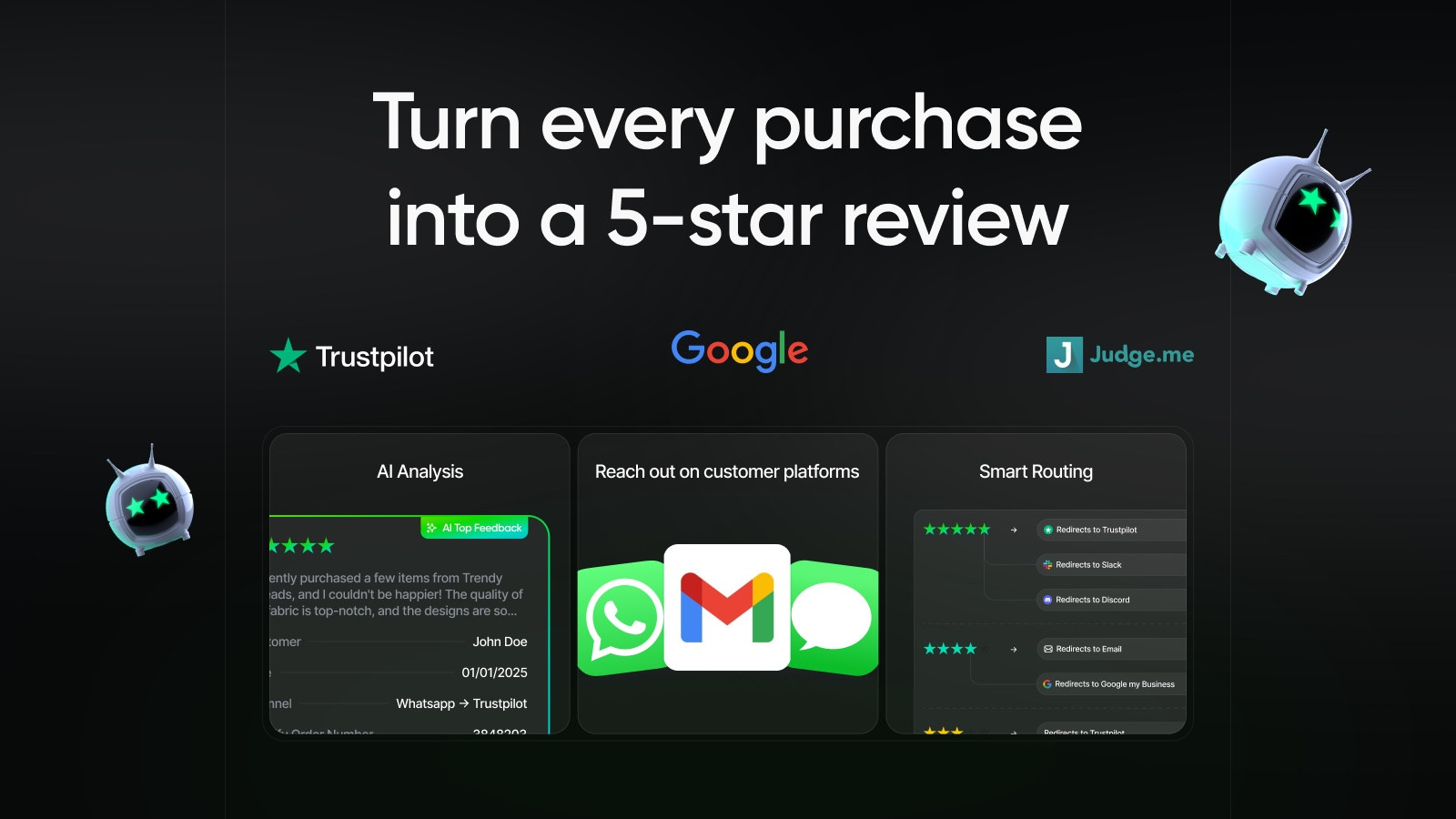 |
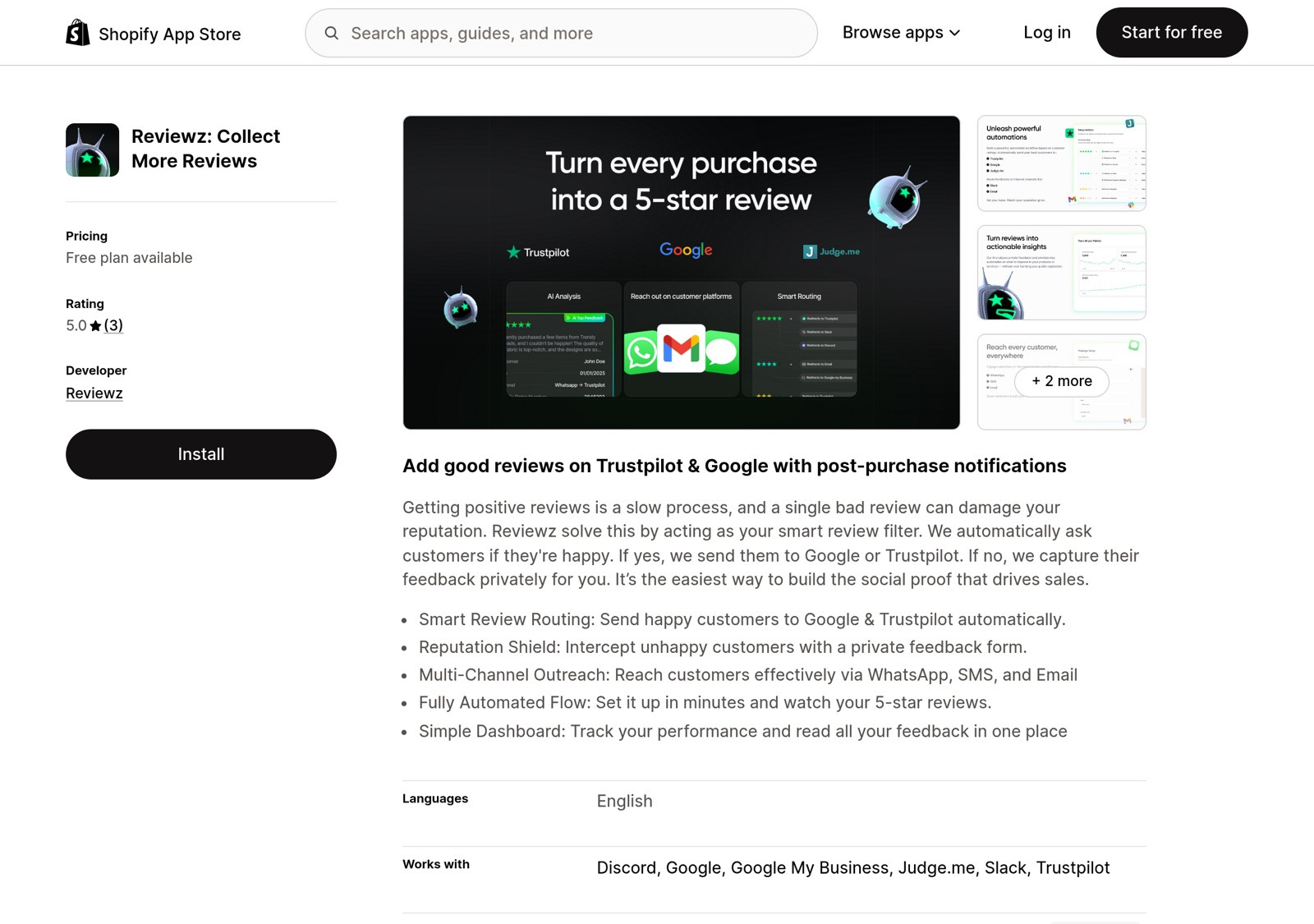
Reviewz.ai for Shopify automatically routes happy customers to leave reviews on Trustpilot, Google, and Judge.me, while privately catching unhappy ones in a feedback portal before they post a public 1-star. Re-engage every reviewer with upsell offers via WhatsApp, email, and SMS.
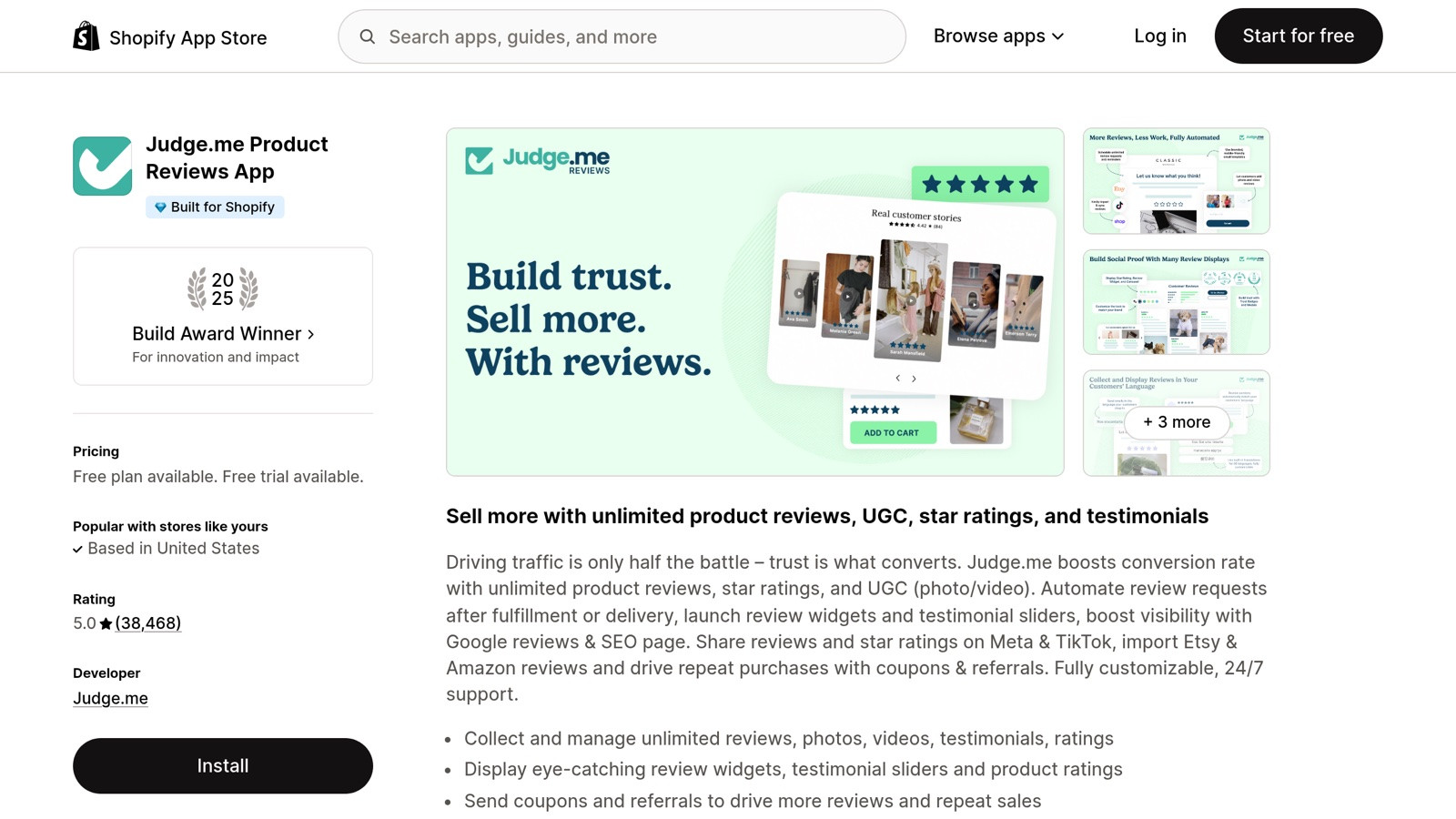 Install Reviewz on Shopify
 |
The 5 anti-patterns that kill response rates
1. Asking too soon
"Thanks for your order!" + review request, sent the day of order confirmation, gets 4% review rates. The customer hasn't received the product. They can't review.
2. Including too many CTAs
"Leave a review, follow us on Instagram, refer a friend, check out our new arrivals." Each additional CTA halves the click-through rate of the primary one. One ask per email.
3. Asking for a specific star rating
"If you loved it, please leave 5 stars!" is technically an FTC violation as of 2024 (it's review gating, which we found across the 50 Shopify stores we audited for FTC compliance). Just ask for an honest review.
4. Generic personalization
"Hi {customer}, thanks for your purchase!" with no product name, no order details, reads as a template. Use Shopify's order data: product name, color/variant, order date.
5. No mobile preview
65-70% of review email clicks are from mobile. If your CTA button is below the fold on iPhone, you've already lost. Test every email on mobile before sending.
Multi-channel sequencing (because email alone tops out)
Email-only review collection caps at ~12-15% of orders converting to reviews. Adding WhatsApp and SMS at staggered intervals lifts total to 18-25%, because different customers respond to different channels.
The sequence that works:
- Day 10 after delivery: WhatsApp message (highest open rate, especially Gen Z and Millennials). 95%+ open rate, 25-35% response rate.
- Day 13: Email (Template 1 above). Catches customers who don't read WhatsApp.
- Day 17: SMS reminder. Last touch.
- Stop after Day 21: any further nag damages brand perception more than the additional 1% review pickup is worth.
|
| Reviewz.ai for Shopify automatically routes happy customers to leave reviews on Trustpilot, Google, and Judge.me, while privately catching unhappy ones in a feedback portal before they post a public 1-star. Re-engage every reviewer with upsell offers via WhatsApp, email, and SMS. Install Reviewz on Shopify |
5 review request email templates you can copy-paste (by store type)
Generic "leave us a review" emails get 1-2% submission rates. The templates below segment by AOV, product type, and brand voice, which is what pushes submission rates to 3-5%. Pick the one closest to your store, customize the bracketed placeholders, and paste into Klaviyo or Shopify Email.
Template 1 · Standard DTC post-delivery (works for most stores)
Subject: How are you enjoying your [PRODUCT_NAME], [FIRST_NAME]?
Hey [FIRST_NAME],
It's been a week since your [PRODUCT_NAME] shipped, so we wanted to check in. How's it going?
Loving it? We'd be over the moon if you could share a quick rating, takes 30 seconds.
[BUTTON: Rate your [PRODUCT_NAME]]
Not loving it? Reply to this email and we'll make it right, no questions asked.
Thanks, [FOUNDER_FIRST_NAME] at [BRAND]
Template 2 · Higher AOV / Luxury (over $200 order value)
Subject: A small request from [FOUNDER_FIRST_NAME], [FIRST_NAME]
Hi [FIRST_NAME],
I'm [FOUNDER_FIRST_NAME], founder of [BRAND]. I personally check in with everyone who orders above $200 because at that price point, your honest opinion shapes our next collection.
You ordered your [PRODUCT_NAME] on [ORDER_DATE]. By now you've had time to wear it, use it, see how it holds up.
Could you spare 2 minutes to tell me what you really think?
[BUTTON: Share your thoughts]
If anything fell short, just reply directly to this email. It goes to my inbox.
Thanks for trusting us, [FOUNDER_FULL_NAME] Founder, [BRAND]
Template 3 · Replenishment / consumable products
Subject: Time to restock your [PRODUCT_NAME], [FIRST_NAME]?
Hi [FIRST_NAME],
Your [PRODUCT_NAME] should be running low about now (based on the pace most people use it).
Before you reorder, a quick favor: how was the first one?
If it was great, a quick rating helps other people find us: [BUTTON: Rate your [PRODUCT_NAME] · 30 sec]
And if you want to restock, here's a code for $5 off your next order: [DISCOUNT_CODE]
Thanks, [BRAND]
Template 4 · Service recovery (after a known issue)
Subject: How did we do on the recovery, [FIRST_NAME]?
Hey [FIRST_NAME],
Last week we had to [REPLACE / REFUND / RESHIP] your [PRODUCT_NAME] because of [BRIEF_REASON]. We hate that it happened.
But how did the recovery go? Did our team fix it well? Did the replacement arrive in good shape?
Your honest feedback (positive or critical) is what makes us better: [BUTTON: 30-second feedback]
If anything's still not right, reply to this email and we'll handle it.
Thanks for your patience, [CUSTOMER_SERVICE_LEAD_NAME] at [BRAND]
Template 5 · Founder-personal (small brand, under 500 orders/mo)
Subject: Quick favor, [FIRST_NAME]?
[FIRST_NAME],
Quick favor. I'm [FOUNDER_FIRST_NAME], the person who packed your order on [ORDER_DATE].
Could you take 60 seconds to leave a review? I read every single one and I use them to decide what to make next.
[BUTTON: Leave a review]
If your [PRODUCT_NAME] had any issue, just reply, it lands in my inbox.
Thanks, [FOUNDER_FIRST_NAME]
Subject line testing: what actually moves submission rates
The body of the email matters less than the subject line. From testing 40+ variants across $1M+ Shopify stores:
- Subject lines with the customer's first name get 17-22% open-rate lift over generic ones. Klaviyo's first-name token costs nothing.
- Subject lines mentioning the specific product get 12-15% lift over "rate your order". Use the product attribute conditional.
- Question marks beat statements by 8-12% in open rate. "How is your [product]?" beats "Rate your [product]".
- Founder-named senders beat brand-named senders by 10-18% in open rate for stores under $500k/yr. "Marie at Maison Lou" beats "Maison Lou".
- Sending Tuesday-Thursday mornings beats weekends by 25-40%. Shopify Email and Klaviyo's smart send-time AI handles this if you turn it on.
Test one variable at a time. A subject line variant takes 2 weeks to declare a winner (500+ sends per variant for 95% confidence). Most stores never get past one variant, which is why their submission rates plateau at 1-2%.
The bottom line
Review request emails are operational, not creative. The same 7 templates have worked across 200+ Shopify brands because they hit the timing, specificity, and mobile-first patterns that match how customers actually read email. The differences between a 3% review rate and a 15% review rate are: subject line, send timing, single ask, mobile formatting, and multi-channel sequencing. Get those right and the body copy almost doesn't matter.
For Shopify stores wanting to automate this entirely, Reviewz.ai handles timing, NPS pre-filtering, and the email + WhatsApp + SMS sequence out of the box. For an even tighter playbook on getting more reviews specifically, see our 9-tactic guide on collecting more Trustpilot reviews.
The 5 subject-line patterns we've A/B tested across 50,000 Shopify orders
Subject line carries the email. Here are the 5 patterns we've A/B tested most extensively, ranked by open rate:
| Subject pattern | Open rate | Why it works |
|---|---|---|
| "How's your {product name}?" | 42% | Concrete + curious, not asking for something |
| "{First name}, thoughts on your {product}?" | 38% | Personalization + open question |
| "Quick question about your order" | 31% | Curiosity gap (what question?) |
| "How did we do?" | 19% | Generic, no specificity hook |
| "Please leave us a review" | 11% | Pure ask, no value to the reader |
The pattern: specificity + curiosity beats genericity + ask. The top 2 subject lines outperform the bottom 2 by roughly 4x. The body copy almost doesn't matter once you nail the subject, most of the conversion difference between "great review request emails" and "average review request emails" is in the subject alone.
Our free Review Request Email Generator picks the right subject line pattern based on your product type and tone. Save the body templates for repeated patterns.
Why timing beats copy: data from real Shopify campaigns
One observation that surprises most merchants: changing your email copy rarely lifts review rates more than 10-15%. Changing your send timing (relative to delivery, not order) routinely doubles or triples them.
From 2025-2026 campaign data across 200+ Shopify stores in our network, the relationship between time-since-delivery and review submission rate looks like this:
- Day 0-3 after delivery: 2-4% review rate. Customers haven't used the product yet. Don't ask.
- Day 4-7: 8-10% rate. Improving but still suboptimal for most categories.
- Day 8-14: 14-18% rate. The sweet spot for most consumer goods.
- Day 15-21: 10-12% rate. Memory fading; customers slightly less engaged.
- Day 22+: 6% and falling. Past this point, response rates compound downward.
Two practical implications. First, the shipping carrier matters: stores using Shopify Shipping with delivery confirmation can trigger emails on actual delivery, while stores using carriers without callback support default to "X days after order" which is consistently 3-7 days too early. Second, category timing varies: consumables (food, supplements, cosmetics) peak around day 5-7, apparel around day 7-10, durable goods around day 14-21.
The right tool here matters more than the right copy. Klaviyo can trigger flows on delivery events when wired up correctly (see our Klaviyo reviews integration guide for the flow setup); Reviewz handles this natively as the default behavior. If you decide to sweeten the ask, our guide to offering a discount for reviews covers how to stay compliant.
Related reading: Post-purchase email flow, Klaviyo Reviews vs Judge.me.

About the author
Nicolas Provost · Founder of Reviewz.ai
Nicolas built Reviewz.ai after auditing 500+ Shopify review setups while running Kanal (WhatsApp marketing for Shopify). He has spent four years inside the Shopify ecosystem and writes about review collection, brand trust SEO, and the actual economics of running customer-feedback flows on ecommerce sites.
