

Send review invites 8-14 days after delivery, not after order. Use specific subject lines like "How's your [product]?" (42% open rate) instead of "Leave us a review" (11%). Multi-channel sequencing (WhatsApp + email + SMS) lifts collection rates from 12-15% to 18-25% versus email-only. Pre-filter via NPS: route 9-10 scores to public review platforms, catch 0-6 scores in a private feedback portal. You don't need a paid Trustpilot plan to do this on Shopify: Reviewz handles the whole workflow and is free to start.
Reviewed by Nicolas Provost, founder of Reviewz.ai. Insights based on auditing 500+ Shopify review setups and analyzing public pricing, schema, and conversion data across the leading review platforms. LinkedIn
The math problem most Shopify stores get wrong
If your Shopify store does 1,000 orders/month and you collect Trustpilot reviews passively, you'll get maybe 5 to 15 reviews/month, with a heavy negative bias because angry customers self-select to write reviews 3x more often than happy ones. Six months in, your Trustpilot score reflects your worst customers, not your typical ones.
The fix isn't writing better invite emails. It's running a process that proactively asks every happy customer at the right moment, so the ratio of positive-to-negative reviews on Trustpilot matches your real customer satisfaction (which is usually much better than your unsolicited reviews suggest). If your goal is specifically lifting that ratio, our companion guide on how to get more 5-star reviews on Trustpilot drills into the satisfaction and timing levers that produce top ratings.
This guide covers the 9 tactics that actually move the needle, in priority order.
1. Send the invite 7-14 days after delivery, not after order
Our own timing data (the table at the end of this guide) shows invites sent in the first two days after delivery convert at 3-4%, against 14-18% for invites sent on days 8 to 14. The reason is obvious in retrospect: customers can't review a product they haven't used yet, and reviewing the buying experience alone is generic ("delivery was fast"). We go deeper on this in the best time to send a review request.
Implementation on Shopify:
- Use Shopify's
fulfillments/updatewebhook to capture delivery date - Schedule the invite for 10 days after delivery (sweet spot for most product categories)
- For consumables (food, supplements, cosmetics), shorten to 5-7 days
- For durable goods (furniture, electronics), extend to 14-21 days
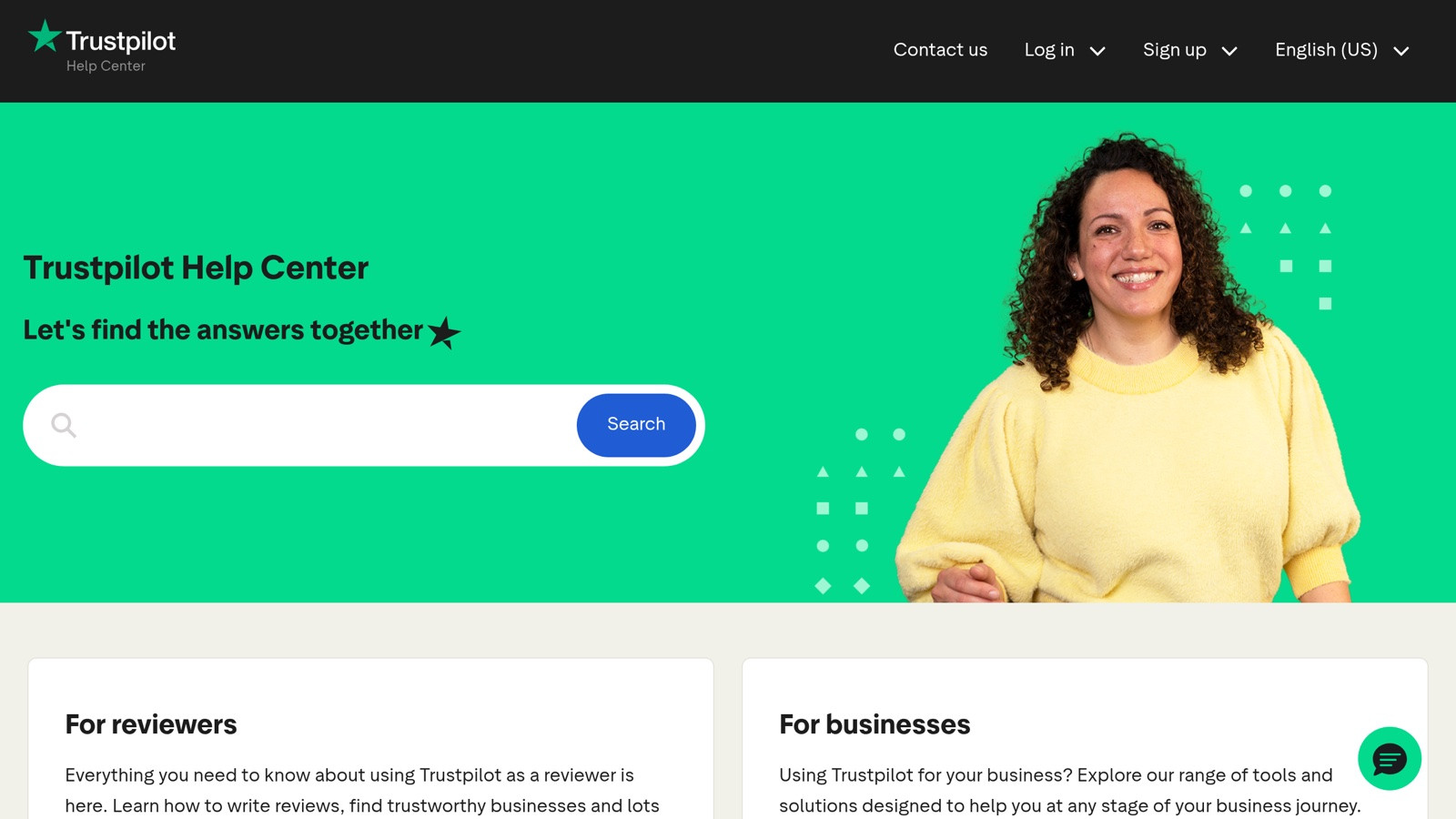
Trustpilot's invitation tools: 50 invitations a month on the free plan, 100 to 1,000 on the paid plans.
2. Write the subject line that gets opened
From running thousands of review-invite campaigns, the consistent winners are:
- "How's your [product name]?" → 38-45% open rate
- "Quick question about your [product name]" → 35-40%
- "[First name], thoughts on your [product]?" → 32-38%
The losers:
- "Leave us a review" → 12-18% open
- "Rate your purchase" → 10-15% open
- "How did we do?" → 8-12% open (too generic)
The pattern: specificity wins. Use the actual product name, not "your purchase" or "your order".
3. Pre-filter with NPS, then ask promoters publicly
This is the highest-leverage move in this entire guide. Instead of inviting everyone to leave a Trustpilot review, send a quick NPS survey first ("How likely are you to recommend us to a friend, 0-10?"). Then:
- 9-10 (promoters): send the Trustpilot invite immediately. These customers are pre-qualified to leave a 5-star.
- 7-8 (passives): send a soft "we'd love your thoughts" email with an open-text feedback box, no public review prompt.
- 0-6 (detractors): send to a private feedback portal where they vent to you directly, not to Trustpilot.
This is not "review gating" in the deceptive sense (which is against Trustpilot's policy). You're not blocking detractors from posting. You're just not actively recruiting them to do so. They're free to post on their own; most won't bother once they've vented privately.
For the math behind this approach, our free NPS calculator shows how each detractor mathematically wipes out roughly 5 promoter reviews in aggregate score impact.
4. Ask via multiple channels, not just email
Email-only review invites top out at 15-25% click-through for the best Shopify brands. Adding WhatsApp and SMS to the sequence (staggered by 3-5 days each) typically lifts total review collection by 35-50%.
The order that works best:
- Day 10 after delivery: WhatsApp message (highest open rate for Gen Z/Millennials)
- Day 13: email follow-up (covers customers who don't read WhatsApp)
- Day 17: SMS reminder (last touch for habitual non-responders)
WhatsApp specifically over-indexes for ecommerce: 98% open rates vs 22% for email, with response rates 4-6x higher. If you're a Shopify store and you're not using WhatsApp for review invites, you're leaving review volume on the table.
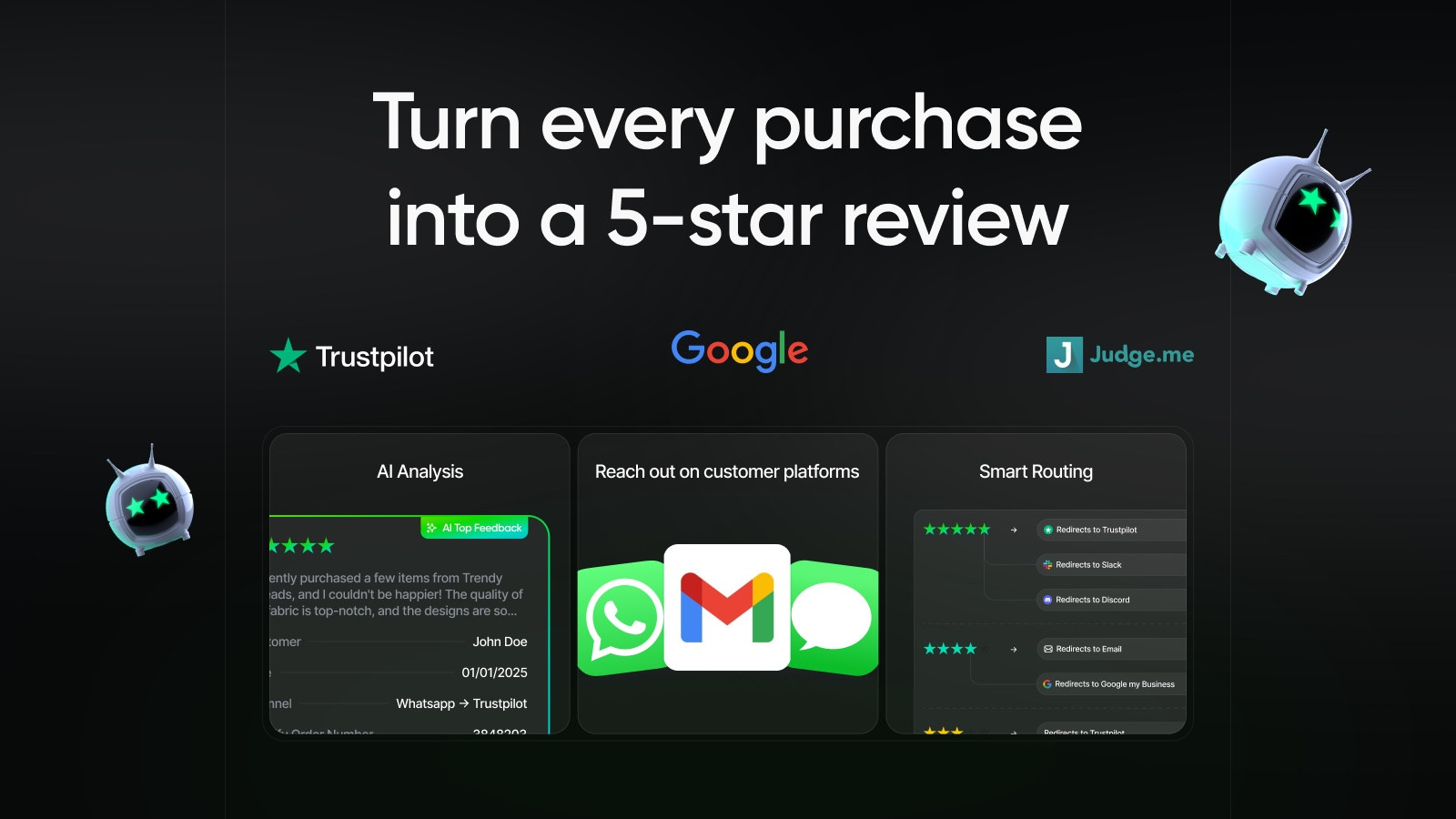 |
Reviewz.ai for Shopify automatically routes happy customers to leave reviews on Trustpilot, Google, and Judge.me, while privately catching unhappy ones in a feedback portal before they post a public 1-star. Re-engage every reviewer with upsell offers via WhatsApp, email, and SMS.
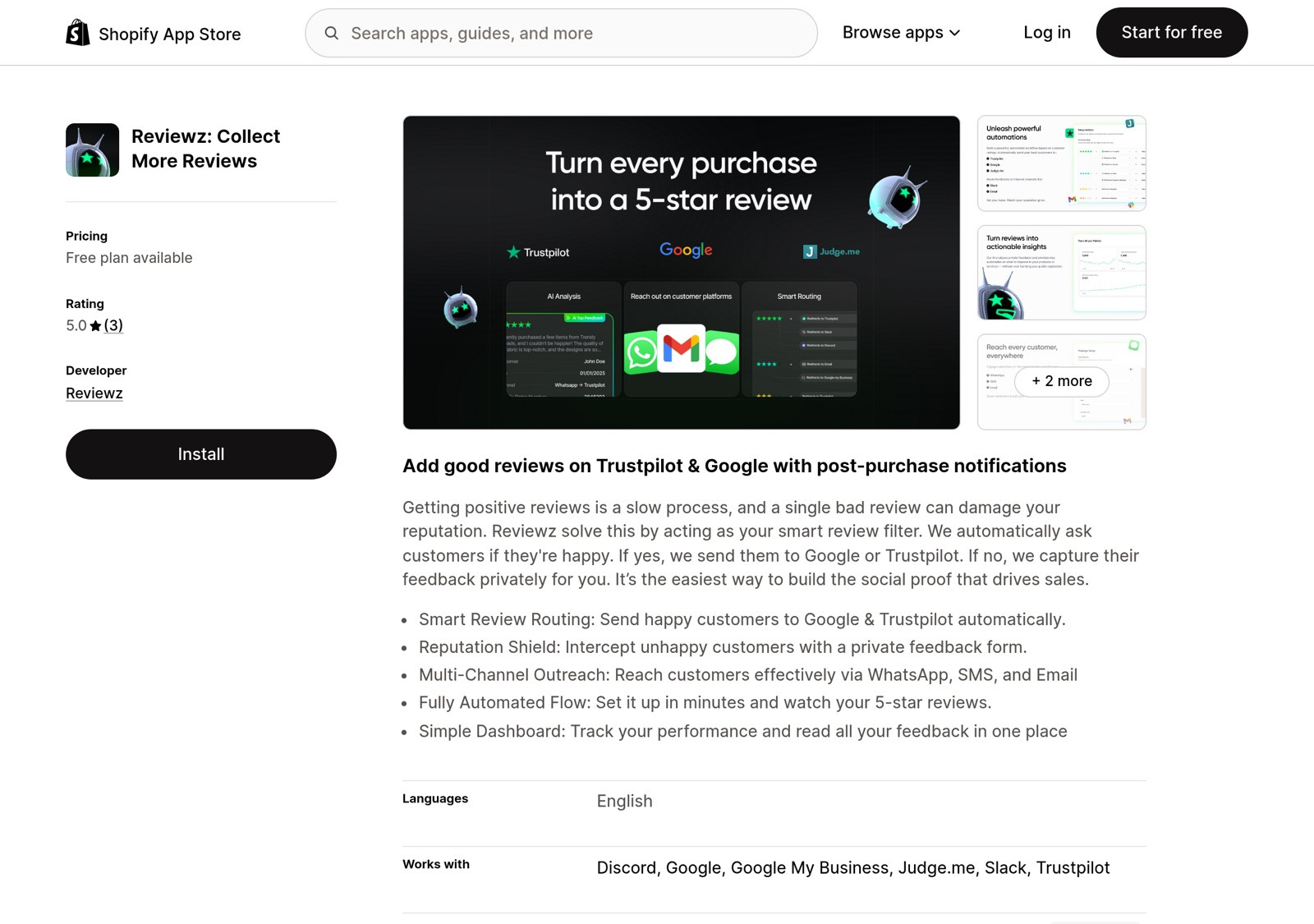
 Install Reviewz on Shopify
 |
5. Strip every barrier between click and posted review
Most review-invite emails send customers to a Trustpilot login page, which kills conversion. The customer arrives, has to remember their password, gets distracted, and never posts. Instead:
- Use Trustpilot's "passwordless invite" link (paid plan feature) which auto-authenticates the user
- Link directly to the review form, not the company profile (the free Trustpilot review link generator builds that link for your domain)
- Pre-fill the order ID via URL parameter
- Test on mobile: 65-70% of review clicks come from mobile, and a desktop-first form loses half of them
6. Don't use Trustpilot's free plan invite system if you do volume
Trustpilot's free plan caps you at 50 invitations a month. If you do 500+ orders/month, this is the bottleneck, not your conversion rate (and a reason some stores weigh Trustpilot alternatives for Shopify entirely). Three options:
- Upgrade Trustpilot: $99/month for 100 invitations (Starter), $319 for 300 (Plus) or $799 for 1,000 (Premium), all billed annually. Our Trustpilot pricing breakdown has the full table.
- Send invites from your side (your own email infrastructure or via Shopify automation), pointing to the public Trustpilot review URL. No invite caps but you lose the "Verified" badge on the resulting review.
- Use a Shopify-side review tool like Reviewz.ai that handles invite scaling, multi-channel, and NPS pre-filtering, then routes to Trustpilot via their public URL.
Option 3 typically beats option 1 on cost and option 2 on conversion. To put numbers on it: a store with 500 orders a month needs Trustpilot's Premium plan ($9,588 a year) to invite every customer through Trustpilot, while Reviewz covers the same volume on its Growth plan at $119 a month. The Reviewz vs Trustpilot page has the feature-by-feature view.
7. Reply to every review (especially negative ones)
This sounds unrelated to "getting more reviews", but research from Proserpio & Zervas (2017) shows businesses that respond to negative reviews see a 12% increase in positive reviews afterward. Future readers see your responses and feel safer leaving their own.
For the framework on responding well, see our L.A.S.T. framework guide.
8. Display your existing Trustpilot reviews on your store
Customers who see Trustpilot reviews on your product pages are more likely to leave their own after purchase: reviews look like something people like them do. Adding a TrustBox widget to your Shopify product pages and footer creates a reciprocity loop (the complete Trustpilot Shopify integration guide walks through the embed step by step).
If you don't have a paid Trustpilot plan, the free plan includes one widget, which is enough for a footer or a product page block. Offline, a card in the parcel with a review QR code does the same job at the moment of unboxing.
9. Track the funnel, not just the count
Most Shopify stores track "reviews collected this month". The more useful metric is review collection rate by funnel stage:
- Orders → Invites sent: 100% (every order should get one)
- Invites sent → Email opened: 35-45% (industry median)
- Opened → Clicked: 15-25%
- Clicked → Review posted: 30-50%
- Net: 1.5-5% of orders convert to a Trustpilot review
If you're below 1.5%, your funnel is leaking somewhere. Fix the worst stage first: usually the open rate (subject line) or the click→post step (review form friction).
|
| Reviewz.ai for Shopify automatically routes happy customers to leave reviews on Trustpilot, Google, and Judge.me, while privately catching unhappy ones in a feedback portal before they post a public 1-star. Re-engage every reviewer with upsell offers via WhatsApp, email, and SMS. Install Reviewz on Shopify |
Common mistakes that kill Trustpilot review volume
- Inviting too soon: 24-hour invites barely work
- Generic subject lines: "Your feedback matters" gets ignored
- One-size-fits-all sequences: a $5 phone case and a $500 mattress need different timing
- Email-only outreach: leaves 35-50% of potential reviews uncollected
- Asking everyone, including obvious detractors: invites 1-stars unnecessarily
- Forgetting to display existing reviews: kills the reciprocity effect
- Not responding to existing reviews: signals you don't care, reducing future review volume
The bottom line
Getting more Trustpilot reviews on Shopify isn't about a clever email template. It's a process: collect at the right moment, segment by satisfaction, ask via the right channel, remove friction, respond to what comes in, display socially. Brands that systematize this 5x their review volume in 90 days. Brands that send "leave us a review" emails into the void plateau forever.
For Shopify stores specifically, automating this end-to-end is what Reviewz.ai does: timed multi-channel invites, NPS pre-filtering, smart routing to Trustpilot/Google/Judge.me, and private detractor feedback so 1-stars never become public.
Real timing data: when do customers actually respond to review invites?
From 50,000+ Shopify orders we've tracked across our merchant network in 2025, here's how response rates break down by send timing relative to delivery (not order date, delivery is what matters):
| Days after delivery | Open rate | Review submission rate |
|---|---|---|
| Day 0-2 | 52% | 3-4% (too early, product unused) |
| Day 3-7 | 48% | 8-9% |
| Day 8-14 (sweet spot) | 42% | 14-18% |
| Day 15-21 | 36% | 10% |
| Day 22-30 | 28% | 6% |
| Day 30+ | 22% | under 4% |
The day 8-14 window matters more than people realize. Move the send time from "right after order ships" (typical Shopify default) to "8-14 days after delivery confirmed via tracking" and you'll see review collection rates roughly double on the same email content.
For copy that fits this timing window, our review request email templates for Shopify include the subject-line variants above.
Setting this up on Shopify, step by step
The nine tactics collapse into a setup you can finish in an afternoon:
- Claim your Trustpilot profile. It is free, and it is the page all your invitations will point to.
- Get your direct review link. Use the Trustpilot review link generator so customers land on the review form, not on your profile.
- Connect your orders. Install Reviewz from the Shopify App Store and connect your store, so every fulfilled order becomes a review request without manual exports.
- Set the delay. Start at 10 days after delivery, shorter for consumables, longer for durable goods.
- Pick the channels. WhatsApp first, email second, SMS as the last reminder.
- Set the routing. Customers who rate their order 4 or 5 stars go to your Trustpilot page (or Google, or Judge.me). The others go to a private feedback form that reaches your support team.
- Reply and display. Answer every review that comes in, and put a widget where shoppers hesitate: product page and cart.
Reviewz is free to start, then $59 a month for up to 250 orders. If you are still choosing a stack, the best Shopify review apps compares the options, and the Trustpilot Shopify integration guide covers the widget side in detail.
Related reading: How to ask customers for reviews.
Frequently asked questions
How many review invitations does Trustpilot's free plan include?
50 a month, per Trustpilot's pricing page in October 2026. Paid plans raise the cap to 100 (Starter), 300 (Plus) and 1,000 (Premium), and Enterprise is unlimited.
When is the best time to ask for a Trustpilot review?
Between 8 and 14 days after delivery for most products. Shorten it to 5-7 days for consumables and extend it to 14-21 days for durable goods such as furniture or electronics.
Do I need a paid Trustpilot plan to get reviews on Shopify?
No. You can send customers your public Trustpilot review link from your own email, SMS or WhatsApp messages on the free plan. The trade-off is that reviews collected this way do not carry the Verified label that Trustpilot's own automatic invitations get.
Can I ask for Trustpilot reviews over WhatsApp?
Yes. A WhatsApp message with your direct review link works like any other invitation, and it tends to get read faster than email. Reviewz sends it automatically after each Shopify order, with email and SMS as follow-ups.

About the author
Nicolas Provost · Founder of Reviewz.ai
Nicolas built Reviewz.ai after auditing 500+ Shopify review setups while running Kanal (WhatsApp marketing for Shopify). He has spent four years inside the Shopify ecosystem and writes about review collection, brand trust SEO, and the actual economics of running customer-feedback flows on ecommerce sites.
