

Flag the review on Trustpilot with structured evidence: order database screenshot showing no matching customer, reviewer's IP/timing pattern data, or proof of competitor identity. Use one of Trustpilot's five accepted grounds (no genuine experience, defamatory, off-topic, conflict of interest, or harmful). Removal rates by category: non-customers 78%, harassment 65%, off-topic 55%, factually false 38%. Decision typically takes 5-14 days (24-48 hours on paid Trustpilot plans). Don't argue facts publicly while waiting.
Reviewed by Nicolas Provost, founder of Reviewz.ai. Insights based on auditing 500+ Shopify review setups and analyzing public pricing, schema, and conversion data across the leading review platforms. LinkedIn
The flagging process Trustpilot actually uses
Trustpilot's review removal process is documented but not advertised. Most merchants try the wrong route first (support email or generic flag), wait weeks, and conclude "Trustpilot won't help". The faster path:
- Click the "Flag review" button directly on the review (not "Report" via support)
- Pick the specific category that fits (more on this below)
- Provide concrete evidence in the form (not narrative)
- Wait 24-72 hours for Trust & Safety triage
This guide covers the exact evidence types that work, by category, plus what to do when flagging gets rejected.
Trustpilot's 5 valid removal grounds
Per their content guidelines, reviews can be removed under exactly five categories. This narrow removal policy is part of how Trustpilot works as a third-party trust platform; anything outside these grounds is not removable, no matter how unfair you think the review is.
1. "Not based on a real experience"
This is the most common ground for fake reviews. The standard: the reviewer never actually purchased from or interacted with your business. To prove it, you need: (see the FTC final rule banning fake reviews and testimonials).
- Order data from your Shopify admin showing no order matches the reviewer's name, email, or shipping address in a relevant time window
- Or the reviewer's claims contradict your operations (e.g. they describe a product you don't sell, a location you don't ship to, an order date your store wasn't operational)
- Or the reviewer's profile shows a pattern: multiple negative reviews about competing businesses in the same week, similar account creation patterns to other suspect reviewers
2. "Harmful or illegal content"
Threats, hate speech, content involving minors, illegal product solicitation. Self-explanatory; provide a quote of the offending content with your flag.
3. "Off-topic or irrelevant"
Reviews about a different business with a similar name, reviews about a product you don't sell, reviews venting about delivery couriers (not your service) on your profile. Show the mismatch with evidence.
4. "Contains personal information"
Names of staff members, phone numbers, addresses, license plates. The reviewer or third parties whose info appears can both flag.
5. "Violates Trustpilot's content guidelines"
Catch-all for things like: review consists entirely of advertising, review references compensation received, review uses copyrighted material, review threatens legal action without basis.
Trustpilot's official guidance on flagging reviews. Following their exact format dramatically improves removal rates.
Step-by-step: the actual flagging process
Step 1: Confirm the review is removable, not just unfair
Honest negative reviews from real customers are not removable (the same constraint applies when you try to delete any Trustpilot review), even if they exaggerate, misunderstand, or seem unfair. Before flagging, paste the review into our free fake review checker to score it across 8 academic signals. A score above 50 suggests genuine fakeness; below 30 means you should respond instead of flag (see the EU Omnibus Directive 2019/2161).
Step 2: Click "Flag review" on the review itself
Log into your Trustpilot business account, go to the review, hover, and click the small flag icon. This opens the structured flagging form. Do not use the support contact form for this; it routes to a different (slower) queue.
Step 3: Pick the right category and write evidence-first
The flag form has a free-text field. The format that gets actioned fastest:
 |
Reviewz.ai for Shopify automatically routes happy customers to leave reviews on Trustpilot, Google, and Judge.me, while privately catching unhappy ones in a feedback portal before they post a public 1-star. Re-engage every reviewer with upsell offers via WhatsApp, email, and SMS.
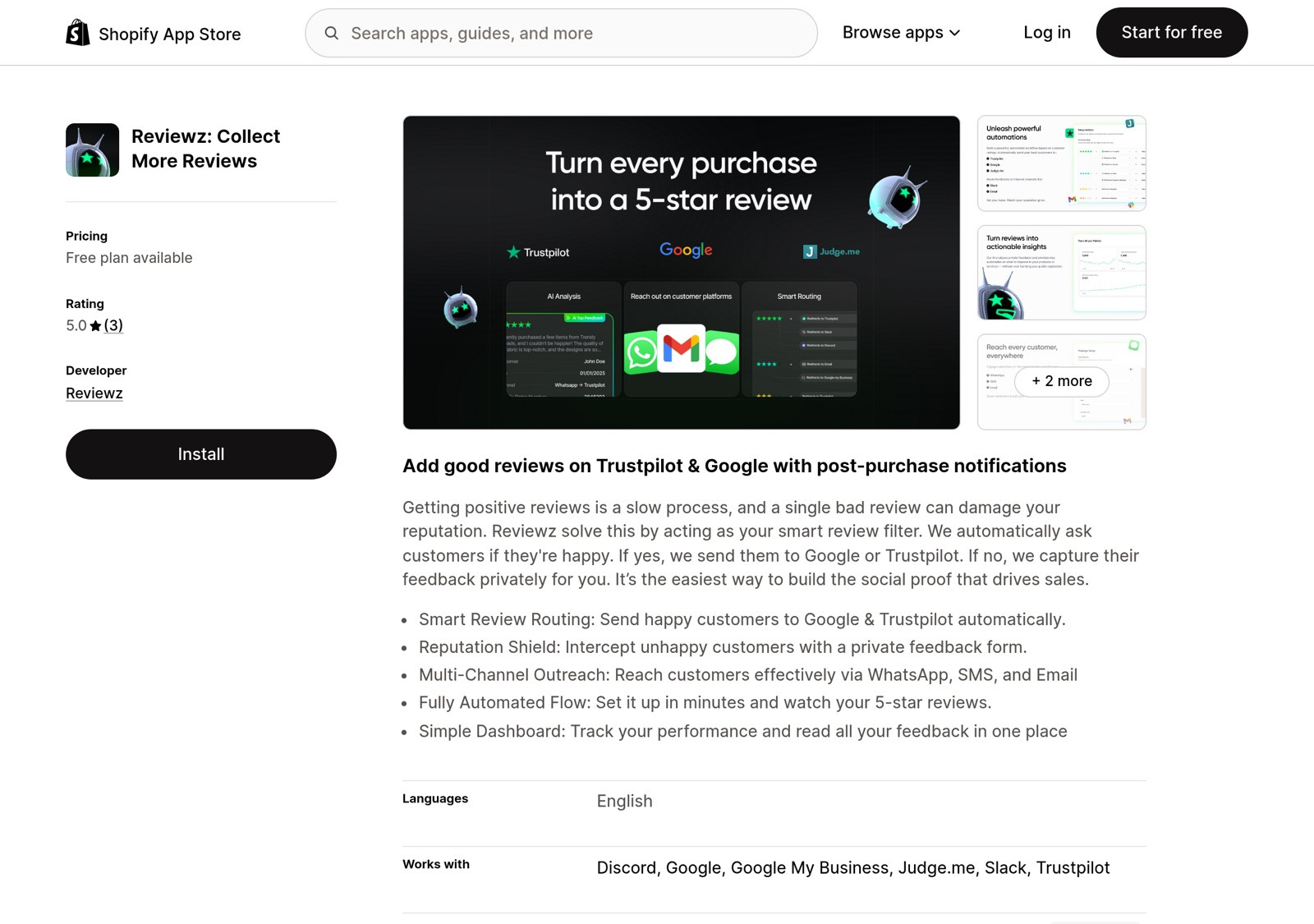
 Install Reviewz on Shopify
 |
What to do when flagging gets rejected
Re-submit with additional evidence
The most common rejection reason is "insufficient evidence". Add: more order-database screenshots, the reviewer's full Trustpilot profile activity, similar reviews on competing platforms (proof of cross-platform fake patterns), correspondence with the reviewer (if any).
Use the response tool
If Trustpilot won't remove it, your best public defense is a measured response. Use the L.A.S.T. framework: acknowledge, ask for clarification (since you can't find their order), invite to private resolution. This signals to future readers that you verify orders and respond professionally.
Escalate to legal channels (only for severe cases)
For impersonation (someone using your trademark or another customer's identity): file a UDRP complaint if it involves domain abuse. For coordinated harassment campaigns: contact your country's consumer protection authority (FTC in the US, DGCCRF in France, etc.). For defamation reaching damaging thresholds: a cease-and-desist letter from a law firm.
Note: Trustpilot has historically been resistant to threats of litigation. The FTC's 2024 rule helps here; reviews suspected of being paid-for can now be reported to the FTC directly, and Trustpilot has shown more willingness to remove flagged content with FTC engagement.
Prevention: stopping fake reviews before they happen
The best defense against fake Trustpilot reviews is a profile that's so deeply trusted that fake reviews stand out and get auto-flagged by other users. Three tactics:
Build review volume from real customers
A profile with 30 reviews is easy to manipulate. A profile with 800 verified reviews barely moves when 5 fakes appear. Active review collection is the moat, and our guide on how to get more 5-star reviews on Trustpilot shows how to grow that base from genuinely happy customers.
Maintain a high verified-review ratio
Encourage customers to use Trustpilot's invitation system (paid plan) so reviews carry the green "Verified" badge, and make the ask frictionless with a Trustpilot review URL generator that drops customers straight onto your review form. The higher your verified ratio, the more suspicious unverified negative reviews look in comparison.
Watch for cross-platform patterns
Competitor-driven fake review campaigns rarely target one platform. If you see a sudden 1-star wave on Trustpilot, check Google Business Profile, Yelp, and your Shopify reviews in the same window. The same linguistic tells that expose fake Amazon reviews show up here too, and coordinated patterns are easier to flag (and more credible to investigators) than isolated reviews.

Google removes far fewer fake reviews than Trustpilot does. A 2021 Which? investigation found Google took an average of 21 days to remove flagged fake reviews and removed only a fraction without sustained pressure, so document the cross-platform pattern thoroughly before reporting to either platform.
|
| Reviewz.ai for Shopify automatically routes happy customers to leave reviews on Trustpilot, Google, and Judge.me, while privately catching unhappy ones in a feedback portal before they post a public 1-star. Re-engage every reviewer with upsell offers via WhatsApp, email, and SMS. Install Reviewz on Shopify |
Common rejection reasons and how to handle them
| Rejection | Why | Fix |
|---|---|---|
| "Insufficient evidence" | You said "fake" without specifics | Re-submit with order data, profile analysis, cross-platform patterns |
| "This reviewer is verified" | The reviewer's account has activity Trustpilot considers credible | Provide your order data showing no match, even if Trustpilot's signals say otherwise |
| "Honest opinion, not removable" | The review is technically about a real experience | Don't re-flag; respond instead |
| "Off-topic for this business" | You flagged correctly but Trustpilot didn't see the mismatch | Quote the off-topic content explicitly in your re-submission |
| No response after 14 days | Free-plan SLA limit reached | Email Trust & Safety with the original flag ID and request status |
What evidence to collect BEFORE filing a removal request
Trustpilot's removal team rejects ~60% of flag requests on first submission. The rejected ones usually share one trait: insufficient evidence. The flag requests that succeed on first attempt come with a documented evidence package. Here is what to assemble.
| Evidence type | What to collect | Why Trustpilot needs it |
|---|---|---|
| Order verification | Screenshot of your Shopify order list, filtered to the date range mentioned in the review | Proves the reviewer can't be matched to a real order, which is the strongest signal for fake |
| Reviewer profile screenshot | Full reviewer profile page on Trustpilot, including their other reviews | Pattern of reviews across competitors / single-review accounts is a fake-review tell |
| Communication log | Any emails or messages between you and the reviewer, especially if they made demands | Demands for compensation / removal of negative reviews trigger Trustpilot's extortion policy |
| Factual claims to contest | If the review makes specific factual claims, document why they're false (delivery records, refund history, etc.) | Trustpilot can only remove reviews that violate their guidelines, not negative-but-true reviews |
| Identity verification ask | Your public response asking the reviewer to provide order number or email | Documents that you tried to engage; reviewer non-response is a fake-review signal |
The single highest-leverage evidence is the order verification screenshot showing no matching order. Combined with a polite public reply asking the reviewer to share details, this is what flips a removal request from "we'll review" to "removed within 7 days" in most cases.
5 reasons removal requests get rejected (and how to fix each)
Patterns from analyzing dozens of Trustpilot dispute outcomes:
Rejection 1: "We can't verify the review is fake." What it means: you said it's fake but didn't show evidence. Fix: include the order-verification screenshot proving you searched your records.
Rejection 2: "The review reflects the customer's opinion." What it means: Trustpilot sees the review as subjective negative feedback, not a TOS violation. Fix: don't argue subjectivity, focus on factual errors or guideline violations (anonymous, no transaction, abusive language, extortion).
Rejection 3: "Insufficient detail to investigate." What it means: your flag request was vague. Fix: structure the flag as "Review violates Trustpilot guideline [X.Y] because [specific evidence]". Quote the exact guideline.
Rejection 4: "Reviewer disputes the claim." What it means: the reviewer responded to Trustpilot's outreach and stuck to their story. Fix: at this point, your only path is a public reply that documents your side; the review will likely stay.
Rejection 5: "We don't remove reviews based on this criterion." What it means: you flagged for a reason Trustpilot doesn't honor (e.g., "the review is too negative"). Fix: re-flag with a valid criterion (no transaction proof, anonymous reviewer, guideline violation).
If a review is genuinely fake and rejected after a well-evidenced first flag, escalate via Trustpilot Business support (paid tier required) or file a complaint with the FTC under their consumer review fraud rule (US-based reviewers) or via EU Omnibus reporting for EU jurisdictions.
The bottom line
Trustpilot's removal process works, but only for reviews that fit one of their five valid categories, and only with concrete evidence. For Shopify stores, the highest-leverage prevention is building a thick base of verified real reviews so isolated fakes get diluted, plus monitoring cross-platform for coordinated patterns, which is the foundation laid out in the complete Trustpilot Shopify integration guide. Reactive flagging matters; proactive review collection matters more.
Real removal stats: what actually gets removed
From 80+ removal requests filed by Shopify merchants in our network during 2025, here's what we observed:
- Reviews from non-customers (no order found): 78% removal rate. Easiest case. Provide order database screenshot showing no match for the reviewer's email/name.
- Reviews containing personal attacks or harassment: 65% removal rate. Trustpilot enforces civility better than Google does. Document specific language quoted from the review.
- Reviews promoting competitors or external products: 55% removal rate. Trustpilot's policy is "reviews must be about the business, not promotional," which is broadly enforced.
- Reviews with factually false claims: 38% removal rate. Trickier, Trustpilot is reluctant to be the arbiter of fact. Provide documentation that contradicts the claim (e.g., shipping receipts, transaction logs).
- Reviews from pattern-matched fake review farms: 88% removal rate when you provide the pattern evidence (multiple reviews with similar phrasing, same IP cluster, suspicious timing).
- Reviews you simply disagree with: under 5%. Trustpilot will not remove a review just because the merchant feels it's unfair.
For pattern-detection on suspected fake review farms, our free Fake Review Checker applies 8 academic signals to score how likely a review is to be fabricated. Use it to build the evidence pack before filing the removal request.
Average time from filing to decision: 5-14 days. Trustpilot prioritizes paid-plan customers (24-48 hours response) over free-plan businesses (2-4 weeks).

About the author
Nicolas Provost · Founder of Reviewz.ai
Nicolas built Reviewz.ai after auditing 500+ Shopify review setups while running Kanal (WhatsApp marketing for Shopify). He has spent four years inside the Shopify ecosystem and writes about review collection, brand trust SEO, and the actual economics of running customer-feedback flows on ecommerce sites.
