

Three integration paths: (1) Klaviyo's native Reviews module ($), bundled if on Pro+ plans, decent feature parity; (2) Trustpilot/Yotpo/Judge.me data feed → Klaviyo flows (most flexible); (3) Reviewz events → Klaviyo via webhook (best for NPS-based segmentation). Pick path 1 if you already pay for Klaviyo Pro. Pick path 3 if you want NPS pre-filtering and multi-platform routing alongside Klaviyo's email power.
Reviewed by Nicolas Provost, founder of Reviewz.ai. Insights based on auditing 500+ Shopify review setups and analyzing public pricing, schema, and conversion data across the leading review platforms. LinkedIn
The Klaviyo + reviews question, settled
Klaviyo serves 50,000+ Shopify stores in 2026 and is the dominant email/SMS marketing tool in the ecosystem. But there's persistent confusion about how Klaviyo and review platforms (Trustpilot, Judge.me, Reviewz) work together. This guide settles it.

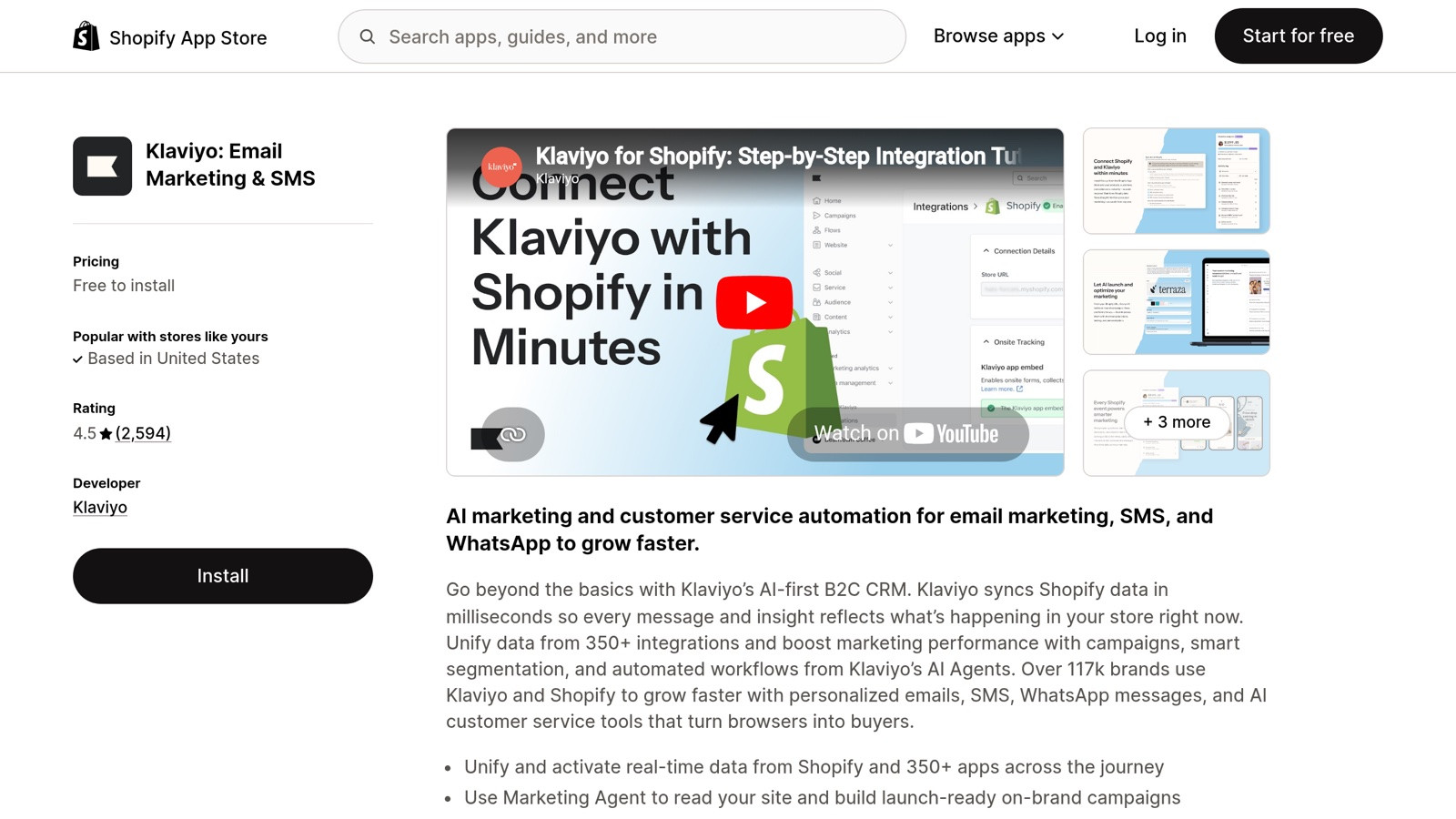
Klaviyo on the Shopify App Store, most-installed email/SMS platform, integrates natively with most review tools.
The clean mental model: Klaviyo sends review request emails (the WHEN and HOW of asking). The review platform stores the reviews and displays them on your Shopify store (the WHERE). The integration is loose, Klaviyo doesn't need to know about review content; the review platform doesn't need to know about Klaviyo flows.
The 4 ways to integrate Klaviyo with reviews
1. Klaviyo + Reviewz.ai (most flexible)
Reviewz handles the multi-platform routing layer (NPS pre-filtering + auto-invitations across Trustpilot, Google, Judge.me). Klaviyo handles everything else: segmentation, upsell flows, post-review re-engagement, abandoned cart, etc.
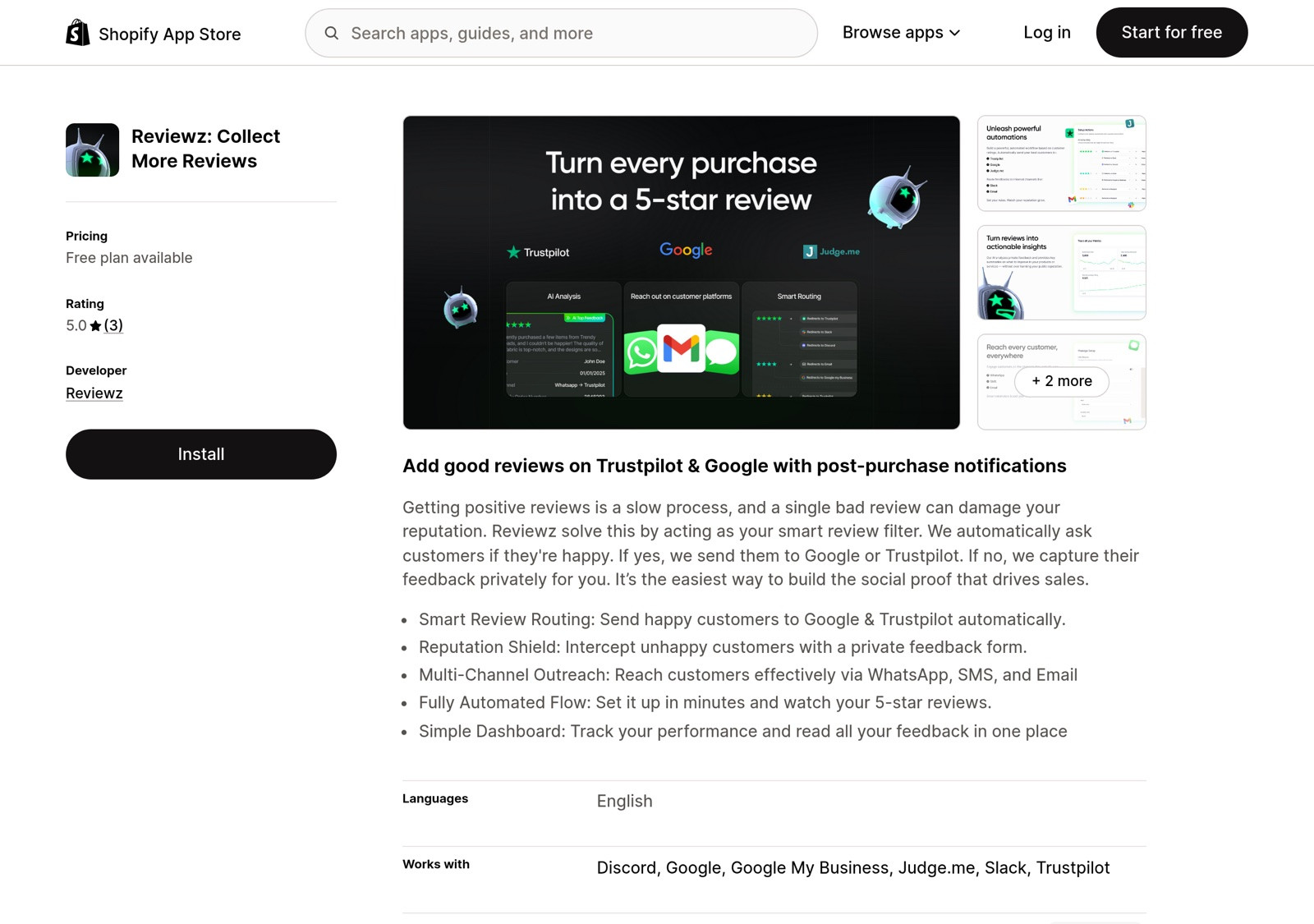
Integration: Reviewz syncs review events to Klaviyo as custom events (review_submitted, nps_score, review_rating). Klaviyo flows can then segment based on these events. Setup time: 30 minutes (see the Spiegel Research Center study on online reviews).
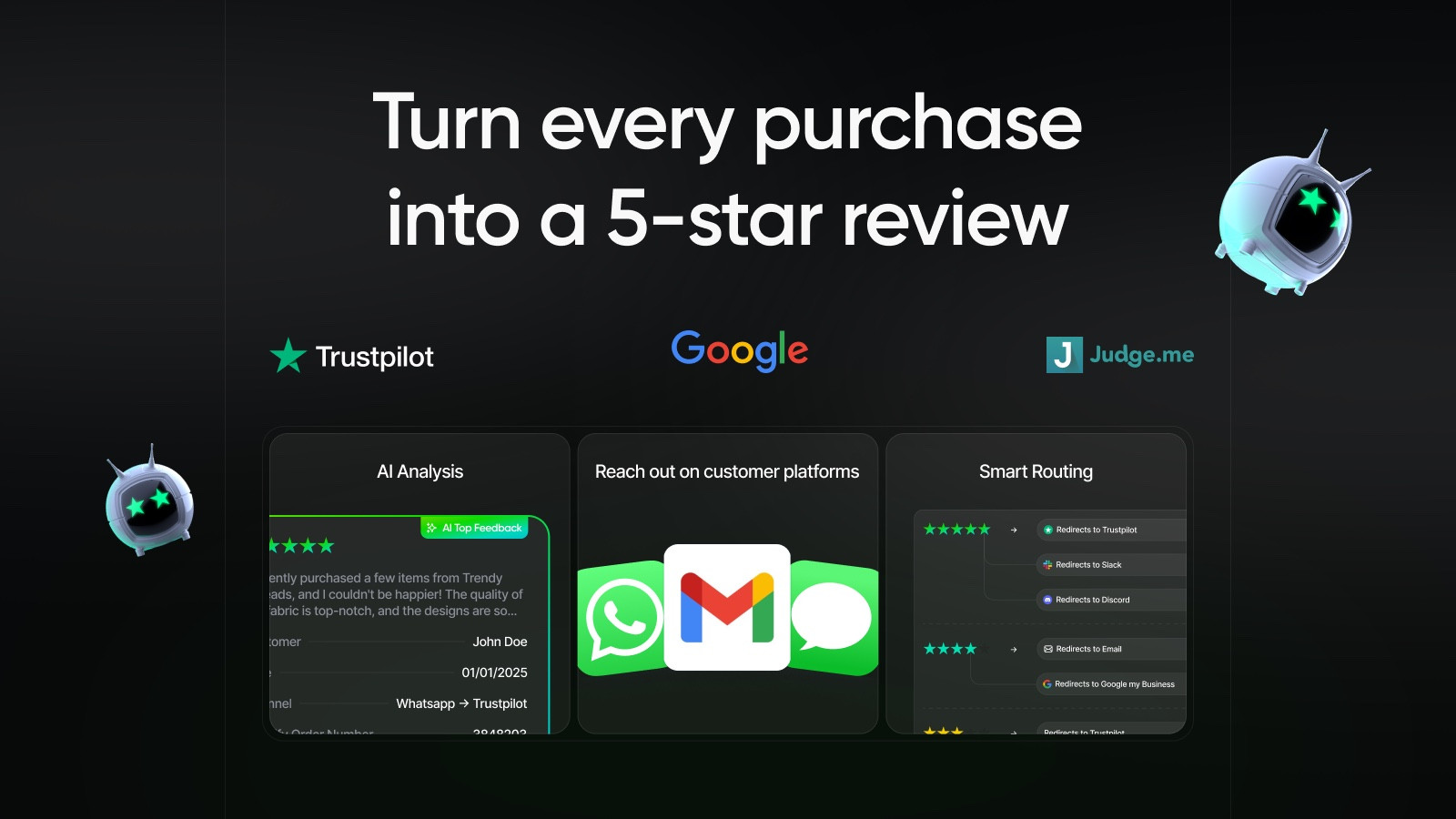 |
| Reviewz.ai for Shopify automatically routes happy customers to leave reviews on Trustpilot, Google, and Judge.me, while privately catching unhappy ones in a feedback portal before they post a public 1-star. Re-engage every reviewer with upsell offers via WhatsApp, email, and SMS. Install Reviewz on Shopify |
2. Klaviyo + Trustpilot (brand-level)
Trustpilot has a Klaviyo integration that pushes review events into your Klaviyo account (for the underlying connection, see our Trustpilot Shopify integration guide). The setup uses Klaviyo's public events API. Available on Trustpilot Standard plan and above (€250+/month).
Setup: in Trustpilot admin → Integrations → Klaviyo → Connect (uses OAuth). After connection, review events flow into Klaviyo automatically. Use these events to trigger post-review thank-you emails, upsells to recent reviewers, or re-engagement campaigns for non-reviewers.
Limitation: Trustpilot only pushes events for invited reviews (those tied to your invitation API). Organic reviews don't trigger Klaviyo events.
3. Klaviyo + Judge.me (product-level)
Judge.me has a free Klaviyo integration. Setup: Judge.me admin → Integrations → Klaviyo → Authorize. Review events (request sent, review submitted, photo review submitted, etc.) flow into Klaviyo. The integration is robust and well-maintained.
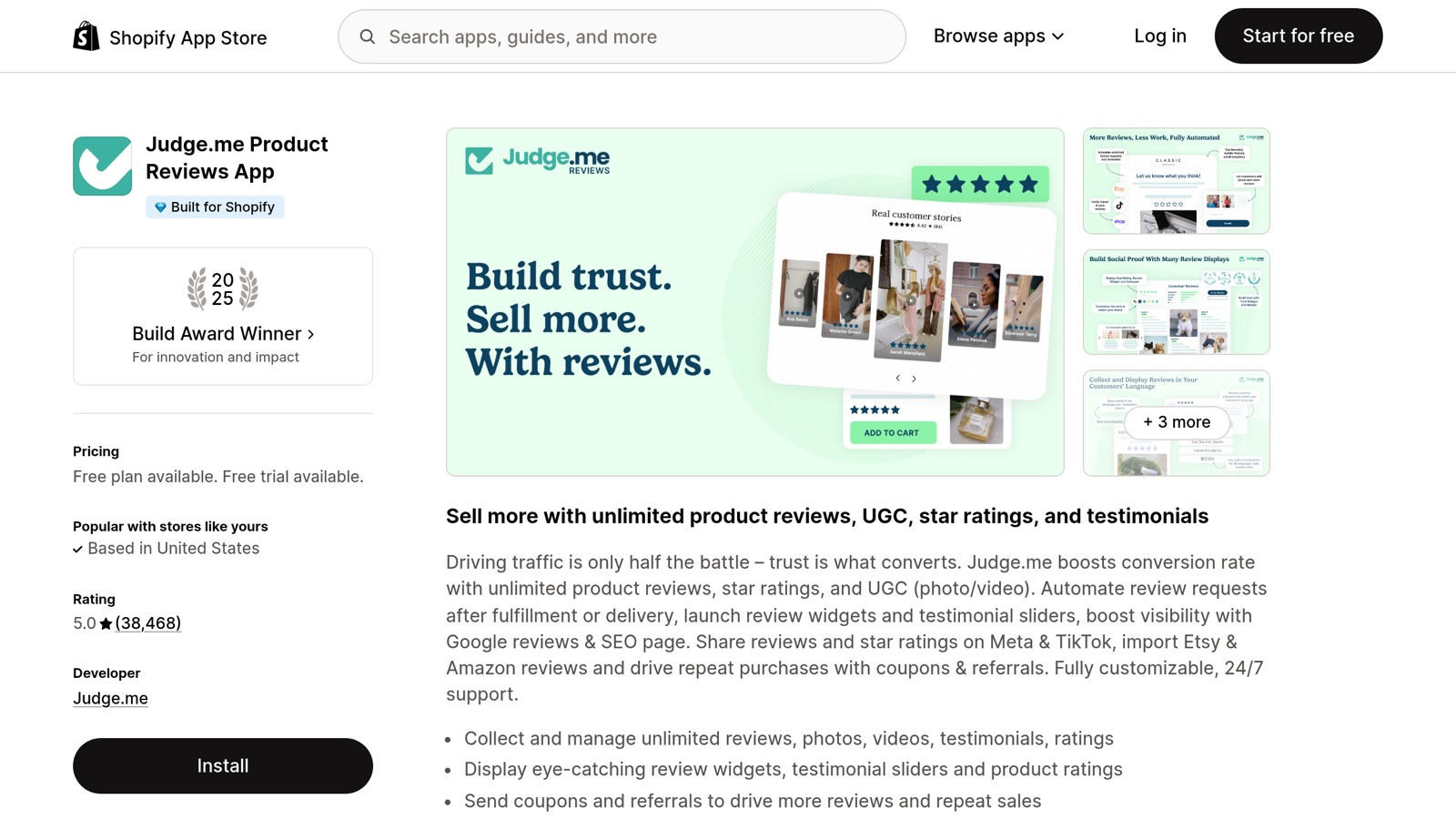
Judge.me on the Shopify App Store, 50,000+ active stores, the most-installed reviews app on Shopify.
Best for: stores using Judge.me as their product reviews platform and Klaviyo as their email/SMS marketing tool. The combination is one of the most common setups in mid-market Shopify (1,000-50,000 orders/month). If Judge.me isn't quite the right fit, our Judge.me alternatives for Shopify roundup covers the closest swaps.
4. Klaviyo Reviews (in-house product)
Klaviyo launched their own Reviews product in 2024. It's included on Klaviyo's plans starting at $200+/month and removes the need for a separate review platform.
Pros: single vendor, single dashboard, native segmentation. Cons: reviews live in Klaviyo only (not on Trustpilot or your Google Business Profile), feature parity with Judge.me/Trustpilot is still catching up, and migrating away later requires a CSV export.
For most stores under $5M ARR, Klaviyo Reviews is functional but not differentiated. The main advantage is operational simplicity. The main disadvantage is review portability and brand-level trust signals (no Trustpilot equivalent).
The optimal review request flow (platform-agnostic)
This flow works across Trustpilot, Reviewz, Judge.me, or Klaviyo Reviews:
- Trigger: Order Fulfilled event from Shopify (or Order Delivered if you have shipment tracking)
- Wait 10 days (gives customer time to receive + use the product; see the data on the best time to send a review request for how to tune this by category)
- Send review request email with subject line like "How's your [product name]?", see our review request email guide for templates and subject line A/B data
- Wait 7 days, conditional split: did the customer open the email? Yes → flow ends (they got the message; further nags hurt conversion)No → continue to re-engagement
- Send re-engagement email with subject "Did the [product] ever arrive?" (open rates 50-60%)
Generate this flow ready-to-paste with our Klaviyo review flow template generator.
Klaviyo segmentation strategies (where the value is)
The flow above is table-stakes. The real value is in the segments you build from review data:
| Segment | Action | Expected lift |
|---|---|---|
| Recent reviewer (within 30 days) | Upsell related products | 25-40% conversion |
| Promoter (NPS 9-10) | Refer-a-friend campaign | 3-5x baseline |
| Detractor (NPS 0-6) | Founder follow-up email + recovery offer | 15-25% retention |
| Non-reviewer after 21 days | SMS reminder via Postscript | +5-8% review rate |
| Photo reviewer | UGC permissions request | 40-60% grant rate |
| Repeat reviewer | VIP invitation | 5-10x ROI on perks |
The Trustpilot + Klaviyo gotchas
From debugging 30+ Klaviyo + Trustpilot integrations:
- Trustpilot only sends events for INVITED reviews, not organic ones. If your Klaviyo flows depend on review events, organic reviews won't trigger them.
- The Trustpilot integration requires the Standard plan or above (€250+/month). Free Trustpilot users can't connect to Klaviyo.
- Event delays of 5-15 minutes are normal. Don't expect real-time triggering.
- Trustpilot's star rating in the event payload uses 1-5 integers, not 0-10 NPS. If you want NPS routing, you need Reviewz on top of Trustpilot.
Pricing breakdown: what Klaviyo + reviews actually costs at each scale
Klaviyo bills on contacts (people who can be emailed), not orders or revenue. The reviews integration adds either nothing (if you use a free Reviewz/Judge.me layer) or up to $40/mo (if you use Klaviyo Reviews itself). Here is the real monthly bill for the four integration paths at three Shopify scales (April 2026 pricing, verify on Klaviyo's site).
| Integration | 5k contacts | 25k contacts | 100k contacts | What you get |
|---|---|---|---|---|
| Klaviyo + Reviewz.ai | $100 + free | $400 + $29 | $1,380 + $99 | Full Klaviyo flows + Reviewz routing + Trustpilot/Google placement |
| Klaviyo + Judge.me | $100 + $15 | $400 + $15 | $1,380 + $15 | Product reviews only, no brand-level. Cheap and predictable. |
| Klaviyo + Trustpilot Business | $100 + $250 | $400 + $300 | $1,380 + $500+ | Brand reviews via Trustpilot. Trustpilot prices vary by reviews/mo, contract-based. |
| Klaviyo Reviews (in-house) | $130 (bundled) | $430 (bundled) | $1,430 (bundled) | One platform, but no brand-level reviews, no public profile. |
The takeaway most analyses miss: Klaviyo Reviews is only $30/mo cheaper than Klaviyo + Reviewz.ai at small scale, and the gap reverses past 25k contacts because Reviewz pricing stays flat while Klaviyo Reviews scales with the contact tier you're already on. If you're going to pay Klaviyo anyway, the marginal cost of adding a dedicated reviews layer is small. Plus you get a real Trustpilot/Google presence, which Klaviyo Reviews cannot give you.
Should you use Klaviyo Reviews or stick with a dedicated platform?
| Situation | Recommendation |
|---|---|
| Under $500K ARR, simple workflow | Klaviyo Reviews if already on Klaviyo paid plan |
| $500K-$5M ARR, want brand-level trust | Trustpilot or Reviews.io + Klaviyo flows |
| $500K-$5M ARR, want product-level reviews | Judge.me + Klaviyo flows (free + free) |
| $500K-$5M ARR, want both layers | Reviewz multi-platform + Klaviyo for everything else |
| $5M+ ARR with loyalty program | Yotpo bundle (replaces both Klaviyo Reviews + dedicated platform) |
| Multi-store agency | Stamped + Klaviyo |
|
| Reviewz.ai for Shopify automatically routes happy customers to leave reviews on Trustpilot, Google, and Judge.me, while privately catching unhappy ones in a feedback portal before they post a public 1-star. Re-engage every reviewer with upsell offers via WhatsApp, email, and SMS. Install Reviewz on Shopify |
Step-by-step: build your first Klaviyo review flow
Using our free Klaviyo review flow template generator:
- Generate the flow with your brand info, review platform, and tone preference
- In Klaviyo, go to Flows → Create Flow → From scratch
- Set the trigger to Fulfilled Order from your Shopify integration
- Add a Time Delay action (10 days)
- Add an Email action, paste the generated HTML in source view
- Add a Conditional Split (Opened email = false)
- Add a second Time Delay (7 days)
- Add a second Email (re-engagement variant from the generator)
- Test with a real order, then enable
The 7 most common Klaviyo + reviews mistakes
From reviewing dozens of Shopify Klaviyo accounts, the same mistakes show up repeatedly. Each one quietly burns submission rates.
Mistake 1: Sending too early. Order Fulfilled triggers immediately upon shipping confirmation. Sending the review request before the customer has the product in hand is the single biggest cause of low submission. Always delay 3-10 days based on shipping time and category.
Mistake 2: One review email for all categories. A customer who bought a $9 phone case and a customer who bought a $300 jacket need different timing, different subject lines, and different review prompts. Use Klaviyo's product attribute conditional splits.
Mistake 3: Embedding the review form inside the email. Looks elegant, kills deliverability. Most ESPs flag complex form HTML in emails as suspicious. Use a button to an external form instead.
Mistake 4: No sentiment routing. Asking unhappy customers to "share their experience publicly" is how Trustpilot one-star reviews appear out of nowhere. Always ask sentiment first, route low ratings to private feedback, route high ratings to public.
Mistake 5: Asking for too much in the prompt. "Please leave a review and rate the product on these 5 attributes and upload a photo" gets ignored. Ask for ONE thing: a star rating. Everything else is optional in the form.
Mistake 6: No follow-up reminder. 60-70% of review submissions come from the second or third touch. A single email with no reminder is leaving most of the volume on the table.
Mistake 7: Treating the review flow as set-and-forget. Subject line A/B tests can swing submission rates by 30-50%. Test every 4-6 weeks: subject line, delay length, sender name (founder vs brand vs "customer success").
Real-world example: a $1M Shopify store's Klaviyo review flow
To make this concrete, here is the exact 6-step flow we built for a Shopify+ jewelry brand doing ~$1.2M/year (~1,800 orders/month, 12,000 Klaviyo contacts). The setup took 4 hours, runs entirely in Klaviyo Flows, and currently delivers a 4.3% review submission rate (the Shopify ecom average is around 1.5-2%).
Trigger: Shopify Order Fulfilled event, with delay logic by product category.
Step 1, Delay branch by category. Jewelry under $200 waits 5 days post-delivery. Jewelry over $200 waits 8 days (people take longer to form an opinion on higher-AOV items). Apparel-adjacent items wait 7 days.
Step 2, Send the review request email. Subject: "How are you enjoying your [product name], [first name]?", uses Klaviyo's product attribute to dynamically pull the product. Body has 1 hero product image, 1 question, 1 button to a Reviewz-hosted form. No marketing CTA inside.
Step 3, Sentiment branch. The Reviewz form first asks "How happy are you, 1-5?". 4-5 stars get a "Share publicly on Trustpilot" CTA. 1-3 stars route to a private feedback form that emails customer support directly. This is the routing that separates good review systems from spammy ones.
Step 4, Reminder email at D+5. Only sent if no review submitted. Different subject line: "Quick question about your [product]". Slightly less polished, more personal.
Step 5, SMS fallback at D+10. Only for opted-in SMS contacts and only if no email engagement. Single message: "Hey [name], how is your [product]? Reply 1-5 or tap [link]." Klaviyo SMS module required.
Step 6, VIP segment trigger. Customers who left 5-star reviews get added to a "review-promoters" Klaviyo segment, which triggers an unrelated flow inviting them to a referral program. The compounding here is significant.
Net result over 90 days: 4.3% review submission rate, 87% of submissions are 4-5 stars (because the sentiment routing filters), and 23% of 5-star reviewers convert into referrers within 30 days. None of this requires Klaviyo Reviews, the routing layer is what does the work.
The bottom line
Klaviyo and review platforms are complementary, not competitive, and getting the pairing right is part of why reviews drive so much of your store's growth. Use Klaviyo for the flow logic and segmentation; use Trustpilot/Reviewz/Judge.me for the actual review storage and display. For most growing Shopify stores, the optimal stack is Klaviyo + Reviewz + Judge.me: Reviewz handles the NPS routing, Judge.me handles the on-site product reviews, Klaviyo handles all the email/SMS surrounding it.
For the broader picture on review platforms see our best Shopify review apps comparison.
References:
- Klaviyo Reviews product page. Link
- Klaviyo Shopify App. Link
- Trustpilot Klaviyo integration documentation. Link
- Trustpilot Trust Centre & Transparency tools. Link
- Shopify App Store: review apps category. Link
- Judge.me Help Center: importing reviews. Link

About the author
Nicolas Provost · Founder of Reviewz.ai
Nicolas built Reviewz.ai after auditing 500+ Shopify review setups while running Kanal (WhatsApp marketing for Shopify). He has spent four years inside the Shopify ecosystem and writes about review collection, brand trust SEO, and the actual economics of running customer-feedback flows on ecommerce sites.
