
Trust badges are small icons that tell a shopper your store is safe to buy from: the payment methods you accept, a secure checkout mark, a returns or guarantee promise, and proof from third parties such as a review rating. On Shopify you can add the most useful ones without an app, using the payment icons setting in the footer and a block next to the Add to cart button. The badges that work are the ones that answer a real doubt and that you can back up. Three true badges beat ten decorative ones.
Use four kinds of trust badges and place them where the doubt appears. Payment icons in the footer, two or three policy badges (shipping, returns, guarantee) under the Add to cart button, a secure checkout line in the cart, and a review rating near the product title. Shopify stores get a TLS certificate and PCI compliance by default, so the security claim is true. Editing the checkout itself to add badges is reserved for Shopify Plus.
Reviewed by Nicolas Provost, founder of Reviewz.ai. Insights based on auditing 500+ Shopify review setups and analyzing public pricing, schema, and conversion data across the leading review platforms. LinkedIn
What a trust badge is, and what it is not
Shopify's own guide to trust badges defines a trust badge, or trust seal, as an icon displayed on an ecommerce site to increase consumer confidence. That definition is worth reading twice. A badge does not make a store secure. It communicates something that is already true: you accept PayPal, the connection is encrypted, returns are free for 30 days, 1,200 customers rated the product.
That is also the test for every badge on your site. If you removed the icon and wrote the claim as a plain sentence, would it still be true and would you be able to prove it? If yes, the badge is doing its job. If not, it is decoration at best and a legal problem at worst.
What the research says
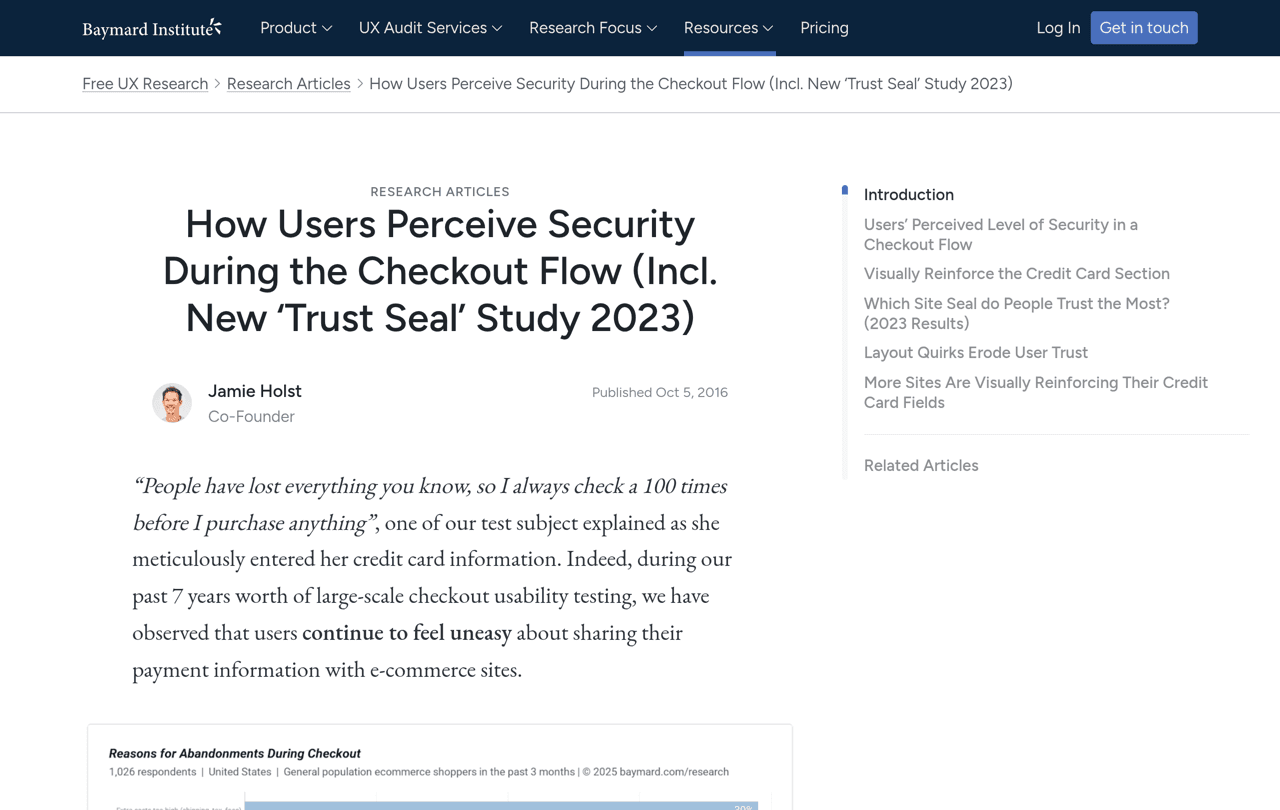
The best public data on trust badges comes from the Baymard Institute, which has run checkout usability studies for more than a decade.
Its cart abandonment research asks US online shoppers why they abandoned an order in the past three months. Setting aside people who were just browsing, 19% say they did not trust the site with their credit card information. Other reasons on the same list are just as relevant to badges: 40% cite extra costs such as shipping, 20% slow delivery, 13% an unsatisfactory returns policy, and 9% too few payment methods.
Baymard's research on perceived security adds three findings that should shape how you use badges:
- Shoppers judge security by how the page looks. Most people cannot evaluate encryption, so they go by visual cues around the payment fields.
- Recognition matters more than the technology behind the seal. In Baymard's 2023 survey on which badge gives the best sense of trust, seals from well-known consumer brands scored highest, and a homemade seal with no third party behind it beat several SSL seals from established vendors.
- Small brands need the cues more. In testing, large household names raised few security concerns even with minimal visual reassurance, while newer and niche sites triggered concerns easily when cues were missing.
Baymard also observed that layout bugs in a checkout made some test subjects doubt the site altogether. A broken layout cancels any badge.
One caution: these studies measure perceived trust, not sales. Baymard itself recommends A/B testing badges on your own audience, and so do we. Anyone quoting a fixed conversion lift for a trust badge is quoting one store's test.
The six types of trust badges
| Type | Examples | The doubt it answers | Who can use it |
|---|---|---|---|
| Payment badges | Visa, Mastercard, PayPal, Shop Pay, Apple Pay icons | Can I pay the way I want? | Any store, for the methods it really accepts |
| Security badges | Secure checkout, padlock, encrypted payment | Is my card safe here? | Any store on an encrypted, PCI compliant platform |
| Policy badges | Free shipping, 30-day returns, money-back guarantee, 2-year warranty | What happens if I do not like it? | Any store whose written policy says the same thing |
| Review badges | Star rating and review count, Trustpilot or Google rating | Did other people have a good experience? | Stores with real, collected reviews |
| Endorsement badges | BBB accreditation, B Corp, industry certifications | Has someone independent checked this business? | Only stores the organization has approved |
| Media badges | As seen in, Featured in | Is this brand known? | Stores with real coverage they can link to |
The first three are self-declared: you state something about your own store. The last three borrow credibility from someone else, which is why they tend to carry more weight and why they come with conditions.
What Shopify already gives you
Before adding anything, know what is true of every Shopify store, because it decides which security claims you can make.
- An encrypted connection. Shopify's help center states that TLS certificates are provided for free for all domains added to Shopify, which is what puts the padlock in the browser's address bar.
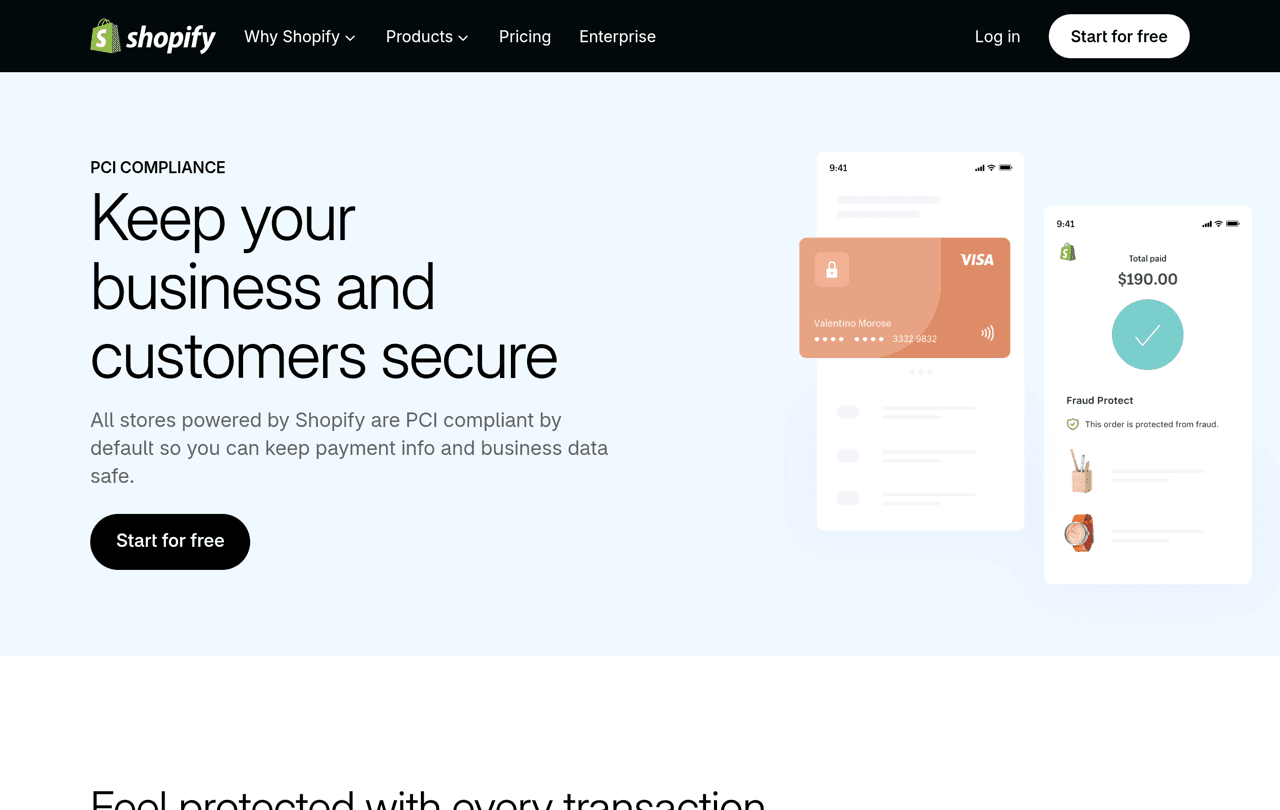
- PCI compliance. Shopify's PCI compliance page says Shopify is certified Level 1 PCI DSS compliant and that all stores powered by Shopify are PCI compliant by default.
- Payment icons. Most Shopify themes can display the icons of your active payment methods in the footer, pulled from your payment settings.
So "Secure checkout" is an honest statement on a Shopify store. What you should not do is paste the logo of a security vendor whose product you do not use.
How to add trust badges to a Shopify store
Work from the bottom of the page upward: footer, product page, cart. Each step below uses the theme editor, with no app and no code beyond one optional snippet.
1. Payment icons in the footer
- From your Shopify admin, go to Online Store and click Edit theme.
- In the sidebar, click the Footer section.
- Switch on the payment icons setting. Shopify's help center calls it Show payment icons, and in the free Dawn theme it is labelled Payment method icons.
- Click Save.
If the icons do not appear, Shopify's theme troubleshooting guide says to check that at least one payment method is active in Settings > Payments, and notes that icons may not display with some third-party payment gateways.
2. Policy badges next to the Add to cart button
This is the most useful placement, because it is where the shopper decides. Shopify's free Dawn theme has a block made for it.
- In the theme editor, open your product template.
- In the Product information section, click Add block and choose Icon with text.
- Fill in up to three pairings. Each one is an icon or an uploaded image plus a short heading, for example a truck icon with "Free shipping over $50".
- Choose the horizontal or vertical layout.
- Drag the block directly under Buy buttons, and click Save.
Good wording is specific. "30-day free returns" says more than "Easy returns", and "Ships in 24 hours" says more than "Fast shipping". Link each claim to the policy page that backs it up somewhere on the product page.
Many other themes have a similar block under a different name. Look for words like icons, features or trust in the block list.
3. A custom badge row with Custom Liquid
If your theme has no such block, add a Custom Liquid block in the same place and paste a few lines of HTML. This version uses only text and a check mark, so there are no image files to slow the page down:
<ul style="display:flex;flex-wrap:wrap;gap:8px 20px;list-style:none;padding:0;margin:12px 0;font-size:14px;">
<li>✓ Secure checkout</li>
<li>✓ 30-day free returns</li>
<li>✓ Ships in 24 hours</li>
</ul>
Replace the three lines with claims that are true for your store.
4. A reassurance line in the cart
The cart is the last page you fully control on most plans. Open the cart template in the theme editor, click Add section, choose Custom Liquid and paste the same snippet, or a single line such as "Secure checkout. 30-day free returns." Keep it close to the checkout button.
5. The checkout itself
This is where Baymard's research says reassurance counts most, and it is the place where Shopify gives you the least freedom. Shopify's Checkout Blocks documentation explains that merchants on the Basic plan or higher can only place content blocks on the Thank you and Order status pages. Adding a shipping and payment icons block inside the checkout is available only on Shopify Plus.
For everyone else, the checkout is Shopify's own, encrypted and PCI compliant, and your job is to remove doubts before the customer gets there.
6. When an app makes sense
The Shopify App Store has a badges and icons category with dedicated apps. They are worth it when you need a large icon library, different badges per product or collection, or badges on product images. For three policy badges under a button, the theme block is enough, and one less script loads on your product page.
Review badges: the proof you cannot write yourself
Payment, security and policy badges are things you say about your store. A review badge is what customers say, which is why it deserves the best spot on the page: next to the product title.
- Product star rating and review count. The rating under the product title is a trust badge too. Our guide on how to add reviews to Shopify shows how to place the rating block under the title and on collection pages. If you need a static version for a landing page, the CSS star rating generator builds one.
- Review app badges. Judge.me's App Store listing includes a trust badge and medals in its free plan, and our Judge.me logo downloader has the official logo in every size if you want to show which platform hosts your reviews. Our Judge.me review covers what the free plan includes.
- Trustpilot widgets. Trustpilot calls its embeddable widgets TrustBoxes, and how many you get depends on your plan. The details are in our Trustpilot pricing guide and the Trustpilot Shopify integration guide.
- The Google Customer Reviews badge. Google's Customer Reviews program is a Merchant Center add-on that surveys verified buyers after checkout and provides a badge showing your store rating, which you can place on any page of your site.
A review badge is only as convincing as the number behind it. We explain the thresholds in how many reviews a product needs, and what changes for expensive products in reviews for high-AOV Shopify stores. For the wider case, see why customer reviews are important.
That number comes from asking. Reviewz is a Shopify app that asks every customer for a review after an order over WhatsApp, SMS and email. Customers who rate 4 or 5 stars are sent to Trustpilot, Google or Judge.me, and the others get a private feedback form so your team can respond. Read each platform's invitation rules before choosing where to send people. It is free to start, and the paid plans are on the pricing page.
The strongest trust badge is a rating backed by real reviews. Reviewz collects them over WhatsApp, SMS and email.
Install Reviewz on ShopifyBadges you are not allowed to use
A trust badge is an advertising claim. The same rules apply to it as to any other claim on your site.
- Third-party seals you were not issued. An accreditation seal or a security vendor's seal can only be displayed by businesses the organization has approved. Baymard's finding that recognized seals score well is not a licence to copy one.
- Guarantees you do not honor. The FTC's guides on advertising guarantees say a seller should use terms such as "Money Back Guarantee" or "Satisfaction Guarantee" only if it refunds the full purchase price at the customer's request, and that any material conditions, such as a 30-day limit, should be disclosed clearly.
- Payment logos for methods you do not accept. A shopper who chooses your store for PayPal and cannot find it at checkout leaves.
- Ratings that are not real. The FTC rule on fake reviews and testimonials prohibits fake reviews and bars a business from presenting the reviews on its site as all or most of those submitted when it has suppressed some because of their rating. A star badge inherits those obligations.
Mistakes that make badges backfire
- Too many. A row of ten icons reads as noise. Two or three near the button, payment icons in the footer.
- Pushing the button down. On mobile, badges placed above Add to cart delay the one action you want. Put them below it.
- Vague wording. "Quality guaranteed" answers no question. "2-year warranty" does.
- Blurry or mismatched icons. Baymard's observation about layout bugs applies here: anything that looks broken lowers trust.
- Claims that contradict the policy page. A "Free returns" badge next to a policy that charges a restocking fee does more harm than no badge.
Related reading: Social proof examples, Shopify conversion rate optimization.
FAQ
What are trust badges?
Trust badges are icons that communicate a reason to trust an online store: accepted payment methods, a secure checkout, a returns or guarantee policy, a review rating, or an endorsement from a third party. They are also called trust seals.
Do trust badges increase conversions?
They can, but there is no universal number. Baymard's research shows that visual cues raise perceived security, and that 19% of US shoppers who abandoned an order for a reason other than browsing did not trust the site with their card details. The effect on sales depends on your store, so test it.
Which trust badges should a Shopify store use?
Start with four: payment icons in the footer, two or three policy badges under the Add to cart button, a secure checkout line in the cart, and a star rating with review count near the product title.
How do I add trust badges to Shopify without an app?
Switch on payment icons in the Footer section of the theme editor, then add an Icon with text block, or a Custom Liquid block, under the Buy buttons in the Product information section of your product template.
Can I add trust badges to the Shopify checkout?
Only on Shopify Plus. Shopify's documentation says the shipping and payment icons block for checkout is available to Plus merchants, while other plans can add content blocks only to the Thank you and Order status pages.
Is it legal to show a "Secure checkout" badge?
Yes, if it is true. Shopify provides free TLS certificates for domains added to Shopify, and all Shopify stores are PCI compliant by default. What you cannot do is display a third-party seal you were not issued, or a guarantee you do not honor.

About the author
Nicolas Provost · Founder of Reviewz.ai
Nicolas built Reviewz.ai after auditing 500+ Shopify review setups while running Kanal (WhatsApp marketing for Shopify). He has spent four years inside the Shopify ecosystem and writes about review collection, brand trust SEO, and the actual economics of running customer-feedback flows on ecommerce sites.
