
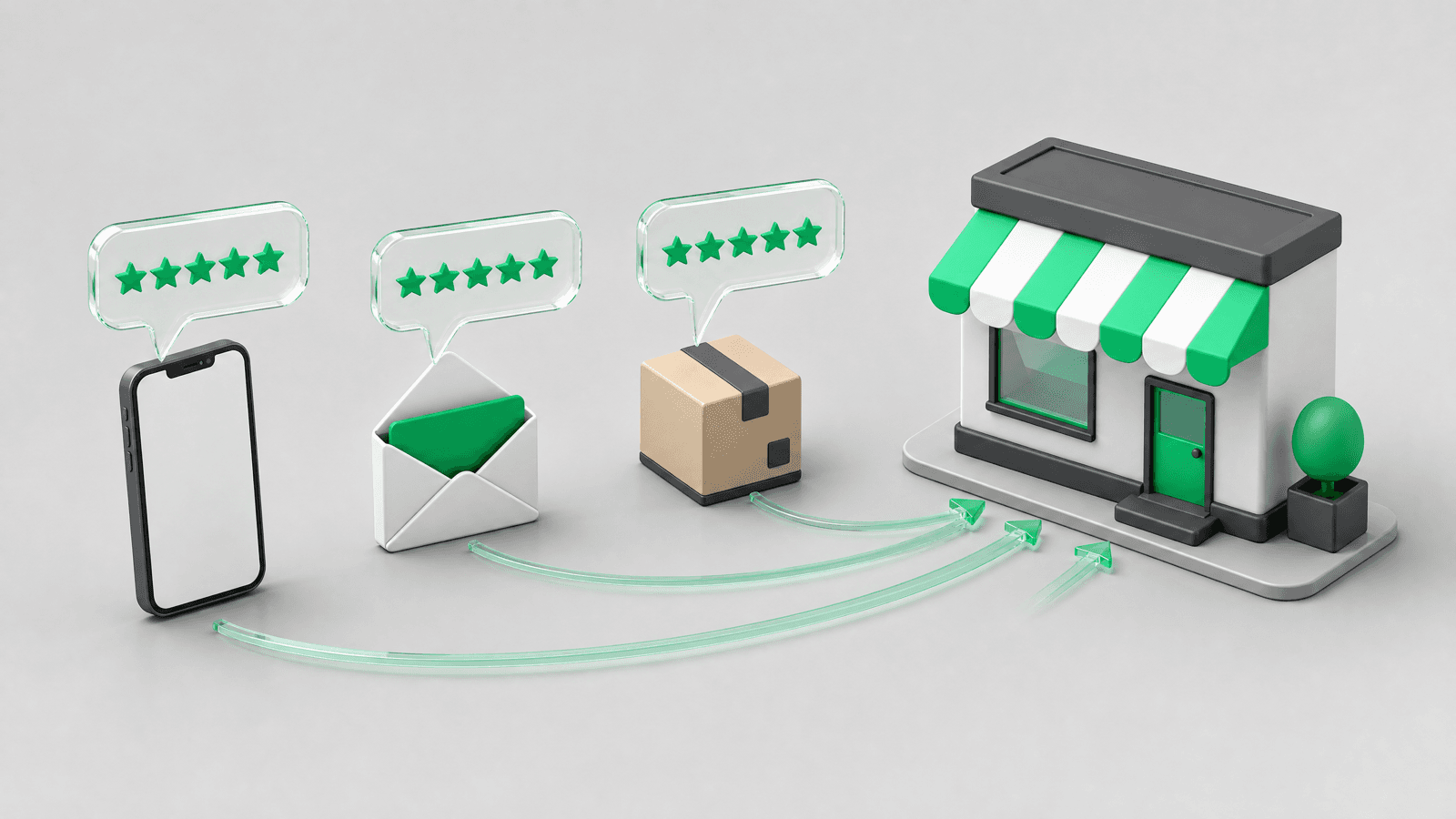
The best way to ask customers for reviews is to send one short, personal message a few days after the product arrives, with a single link that opens the review form directly. Ask every customer, not a hand-picked few, use the channel they actually read (email, SMS or WhatsApp), and never tie a reward to a positive rating. The 17 templates below are ready to paste into your store.
Ask every customer, 7 to 14 days after delivery, with one message that names the product, takes under a minute to act on and links straight to the review form. Send one reminder a few days later and stop there. Keep the wording neutral: no "leave us 5 stars", no discount for a good rating. SMS and WhatsApp need an opt-in, and WhatsApp review requests must reference a specific order to be approved as a utility template.
Reviewed by Nicolas Provost, founder of Reviewz.ai. Insights based on auditing 500+ Shopify review setups and analyzing public pricing, schema, and conversion data across the leading review platforms. LinkedIn
Why asking works better than waiting
Most stores that complain about having no reviews have never asked for one. The data on this is unusually clear. In the BrightLocal Local Consumer Review Survey 2026 (1,002 US adults), 78% of consumers said a business asked them for a review in the past 12 months, and 83% of the people who were asked went on to write one. 28% say they "always" write a review when asked, up from 16% a year earlier.
The same survey explains why waiting produces a skewed profile. Only 6% of consumers say they would never write a review, but few do it spontaneously, so the reviews you get without asking come from the customers with the strongest feelings. Asking everyone is what makes your public rating look like your real customer experience. It is also the cheapest way to move toward the review count a product needs before it converts.
A realistic expectation for a Shopify store: a well-timed, single-channel request gets a low single-digit share of orders to review, and a multi-channel sequence gets meaningfully more. We keep the detailed numbers by category in our review submission rate benchmarks.
Four rules to know before you write a word
Review requests are regulated by law and by each review platform. Get these four points right and every template below is safe to use.
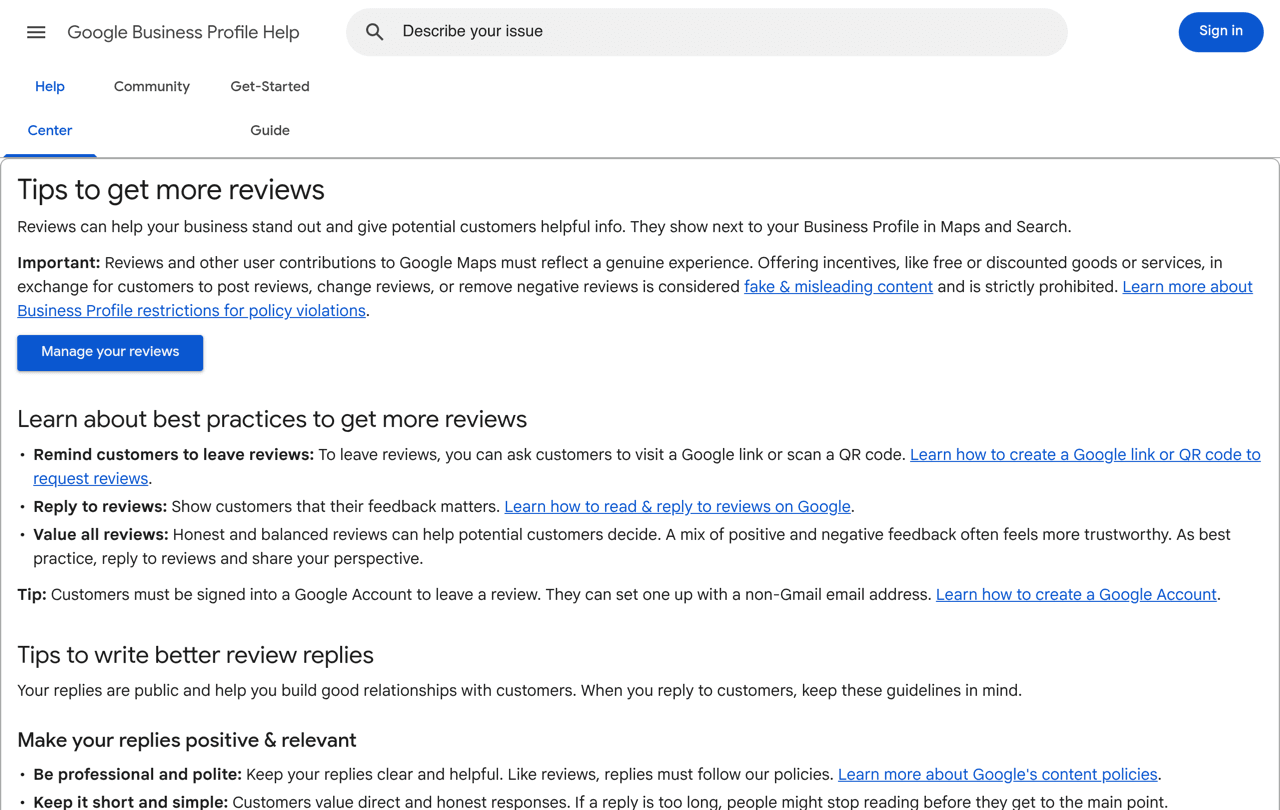
1. No reward for a positive review. The FTC rule on fake reviews and testimonials prohibits giving compensation or other incentives conditioned on a review expressing a particular sentiment, positive or negative. Google and Trustpilot go further and ban incentives for reviews altogether. Our guide on offering a discount for reviews covers what is still allowed on your own site.
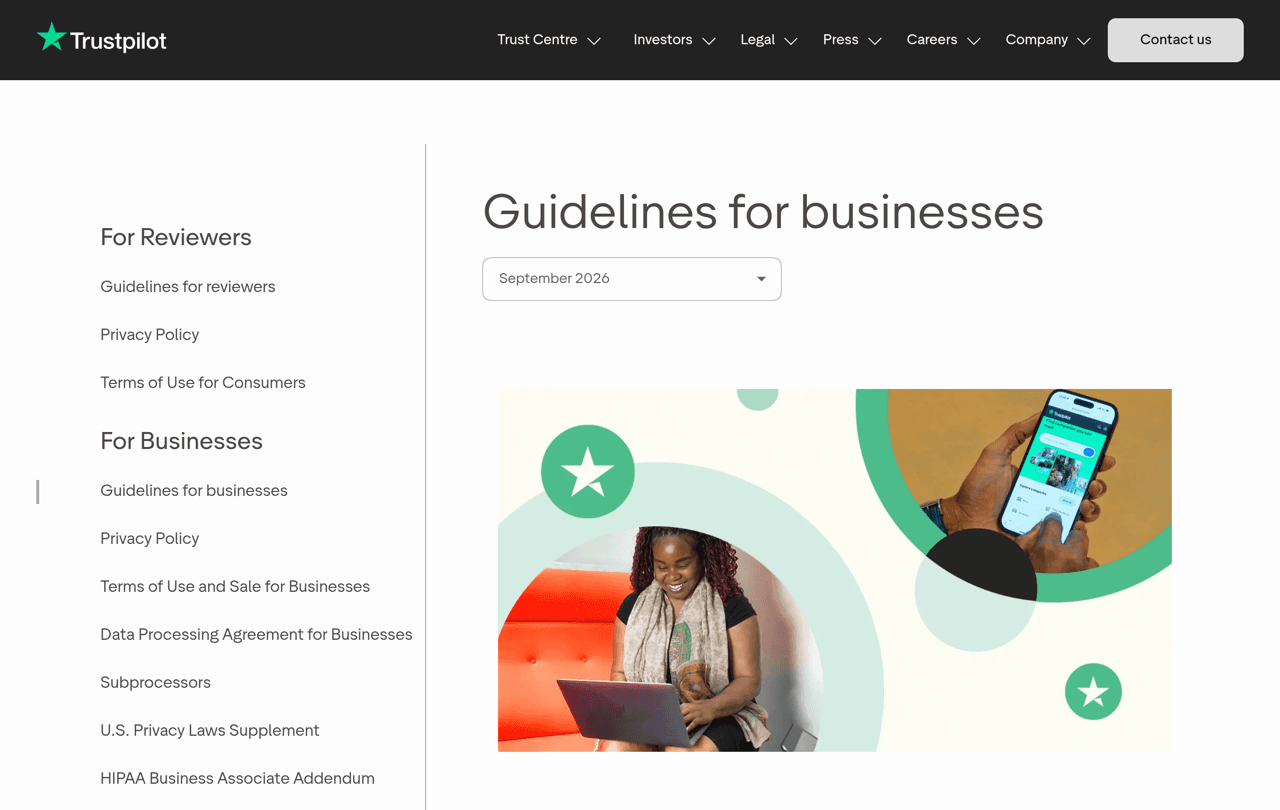
2. Do not cherry-pick who you ask. Google's Maps user-generated content policy lists "selectively solicit positive reviews from customers" as prohibited rating manipulation. Trustpilot's guidelines for businesses say to invite "everyone in the same way, and at the same point in the customer journey, regardless of whether they've had a positive or negative experience". If you use a tool that sends customers to different places depending on a first rating, read the invitation rules of each platform you send them to before switching it on.
3. Keep the wording neutral. "How was your order?" is fine. "Please leave us 5 stars" is not. Trustpilot asks for "fair, neutral, and unbiased language", and a neutral ask also produces more believable reviews.
4. SMS and WhatsApp need consent. Shopify's own guidance is to send promotional messages only to customers who agreed to receive marketing, and the WhatsApp Business messaging policy requires an opt-in before you message someone. In the Shopify admin, the SMS and WhatsApp sign-up checkbox lives in Settings > Checkout, in the Marketing opt-in section. For email, follow the FTC's CAN-SPAM compliance guide: identify your business and give a working way to opt out.
When to send the request
Timing matters more than copy. A customer cannot review a product that is still in a truck, so the clock should start at delivery, not at checkout. As a starting point:
| What you sell | Ask this long after delivery | Why |
|---|---|---|
| Food, drinks, consumables | 3 to 7 days | The opinion forms on first use |
| Apparel, accessories, beauty | 7 to 10 days | One or two wears or uses |
| Electronics, home goods, furniture | 10 to 21 days | Needs daily use to judge |
Send one reminder 5 to 7 days after the first message, then stop. The full reasoning, including day of week and time of day, is in our guide to the best time to send a review request.
What a good review request contains
Every template below follows the same five-part structure. If you write your own, keep all five.
- A name and a product. "How is the linen shirt?" beats "How was your experience?"
- A reason that is about other shoppers, not about you. People help people more readily than they help brands.
- A time estimate. "It takes about a minute" removes the main objection.
- One link, straight to the form. Build it with our Google review link generator or Trustpilot review URL generator so nobody lands on a homepage and gives up.
- A way out for unhappy customers. "If anything was not right, reply to this message" gives you a chance to fix the problem, and it stays open to everyone because the review link is still there.
Email templates
Email is the default channel because you already have the address and the consent rules are the lightest. These four cover most situations. For subject line tests and store-type variants, see the longer review request email guide.
Template 1: the standard ask
Subject: How is your [Product], [First name]?
Hi [First name],
Your [Product] arrived about a week ago, so you have had time to try it. Would you tell other shoppers what you think? It takes about a minute.
[Write a review]
If anything was not right, just reply to this email and we will sort it out.
Thanks, [Your name] at [Store]
Template 2: the founder note (higher-priced products)
Subject: A quick question about your order
Hi [First name], I'm [Your name], I run [Store]. I read every review myself because it is the most honest feedback we get. If you have two minutes, I would love to know how the [Product] is working out, good or bad.
[Share your opinion]
Template 3: the single reminder
Subject: Still happy to hear from you
Hi [First name], a short reminder in case the first email got buried. Your review of the [Product] helps the next customer decide, and it takes about a minute.
[Write a review]
This is the last reminder we will send about this order.
Template 4: the repeat customer
Subject: Order number [Number of orders], thank you
Hi [First name], this is your [Number of orders] order with us, which says a lot. You know our products better than most people, so your opinion on the [Product] would be especially useful to new customers.
[Write a review]
SMS templates
A text gets read fast, which makes it a strong second touch or a first touch for mobile-first audiences. Keep it under 160 characters where you can, identify the store, and include the opt-out.
Template 5: first ask
[Store]: Hi [First name], how is your [Product]? A quick review helps other shoppers: [Review link] Reply STOP to opt out.
Template 6: after a support conversation
[Store]: Glad we could sort that out, [First name]. If you have a minute, tell others how it went: [Review link] Reply STOP to opt out.
Template 7: reminder
[Store]: Last reminder, [First name]. Your opinion on the [Product] takes about a minute: [Review link] Reply STOP to opt out.
Template 8: for a consumable close to reorder
[Store]: Hi [First name], you are probably halfway through your [Product]. How is it so far? [Review link] Reply STOP to opt out.
WhatsApp templates
WhatsApp works well for review requests because the customer can answer in the same thread, and a tap on a button is less effort than opening an email. Two platform rules shape the wording. First, business-initiated messages must use a pre-approved template. Second, Meta's template category guidelines treat feedback requests as utility messages only when they refer to a specific order or interaction: a generic survey or feedback request will not be approved as utility. So always name the order.
If you want to run broader WhatsApp marketing on Shopify beyond reviews, a dedicated tool such as Kanal handles campaigns and automations on the same channel.
Template 9: order-specific request (utility)
Hi [First name], your order [Order number] from [Store] was delivered on [Delivery date]. How is the [Product]? Tap below to rate it, it takes about a minute.
Button: Rate my order
Template 10: rating question first
Hi [First name], thanks again for order [Order number]. On a scale of 1 to 5, how happy are you with your [Product]?
Buttons: 1 to 2 / 3 / 4 to 5
Template 11: follow-up after a rating
Thank you, [First name]. Would you share that in a short public review? It helps other shoppers and takes about a minute: [Review link]
Template 12: follow-up after a low rating
Sorry to hear that, [First name]. Tell us what went wrong with order [Order number] and a person from our team will reply here today.
Packaging and QR code templates
A card in the parcel reaches the customer at the best possible moment: the unboxing. Print a QR code that opens your review form, built with the free review QR code generator, and keep the text to two lines.
Template 13: insert card
Loving it? Scan to tell other shoppers. It takes a minute and helps a small team a lot. Something wrong? Email [Support email] and we will fix it.
Template 14: sticker or flap print
How did we do? Scan to review your order.
Template 15: card for a gift order
This was a gift? We would still love your opinion. Scan to review.
Support and social templates
Two more moments are worth a manual ask, because the customer has just told you they are happy.
Template 16: at the end of a resolved support chat
Happy that is solved, [First name]. If you have a minute, a short review of how we handled it would mean a lot: [Review link]
Template 17: reply to a customer who tagged you
Thank you for sharing this, [First name]. Would you copy those words into a review so shoppers who are not on Instagram can see them too? [Review link]
How to set it up in Shopify
You have three options, from free and manual to fully automated.
Option 1: add a line to the delivery notification (free, basic). Shopify sends a "Delivered" notification when the carrier's tracking reports the delivery. To edit it:
- From your Shopify admin, go to Settings > Notifications.
- Click Customer notifications, then the Delivered notification.
- Click Edit code, and add a sentence with your review link to the email body.
- Click Preview or Send test email, then Save.
Shopify documents these steps in its guide to customizing notification templates. The limit is timing: the customer has not used the product yet, so word it as "once you have tried it" and expect modest results.
Option 2: a marketing automation. In Shopify's Messaging app (Apps > Messaging > Automations > Create automation), pick a post-purchase template, add a wait step that matches the delay table above, and paste Template 1. Shopify's automation guide walks through it. Remember that marketing automations only reach customers who subscribed to marketing, so part of your buyers will never see the request. Our post-purchase email flow guide shows where the review request fits among your other emails.
Option 3: a review app. A dedicated app triggers on fulfillment, waits the right number of days, and sends the request on more than one channel. This is what Reviewz does: it asks every customer for a review after an order over WhatsApp, SMS and email, sends customers who rate 4 or 5 stars to your public profile on Trustpilot, Google or Judge.me, and gives the others a private feedback form so your team can respond. It is free to start, and paid plans are listed on the pricing page.
Ask every customer for a review over WhatsApp, SMS and email, without sending a single message by hand.
Install Reviewz on ShopifyMistakes that cost you reviews
- Asking before delivery. The most common cause of low response and of one-star reviews about shipping.
- Linking to a homepage. Every extra click loses people. Link to the form itself.
- Asking for a rating. "Leave us 5 stars" breaks platform rules and reads as desperate.
- Three or more reminders. One reminder helps, the following ones mostly produce unsubscribes.
- Ignoring the reviews you receive. In the BrightLocal survey, 89% of consumers expect businesses to respond to reviews. Reply to the good ones too: our guides on responding to positive reviews and responding to negative reviews have templates for both.
Related reading: How to add reviews to Shopify, User-generated content examples, Incentivized reviews, Review cards.
FAQ
What is the best way to ask a customer for a review?
Send one short message 7 to 14 days after delivery that names the product, says it takes about a minute and links directly to the review form. Use the channel the customer already reads, and send one reminder at most.
Is it OK to ask customers for reviews?
Yes. Google recommends reminding customers to leave reviews and Trustpilot encourages invitations. What is not allowed is paying for positive reviews, asking only customers you expect to be happy, or pressuring anyone to change a review.
How do you politely ask for a review by text?
Identify your store, name the product, give the link and an opt-out: "[Store]: Hi [First name], how is your [Product]? A quick review helps other shoppers: [Review link] Reply STOP to opt out." Only text customers who opted in to SMS.
Can I ask for a review on WhatsApp?
Yes, if the customer opted in and you use an approved template. Refer to the specific order in the message, because Meta only accepts feedback requests as utility templates when they relate to a specific order or interaction.
Should I offer a discount in exchange for a review?
Not for a positive review, which the FTC rule prohibits, and not at all for Google or Trustpilot reviews, where any incentive is against the rules. A thank-you for any honest review on your own site is a separate case with disclosure requirements.
How many times should I ask?
Twice: the first request and one reminder 5 to 7 days later. After that, the extra reviews are few and the unsubscribes are not.

About the author
Nicolas Provost · Founder of Reviewz.ai
Nicolas built Reviewz.ai after auditing 500+ Shopify review setups while running Kanal (WhatsApp marketing for Shopify). He has spent four years inside the Shopify ecosystem and writes about review collection, brand trust SEO, and the actual economics of running customer-feedback flows on ecommerce sites.
