
Respond to every Google Review within 24 hours from your verified Google Business Profile, keep it under 150 words, never include customer personal details, and always thank the reviewer by first name only. Google's response guidelines are stricter than Trustpilot's: you cannot offer compensation publicly, cannot ask reviewers to update their review, and cannot post identical replies across multiple reviews. Following the rules protects your local SEO ranking.
Reviewed by Nicolas Provost, founder of Reviewz.ai. Insights based on auditing 500+ Shopify review setups and analyzing public pricing, schema, and conversion data across the leading review platforms. LinkedIn
Why responding to Google Reviews is different from Trustpilot
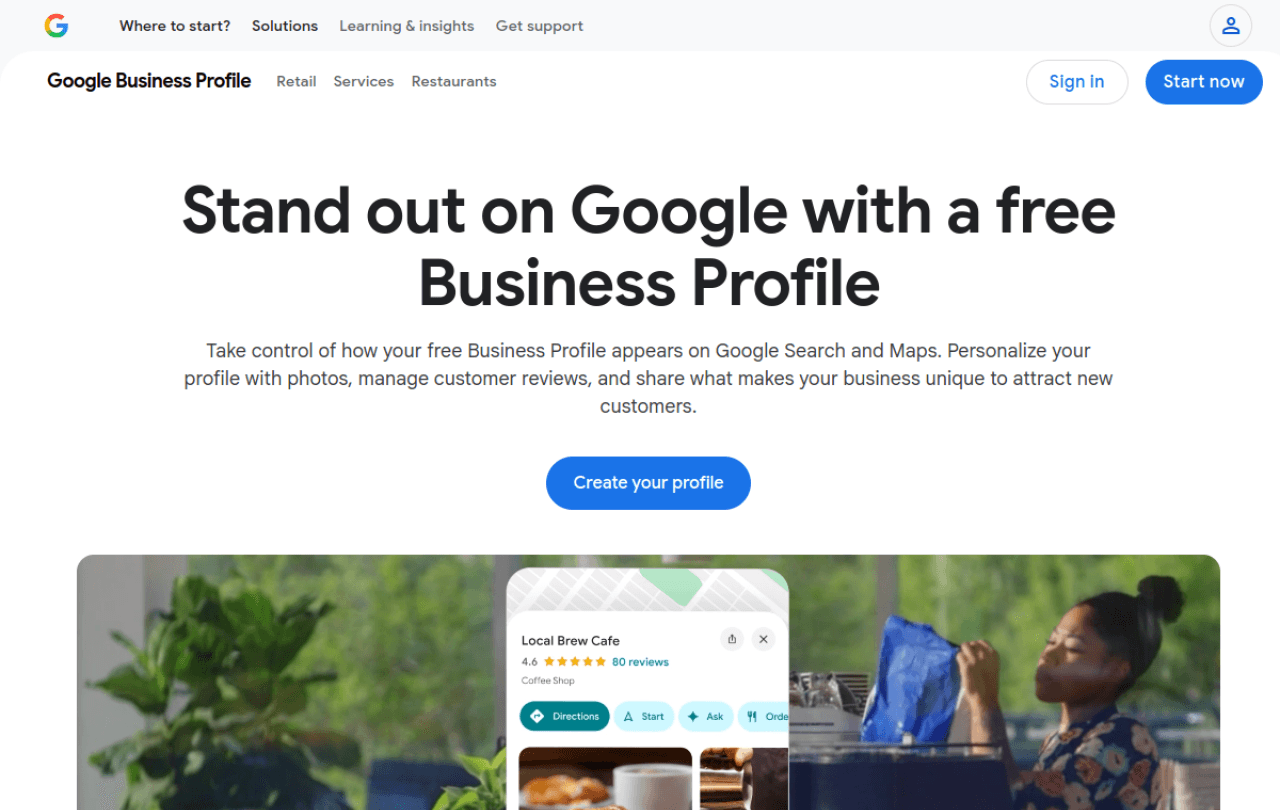
Google Reviews aren't just customer-feedback signals. They directly affect your Google Business Profile (GBP) ranking in local search results and Maps. Google's algorithm reads response rate, response speed, and response sentiment as engagement signals. A GBP with 50 reviews and 50 responses outranks the same business with 50 reviews and zero responses, holding everything else equal.
Trustpilot reviews live on Trustpilot's domain and don't directly affect your Google ranking. Google Reviews are inside Google's own product, so the response game has higher stakes. Our piece on responding to negative reviews on Trustpilot covers the platform-specific rules there. This guide is Google-only.
The other key difference: Google enforces stricter content rules on responses. Trustpilot lets you push back on factual errors. Google penalizes confrontational replies, often by burying your GBP or, in extreme cases, suspending it.
Google Business Profile response guidelines you can't ignore
Google publishes explicit response policies and enforces them. The summary you need:
- No personally identifiable info: don't name the reviewer's last name, address, order number, or any detail they didn't include themselves.
- No incentives: don't offer discounts, free products, or refunds in the public reply. Move it to private chat or email.
- No "please update your review" asks: this is treated as review manipulation under GBP policy.
- No bulk-identical responses: copy-pasting the same reply across 10 reviews flags Google's spam detection.
- No links to competitors: even mentioning a competitor by name can violate spam policy.
- No off-topic content: stay focused on the review itself.
Violations get your response removed, and repeated violations can suspend your GBP. The biggest red flag in our audits is identical responses, which Shopify stores using AI templates often trigger accidentally. Use our AI review response generator to draft unique responses each time.
The 6 response scenarios you'll actually face
Most Shopify stores deal with the same six review categories. Here's a template for each, calibrated to Google's policy.
Scenario 1: Legitimate complaint (3-star or lower)
The customer has a real issue. Acknowledge, take responsibility, move resolution offline.
Hi [first name], thank you for the honest feedback. I'm sorry the [product] didn't meet your expectations. We take this seriously and want to make it right. Please reach me directly at support@yourstore.com with your order details so I can look into what happened and follow up personally. Nicolas
Why it works: humanizes you, doesn't argue, moves the resolution off the public review where you'd be tempted to overshare. Keep under 100 words.
Scenario 2: Fake or competitor-sabotage review
You can't accuse the reviewer of being fake in the response, that violates Google's policy. Reply respectfully, then flag and escalate.
Hi [first name], we can't locate your order in our system, which makes us want to help you sort this out. Could you email support@yourstore.com with the order number or confirmation date? We respond to every customer within 24 hours. Looking forward to making this right.
Behind the scenes: flag the review to Google for "not from a real customer" and gather any evidence. Our guide on removing fake reviews covers the cross-platform escalation logic, and if you suspect a competitor used AI to mass-generate them, our test of 12 AI-review detectors shows what patterns give them away.
Scenario 3: Spammy or off-topic review
Reviews ranting about politics, unrelated products, or with profanity. Flag, don't respond. Replying gives spam more legitimacy in Google's eyes. Only if Google declines to remove after 14 days should you reply with a brief professional note redirecting to your support channel.
Scenario 4: Factual error
The reviewer claims something untrue ("they refused to refund me" when no refund was requested). Don't argue. Correct gently with verifiable facts.
Hi [first name], we want to clear this up. Our records show no refund request was submitted, but we'd love to process one if you'd like. Please email support@yourstore.com with your order details and we'll handle it within 24 hours.
Scenario 5: Off-topic or competitor mention
Reviewer compares you unfavorably to a competitor by name. Don't engage with the comparison. Acknowledge their experience with you and pivot.
Hi [first name], thanks for taking the time to share. We're sorry your experience wasn't what you hoped for. We'd appreciate the chance to learn more, please send a note to support@yourstore.com so we can dig into the specifics.
Scenario 6: Positive review (4-5 star)
The biggest mistake stores make: ignoring positive reviews. Google's algorithm reads positive-review responses as strong engagement signals.
Hi [first name], this made our day. Thank you for trusting [brand] and for taking the time to share your experience with the [product]. If you ever need anything, we're at support@yourstore.com.
Vary the wording on every positive response. Avoid "Thanks for the great review!" as a opener, it triggers Google's template-detection.
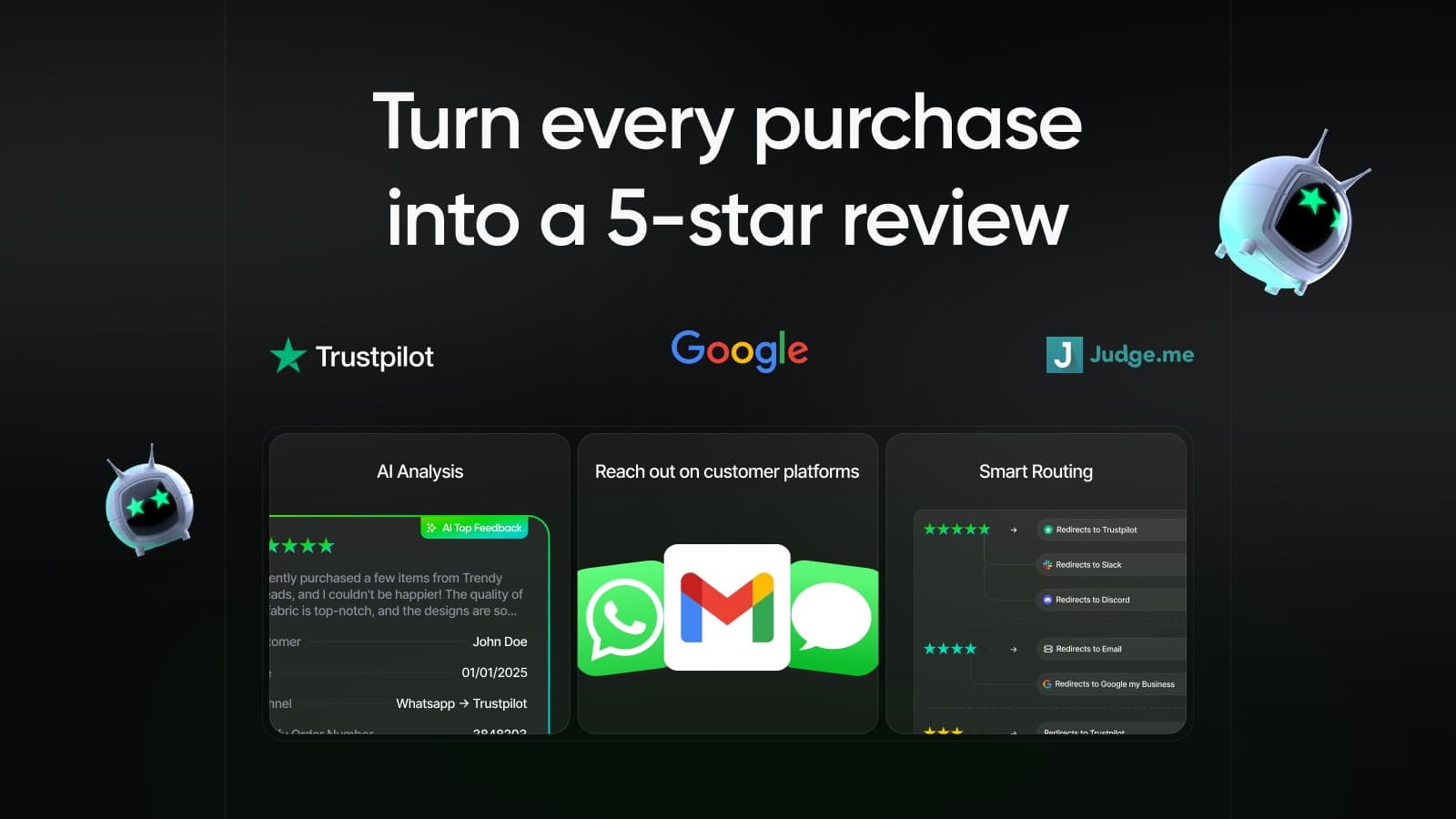
Route happy customers to Trustpilot & Google, capture negatives privately.
Install Reviewz on ShopifyWhat never to do in a Google response
Six instant-violation patterns:
- Naming the customer's order details. Revealing order number, address, or product detail they didn't share is a privacy violation.
- Offering a refund or discount publicly. Move it to email immediately. Public offers train future reviewers that complaining gets them money.
- Asking them to update or remove the review. Google's policy treats this as manipulation.
- Posting identical responses to multiple reviewers. Even if you vary one word, Google's spam detection catches this. Use the AI review response generator to vary phrasing.
- Defensive or argumentative replies. Even if you're right factually, you'll lose. Public arguments don't win readers.
- Linking to competitors or external sites. Google penalizes external links inside review responses.
The BrightLocal Local Consumer Review Survey finds that 89% of consumers read business responses to reviews, and 57% would only consider using a business that responds to negative reviews. Bad responses are worse than no responses.
Setting up a response workflow that scales
Shopify stores past 50 reviews/month need a system, not ad-hoc replies. The framework that works:
Step 1: Set up GBP email notifications so every new review hits your inbox within minutes.
Step 2: Define a 24-hour SLA. Most stores aim for sub-12-hour response on negative reviews, sub-72-hour on positive.
Step 3: Maintain a doc with 6-10 base templates (the six above plus a few category-specific) and rewrite them for each response, never copy-paste.
Step 4: Pair public responses with private outreach to the customer's email, where you can actually resolve the issue. Reviewz routes negative-sentiment customers to your support inbox automatically so you have their order context before the public review even posts.
Step 5: Track response rate as a KPI alongside review volume and average rating. Industry benchmark for Shopify stores is 80%+ response rate. Speed compounds the effect: the BrightLocal Local Consumer Review Survey found 88% of consumers would use a business that replies to all of its reviews, versus just 47% for one that never replies. See our guide on driving more Trustpilot reviews for the upstream collection mechanics.
FAQ
How fast should I respond to Google Reviews?
Within 24 hours for negative reviews, within 72 hours for positive. Google's algorithm reads response speed as a freshness signal, and consumers expect even faster on negative reviews. The BrightLocal Consumer Review Survey shows that 53% of customers expect a response within seven days. Sub-24 hours on bad reviews protects your conversion rate, because future shoppers who land on your GBP read your response time as a signal of operational competence.
Should I respond to 5-star reviews too?
Yes. Most stores skip positive responses, which is a mistake. Google's algorithm reads positive-review responses as engagement signals and rewards GBPs that respond to all reviews. Beyond SEO, customers reading your reviews also see how you talk to happy buyers. A pattern of warm, personalized positive responses signals brand culture better than a careful response to one negative. Vary the language on every positive response. Use first names. Reference something specific in their review (within Google's PII rules) to show authenticity.
Can I use AI to generate Google Reviews responses?
Yes, with caveats. Google doesn't prohibit AI-drafted responses, but it does penalize identical or near-identical responses across reviews. AI tools that paste the same skeleton trigger spam detection. The safe approach is to use AI to draft, then edit each response to ensure unique phrasing, customer-specific references, and your personal tone. Our AI review response generator is designed to produce varied, unique drafts you can edit before posting.
Can I get a fake Google Review removed?
Sometimes, slowly. Flag the review through your GBP dashboard as "violates Google's review policies" and document everything (no matching order, suspicious reviewer profile, content violations). Our full walkthrough on how to delete a Google review you didn't write covers the evidence and escalation steps in detail. Google's review-removal queue is automated and slow. Most flagged reviews stay live for weeks, and many never come down. Your better path is to bury fake reviews under fresh real ones. Focus on review collection volume so the fake review's relative weight shrinks. The FTC 2024 rule adds federal pressure on Google to improve takedown speed.
Will responding to negative reviews actually help my ranking?
Yes, directly and indirectly. Directly, Google's local-pack algorithm uses response rate as an engagement signal. Indirectly, customers reading your reviews convert better when they see thoughtful responses. Stores that go from 0% to 80% response rate typically see a measurable local-pack ranking lift within 60-90 days, plus 5-10% conversion lift on landing pages where the GBP review widget is embedded. Track both. The cost is real (15-30 minutes per response done well) but ROI is clear at any scale.
Route happy customers to Trustpilot & Google, capture negatives privately.
Install Reviewz on Shopify
About the author
Nicolas Provost · Founder of Reviewz.ai
Nicolas built Reviewz.ai after auditing 500+ Shopify review setups while running Kanal (WhatsApp marketing for Shopify). He has spent four years inside the Shopify ecosystem and writes about review collection, brand trust SEO, and the actual economics of running customer-feedback flows on ecommerce sites.
