

Migration from Yotpo to Judge.me takes 1-3 days: cancel Yotpo first (auto-renewal has 60-90 day notice), export reviews to CSV, import to Judge.me free, swap Shopify widgets, re-wire Klaviyo events. Typical savings: $500-$1500/month. Watch for SKU mismatches, photo URL expiration, and Klaviyo event re-mapping. Don't uninstall Yotpo until parallel-run shows Judge.me data is complete.
Why Shopify stores migrate from Yotpo to Judge.me
Yotpo is a powerful platform but priced for enterprise. The most common migration trigger we see: a Shopify store growing through the early-stage Yotpo Free tier (50 orders/month cap), getting forced into the $199-$299/month Standard plan they don't actually need, and switching to Judge.me Awesome at $15/month for 90% of the same review functionality. If you want the full shortlist of replacements first, see our Yotpo alternatives for Shopify guide.
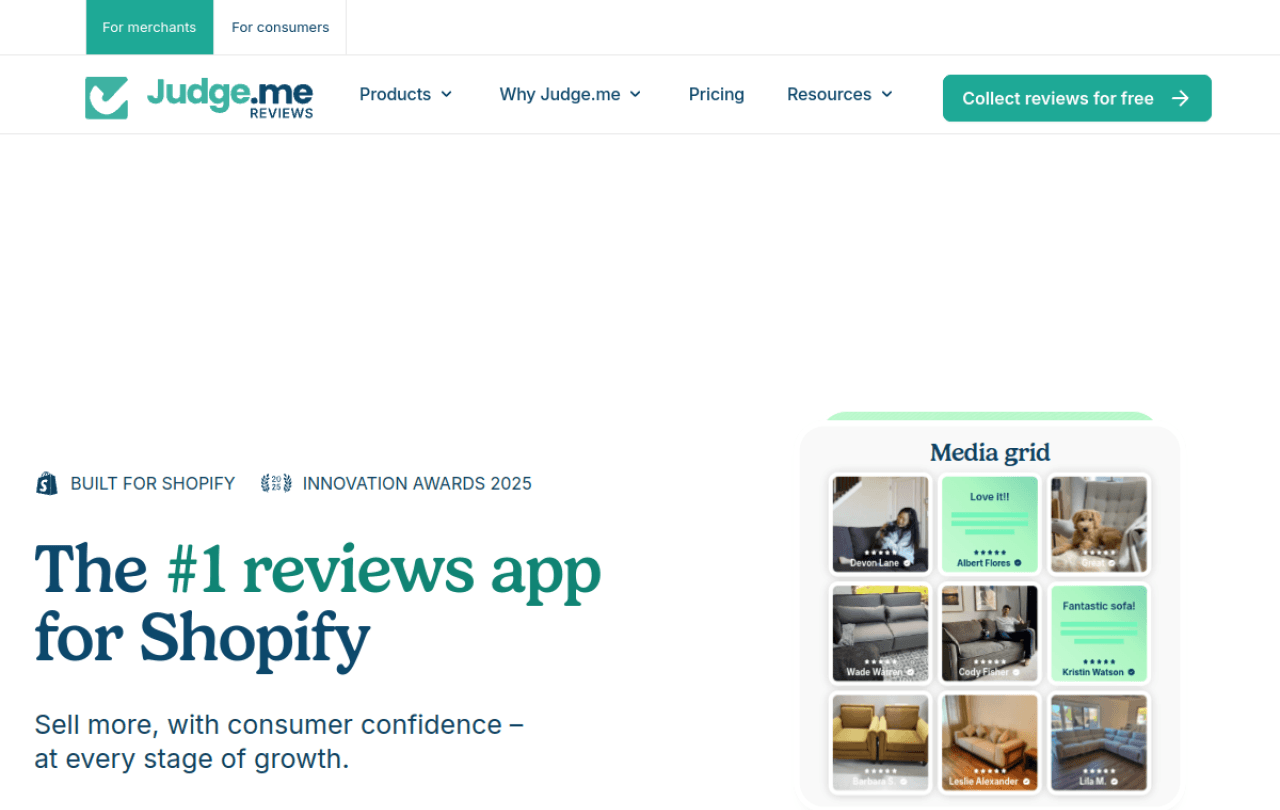
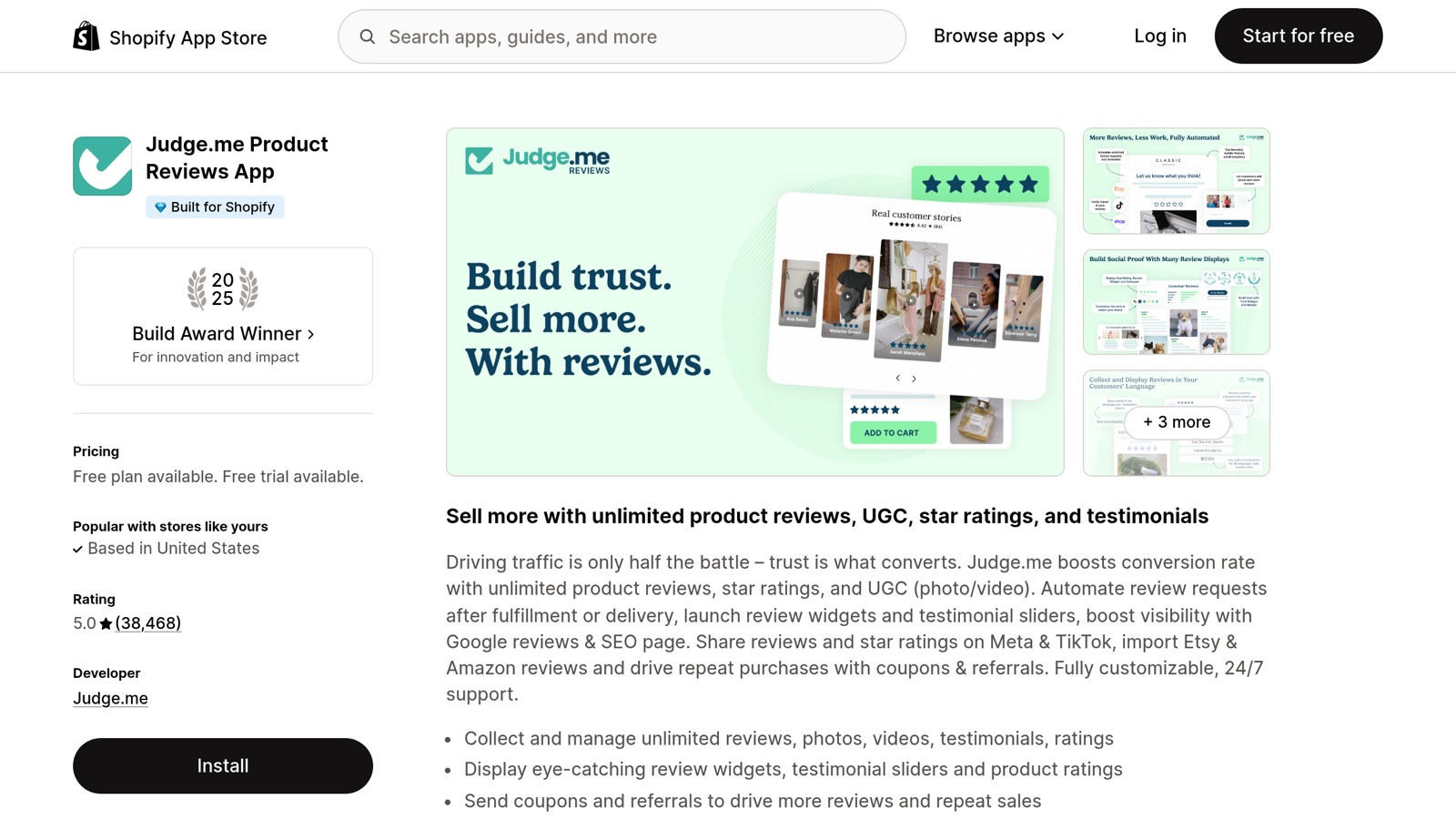
Judge.me on the Shopify App Store, 50,000+ active stores, the most-installed reviews app on Shopify.
This guide covers the complete migration in two paths: Judge.me's built-in importer (recommended for most stores) and the manual CSV approach (for edge cases). Plus what migrates cleanly, what doesn't, and the gotchas.
Before you start: pre-migration checklist
1. Verify your Yotpo data export
Login to your Yotpo dashboard. Go to Settings → Export. Yotpo lets you export reviews as CSV. Critical fields to check:
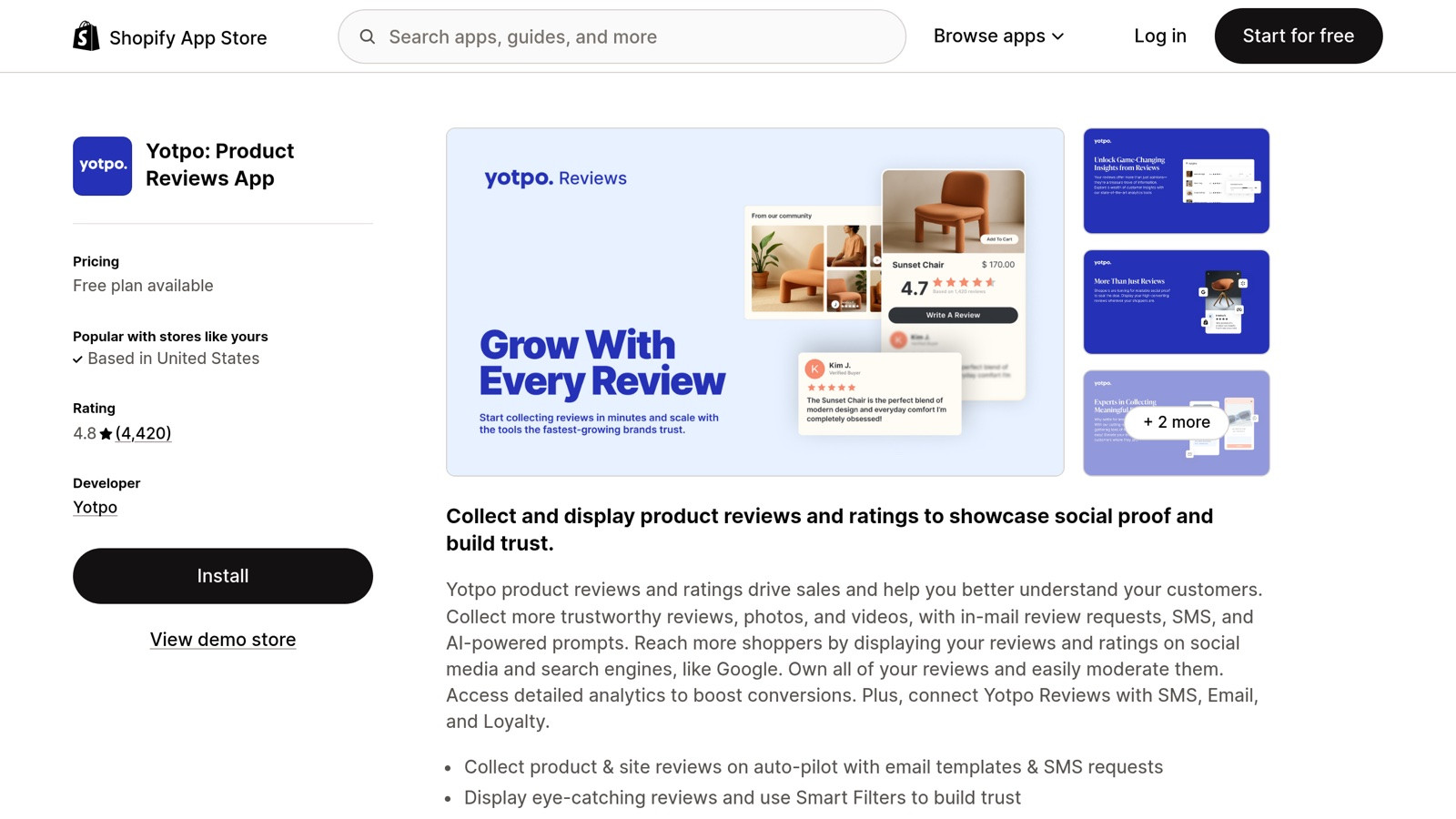
Yotpo on the Shopify App Store, bundled reviews + loyalty + SMS marketing, best for $5M+ ARR brands.
shopify_order_id, preserves verified-purchase status when imported into Judge.meshopify_product_id, maps reviews to the right productsemailandname, reviewer identitycreated_at, original review date (Judge.me preserves this)image_urls, photo review URLs (Yotpo-hosted, will need re-uploading)
2. Confirm your Shopify product IDs are stable
If you've recreated products in Shopify (not just edited), the product IDs change and your Yotpo reviews won't map cleanly. Check by spot-checking 10 reviews: do their shopify_product_id fields match the products currently in your Shopify admin? If yes, proceed. If no, you have manual mapping work ahead.
3. Plan the cancellation timing
Don't cancel Yotpo before Judge.me imports successfully. Yotpo annual contracts auto-renew with 60-day notice clauses; check your contract to avoid being locked in for another year mid-migration. Ideally: import to Judge.me, run both in parallel for 7-14 days, verify everything looks right, then cancel Yotpo.
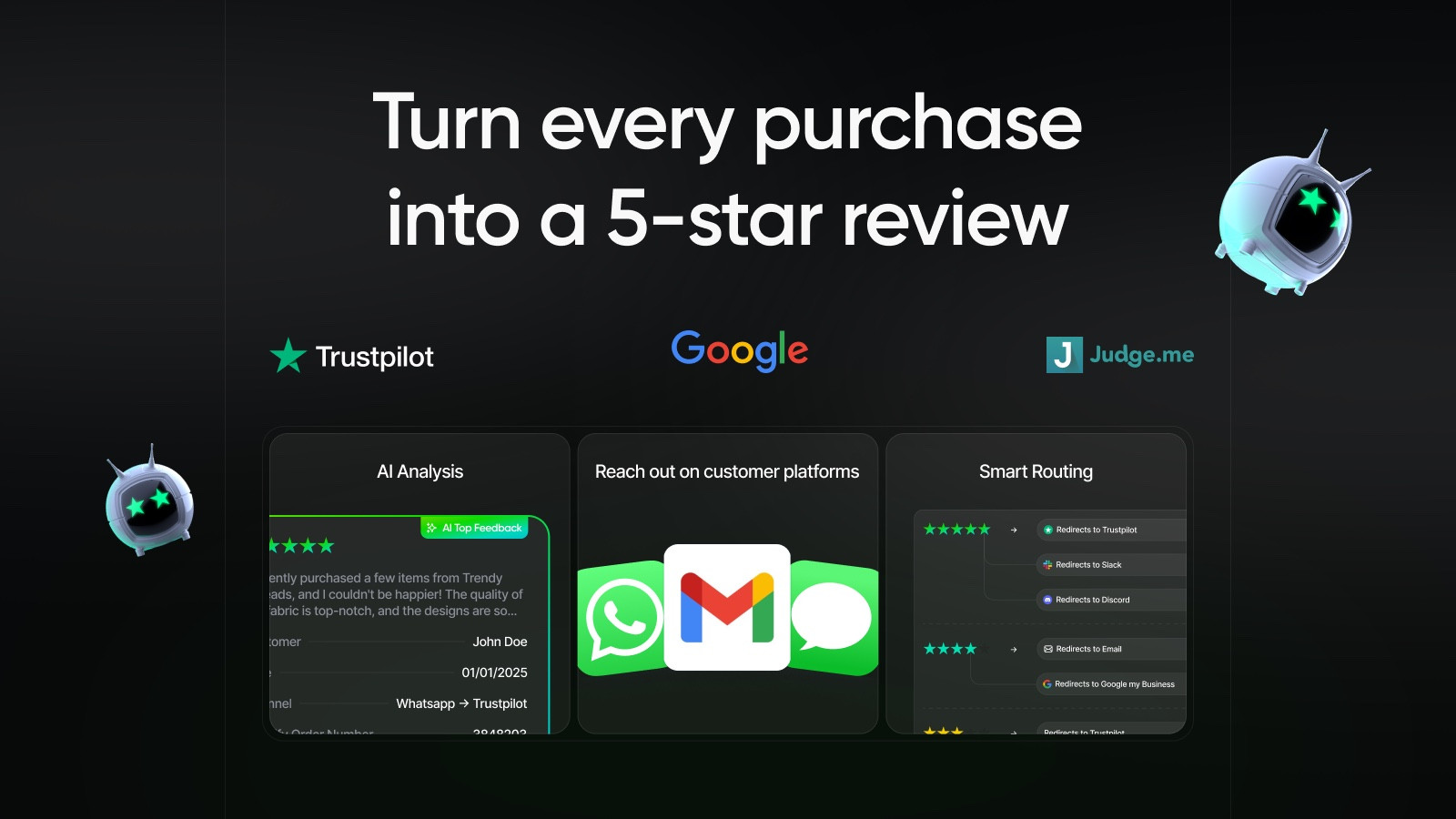 |
| Reviewz.ai for Shopify automatically routes happy customers to leave reviews on Trustpilot, Google, and Judge.me, while privately catching unhappy ones in a feedback portal before they post a public 1-star. Re-engage every reviewer with upsell offers via WhatsApp, email, and SMS. Install Reviewz on Shopify |
Path 1: The built-in Yotpo importer (recommended)
Judge.me has a dedicated Yotpo migration tool. It handles the typical case in 5 clicks without manual CSV manipulation.
Step-by-step (15-30 minutes)
- Install Judge.me from the Shopify App Store (free plan is sufficient for migration)
- In Judge.me admin, go to Settings → Import
- Click "Import from Yotpo" and authorize the connection (OAuth flow with Yotpo)
- Select what to import: site reviews (brand-level), product reviews (per-product), photos, and videos. Most stores want all four.
- Click "Start Import". Processing time: ~1 minute per 100 reviews. A 2,000-review migration takes ~20 minutes.
- Verify the import: spot-check 10 random products and confirm review counts match Yotpo within 5%. (Some reviews may not import if they violate Judge.me's content guidelines.)
What migrates cleanly
- All review text, ratings, dates, reviewer names, emails
- Verified-purchase status (preserved via Shopify order ID)
- Photo reviews (re-hosted on Judge.me's CDN)
- Video reviews (re-hosted)
- Q&A entries (if you used Yotpo's Q&A feature)
What doesn't migrate
- Yotpo's loyalty points / customer balance (separate platform, separate migration)
- Custom UGC galleries (you'll need to rebuild these in Judge.me Awesome)
- Email templates (Judge.me has its own; templates aren't portable)
- Subscriber lists (export separately if you need them)
Path 2: Manual CSV migration (for edge cases)
Use this path if you have 10,000+ reviews, non-standard product structure, or want to selectively migrate.
Step-by-step (60-180 minutes depending on volume)
- Export from Yotpo: Settings → Export → All Reviews → CSV format
- Clean the CSV: open in Google Sheets or Excel, verify column headers match Judge.me's expected format (review_id, product_id, rating, title, body, reviewer_name, reviewer_email, created_at, verified_buyer)
- Map product IDs if your Shopify products changed: look up each
shopify_product_idin your current Shopify admin and replace if needed - Upload to Judge.me: Settings → Import → CSV upload. Judge.me processes in batches of 1,000.
- Re-upload photos manually: photos hosted on Yotpo's CDN will break when Yotpo cancels. Either pre-download all photos and re-upload to Judge.me, or accept losing photo reviews.
The product-mapping gotcha
The most time-consuming part of manual CSV migration is product-ID alignment. If you've recreated products, merged variants, or restructured your catalog since starting Yotpo, you need a lookup table. Run this query in your Yotpo CSV: count unique shopify_product_id values vs the count in your current Shopify catalog. If they differ by >5%, you have mapping work.
|
| Reviewz.ai for Shopify automatically routes happy customers to leave reviews on Trustpilot, Google, and Judge.me, while privately catching unhappy ones in a feedback portal before they post a public 1-star. Re-engage every reviewer with upsell offers via WhatsApp, email, and SMS. Install Reviewz on Shopify |
What about the cost savings?
| From (Yotpo) | To (Judge.me) | Monthly savings | Annual savings |
|---|---|---|---|
| Free (50 orders cap) | Free (unlimited) | $0, both free, but no order cap | $0 + uncapped growth |
| Reviews Lite ($79/mo) | Free | $79 | $948 |
| Reviews Standard ($199/mo) | Awesome ($15/mo) | $184 | $2,208 |
| Reviews Premium ($799/mo) | Awesome ($15/mo) | $784 | $9,408 |
| Yotpo + Loyalty + SMS bundle ($999/mo) | Judge.me ($15) + Smile ($49) + Klaviyo ($150) | $785 | $9,420 |
The savings are real but only realized after you cancel Yotpo. Watch the contract terms.
Common migration mistakes
1. Cancelling Yotpo before verifying the import
Always run both platforms in parallel for 7-14 days post-import to verify nothing broke. Photo reviews especially can fail silently if Judge.me hits Yotpo's rate limits during the transfer.
2. Forgetting to switch the Shopify theme widgets
Your Shopify theme has Yotpo widgets in product pages, footer, etc. After the migration, these still point to Yotpo (showing empty or stale data). You need to manually swap them for Judge.me widgets in your theme code.
3. Not preserving the Shopify order ID
If your Yotpo CSV doesn't have shopify_order_id for each review, Judge.me can't verify them as "verified-purchase". You'll lose the green badge on imported reviews. To preserve, ensure your Yotpo export includes the order ID column (it does by default, but custom exports might not).
4. Migrating during high-traffic periods
The migration triggers re-rendering of widgets and brief downtime as your theme switches between Yotpo and Judge.me code. Avoid Black Friday weekend, holiday spikes, or major launch days.
Should you migrate to Judge.me, or to Reviewz.ai?
Judge.me is a great review collection platform. Reviewz.ai sits on top: it handles timed multi-channel review invitations (email + WhatsApp + SMS), NPS pre-filtering, and smart routing across multiple platforms (Trustpilot, Judge.me, Google). We compare the two directly in Reviewz vs Judge.me, and if you'd rather migrate straight onto Reviewz, follow how to migrate from Yotpo to Reviewz.
The typical Shopify stack post-Yotpo: Judge.me free or Awesome for product reviews + Trustpilot free for brand reviews + Reviewz.ai for collection automation. Total monthly: $15-$114 vs Yotpo's $199-$999. Same outcomes, fraction of the cost.
Post-migration cleanup
After you've verified the Judge.me import works:
- Cancel your Yotpo subscription (mind the 60-day notice if applicable)
- Remove old Yotpo widgets from your theme code
- Set up Judge.me's automatic review request emails
- Configure Google rich snippets in Judge.me settings
- If you used Yotpo's loyalty: migrate to Smile.io or LoyaltyLion
- If you used Yotpo SMS: migrate to Klaviyo SMS or PostScript
- Update your Shopify reviews-related metafields if any custom code referenced Yotpo
The bottom line
Yotpo to Judge.me migration is straightforward for 90% of stores using Judge.me's built-in importer. Plan for 30-90 minutes total work, run both platforms in parallel for 1-2 weeks, then cancel Yotpo. Annual savings: $2,000-$10,000 depending on which Yotpo tier you're on.
The bigger question post-migration: how to collect more reviews into Judge.me, not just maintain what you migrated. Active collection beats passive 5-8x in volume. See our 9-tactic guide (works the same for Judge.me) and our Shopify review app comparison for the broader landscape.
References:
- Judge.me importing reviews documentation. Link
- Yotpo data export documentation (search "Export reviews" in Yotpo help center). Link
- Pricing data sourced from each platform's public pricing page (April 2026).
- Shopify App Store: Yotpo Reviews listing. Link
- Shopify App Store: review apps category. Link

About the author
Nicolas Provost · Founder of Reviewz.ai
Nicolas built Reviewz.ai after auditing 500+ Shopify review setups while running Kanal (WhatsApp marketing for Shopify). He has spent four years inside the Shopify ecosystem and writes about review collection, brand trust SEO, and the actual economics of running customer-feedback flows on ecommerce sites.
