
Free tool
TikTok Shop Reviews Embedder
Turn TikTok review videos into a copy-paste wall for your Shopify store. Official TikTok markup, a script-free option, and a live preview. No app, no API key.
Open a TikTok review video, copy the URL from the address bar, paste it here.
TikTok reviews are your highest-converting social proof
A written review says a product is good. A TikTok shows it: the unboxing, the texture, the before-and-after, a real person's reaction. For Shopify brands whose customers already post that content, leaving it on TikTok only is a waste, the shoppers on your product page are the ones one step from buying. Embedding those videos where the purchase decision happens is the whole point, and it is the same logic we walk through in our full guide to TikTok Shop reviews for Shopify.
An honest note on what can and cannot be embedded
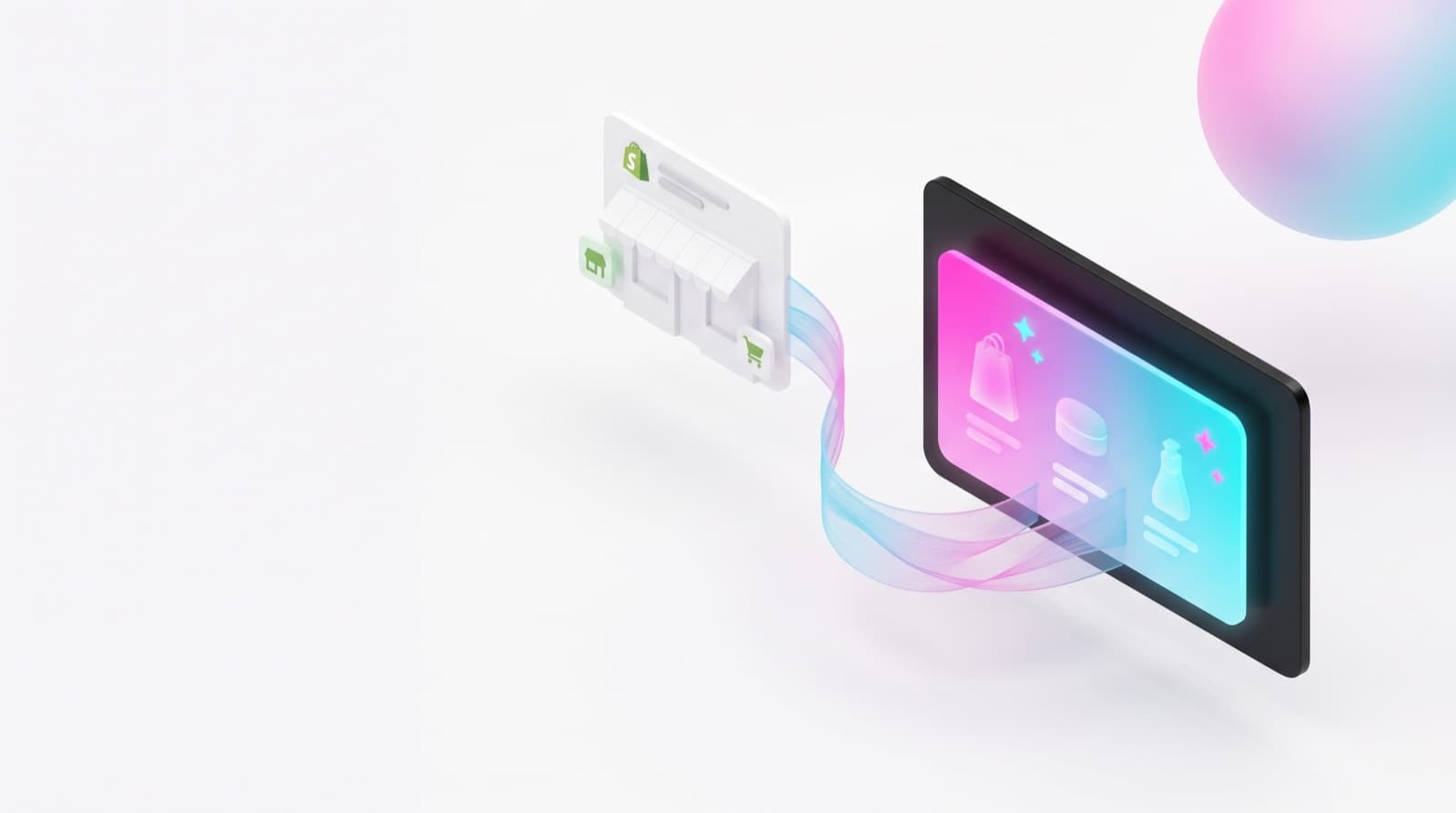
TikTok does not currently expose a public API or widget for the written review list on a TikTok Shop product. Tools that claim to sync those reviews scrape them, which breaks TikTok's terms and breaks without warning. This embedder takes the compliant route: official TikTok embeds of review videos, the format TikTok itself provides for exactly this purpose. The videos keep playing from TikTok with full creator attribution, and your page shows moving, sound-on social proof instead of a wall of text, the kind of content our roundup of product review examples shows converting best.
How to build your TikTok reviews wall
- 1. Collect the URLs of TikTok videos that review or feature your product: your brand account, customer posts, creator collaborations. Open each video and copy the address-bar URL.
- 2. Paste them above, one per line, and pick your grid layout. The preview shows exactly what visitors will see.
- 3. Copy the snippet that fits your theme: official embed for the full TikTok card, iframe version for the lightest, script-free option.
- 4. In the Shopify theme editor, add a Custom Liquid section where you want the wall, paste, save. Done, no app, no theme-file edits.
Where a TikTok wall works hardest
- Product pages, below the fold. Shoppers who scroll are the undecided ones; a real customer on video is the strongest closer, which is why reviews drive conversion more than any badge.
- A dedicated reviews or community page. Combine the video wall with your text reviews from your review app for a page that sells while you sleep.
- Landing pages for TikTok traffic. Visitors arriving from a TikTok ad expect TikTok-native proof; matching the format lifts on-page trust instantly.
One privacy note: embedded TikTok content loads from TikTok's servers, which can set cookies. If you serve EU customers, list TikTok embeds in your cookie policy the same way you would a YouTube embed.
Built and maintained by the Reviewz team, we help Shopify stores turn happy customers into public reviews, on TikTok and everywhere else.
Frequently asked questions
Can I embed my TikTok Shop reviews on Shopify?
Not the review list itself: TikTok does not offer a public API or widget that exports the written reviews from a TikTok Shop listing. What you can embed, using TikTok's own official embed formats, are review videos: unboxings, testimonials, before-and-afters and creator videos about your product. In practice that is stronger social proof anyway, video reviews convert better than text, and that is exactly what this tool generates.
How does the embedder work?
Paste the URLs of TikTok videos that review or feature your product, one per line. The tool extracts each video id and builds two copy-paste snippets: the official TikTok blockquote embed (the full TikTok card, requires TikTok's embed script) and a script-free iframe version using TikTok's player, which lazy-loads and works even in themes that strip scripts. Everything is generated in your browser, nothing is uploaded.
How do I add the embed to my Shopify store?
In the Shopify theme editor, add a Custom Liquid section (or a Custom HTML block) where you want the videos to appear, usually the product page below the fold or a dedicated reviews section, then paste the snippet and save. The wall is responsive: videos wrap into columns on desktop and stack on mobile. No app install and no code edits to your theme files are needed.
Will embedding TikTok videos slow my store down?
The iframe version lazy-loads, so videos only fetch when a visitor scrolls near them, and it skips TikTok's embed script entirely, which keeps the impact on Core Web Vitals small. The official blockquote embed loads TikTok's script and is heavier, use it when you want the full TikTok look and interaction. Either way, place the wall below the fold so it never competes with your product images for bandwidth.
Do I need the creator's permission to embed their TikTok?
Embedding uses TikTok's own embed system, which only works on videos the creator has left public and embeddable, the video keeps playing from TikTok with full attribution. That said, if the video is from a customer or creator rather than your own account, asking first is both courteous and smart: creators usually say yes, and you avoid a video disappearing from your page if they later restrict embedding.
Get more review content to embed, on autopilot
Reviewz asks every customer for feedback over WhatsApp, SMS and email, routes the happy ones to your public platforms, and catches the unhappy ones privately. More reviews in, more proof out.
Get Reviewz on Shopify